
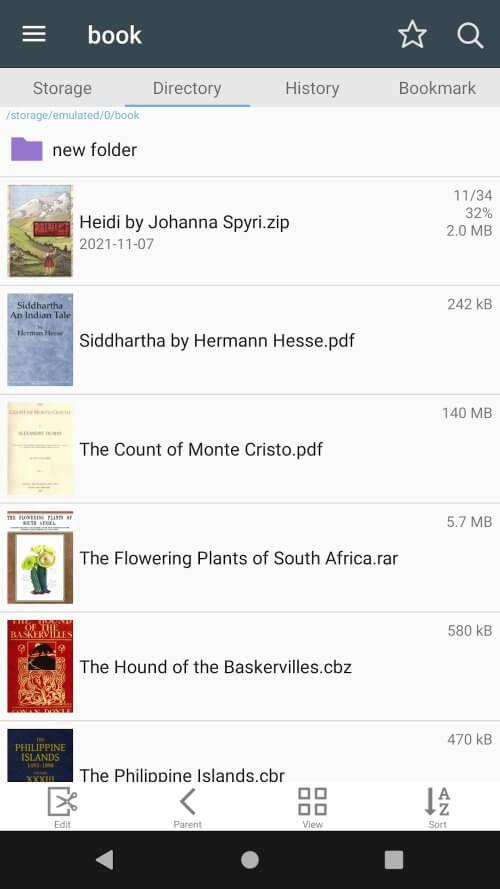
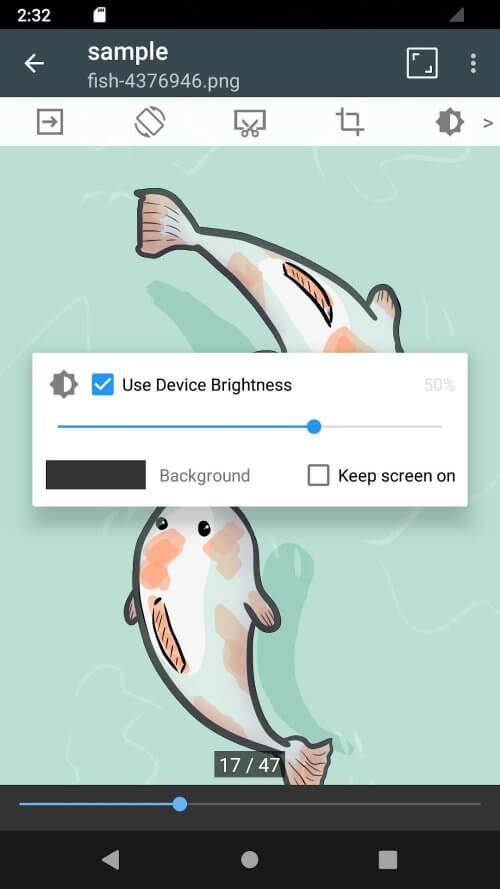
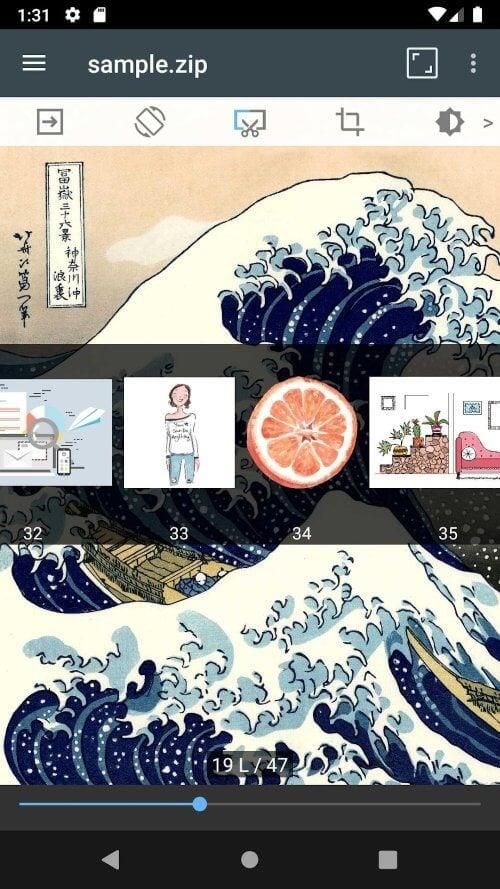
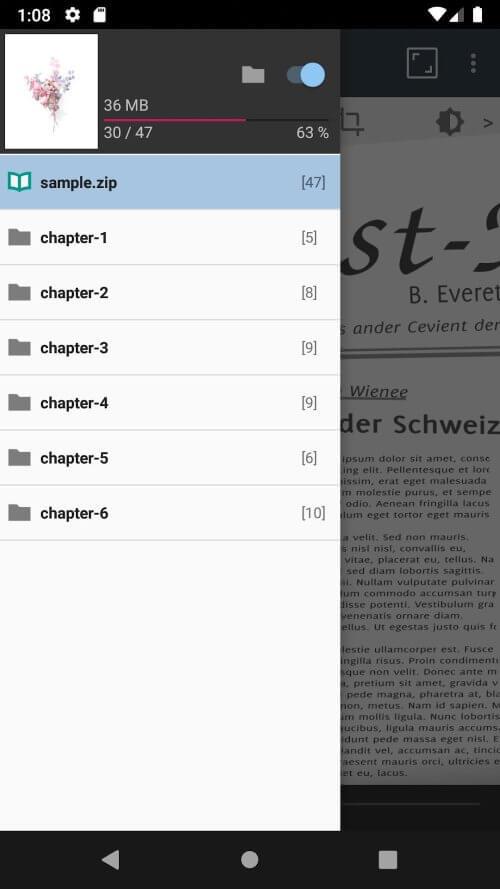
Manage and browse your favorite comics and PDFs effortlessly with the ComicScreen – PDF, ComicReader app. It works with a variety of file types—including ZIP, RAR, CBZ, CBR, and PDF—and a broad range of image formats. With a built‑in file explorer, USB‑OTG support, and network connectivity, organizing and opening your files is simpler than ever. Enjoy smooth scrolling, bookmark previews, and quick ZIP file viewing, while customizing your layout with horizontal or vertical reading modes. ComicScreen makes handling and enjoying your digital library convenient and seamless.
> File Support: The app handles popular compressed formats like ZIP, RAR, CBZ, and CBR, along with PDF files, so you can open and read your comics and documents without extra steps.
> Image Support: Beyond archives, it also reads common image types such as JPG, PNG, GIF, BMP, TIFF, WEBP, and AVIF, giving you a smooth, uninterrupted viewing experience for all your images.
> Key Features: ComicScreen includes a full file explorer, USB‑OTG support, SMB/FTP network access, drag‑and‑drop, smooth scrolling, bookmark previews, quick ZIP viewing, and more to enrich your reading.
> Use the File Explorer: Search, rename, or delete files directly in the app’s explorer to keep your comic and PDF collection neatly organized.
> Drag & Drop Files: Move items quickly within the app by dragging and dropping, making it easy to arrange your reading library your way.
> Switch View Modes: Try horizontal mode for two‑page spreads or vertical mode for single‑page reading. Pick the one that fits your style best.
ComicScreen – PDF, ComicReader is a flexible app that supports numerous file formats and packs useful features to improve your reading. Its intuitive interface and smooth navigation make it an essential tool for comic and PDF fans who want straightforward management and great viewing of their content.
Girls Frontline 2: Exilium Global Website Goes Live, Along With Its Socials!
Marvel Rivals: Understanding Bussing and Catching It
Top Skills to Prioritize for Yasuke in Assassin’s Creed Shadows
New Game Plus in Assassin's Creed Shadows: Confirmed?
Death Stranding 2 Release Date Unveiled in Massive Trailer
Assassin’s Creed Shadows Movements Reviewed by Two Parkour Athletes
Pokemon GO Leak Teases New Adventure Effects
Amazon Music Unlimited: Free 3-Month Trial Available

Dog & Cat Translator Prank
Download
ViewVeer
Download
Disney+ Hotstar
Download
MagicApp - AI Art Generator
Download
Amor AI: Flirty Companion
Download
Bentkey | Kids Entertainment
Download
n-Track Studio Pro | DAW
Download
Moises: The Musician's AI App
Download
myTuner Radio App: FM stations
Download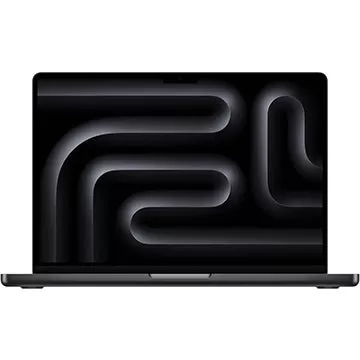
Adorama Is Clearing Out This Apple MacBook Pro M3 Pro Laptop by Offering a $700 Off Discount
Sep 20,2026

Dakota Johnson Insists Madame Web Disaster 'Wasn’t My Fault,' Points to Decisions 'Made by People Who Don't Have a Creative Bone in Their Body'
Sep 20,2026
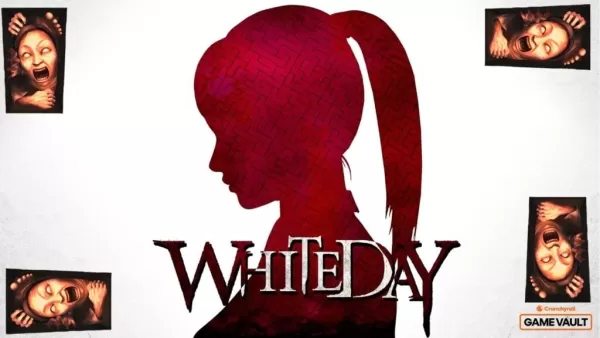
Crunchyroll Brings White Day: A Labyrinth Named School to Global Players
Sep 16,2026

Best Buy Just Dropped the Best Meta Quest 3S VR Headset Deals for Black Friday
Sep 15,2026
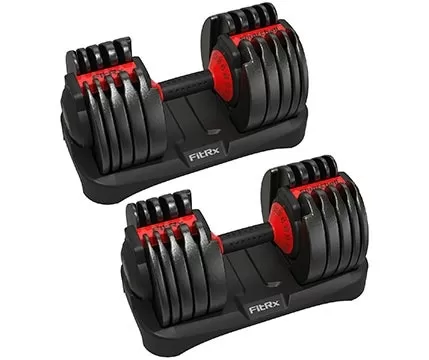
FitRX Adjustable Dumbbells Offer Premium Build at Half Bowflex's Price
Sep 14,2026
 Category

 Download











Discover the best professional photography software! This comprehensive review features top-rated apps like ReLens Camera, PhotoKit AI Photo Editor, Pixlr, YouCam Perfect - Photo Editor, GCamera: GCam & HD Pro Photos, Photo Studio PRO, Lightleap by Lightricks, Google Camera, PhotoShot, and Photoroom. Compare features, user reviews, and pricing to find the perfect app for your photography needs, whether you're a beginner or a pro. Enhance your images with AI-powered tools, advanced editing capabilities, and stunning filters. Elevate your photography game today!
Photoroom AI Photo Editor
Photo Studio PRO
ReLens Camera
Pixel Camera
Pixlr – Photo Editor
YouCam Perfect - Photo Editor
PhotoKit AI Photo Editor