

Medical 2.11.2 38.0 MB by Abbott Diabetes Care Inc. ✪ 3.5
Android 8.0+Apr 30,2025
 Download
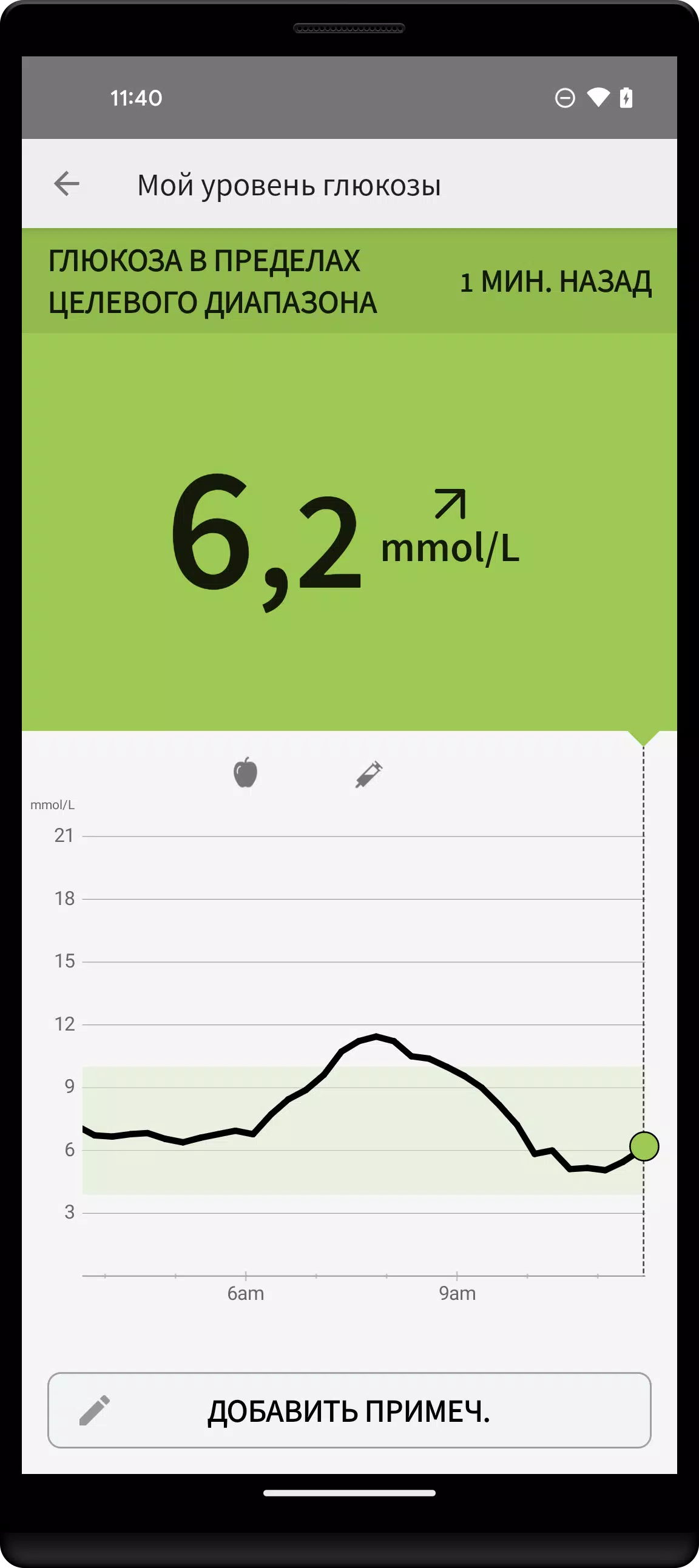
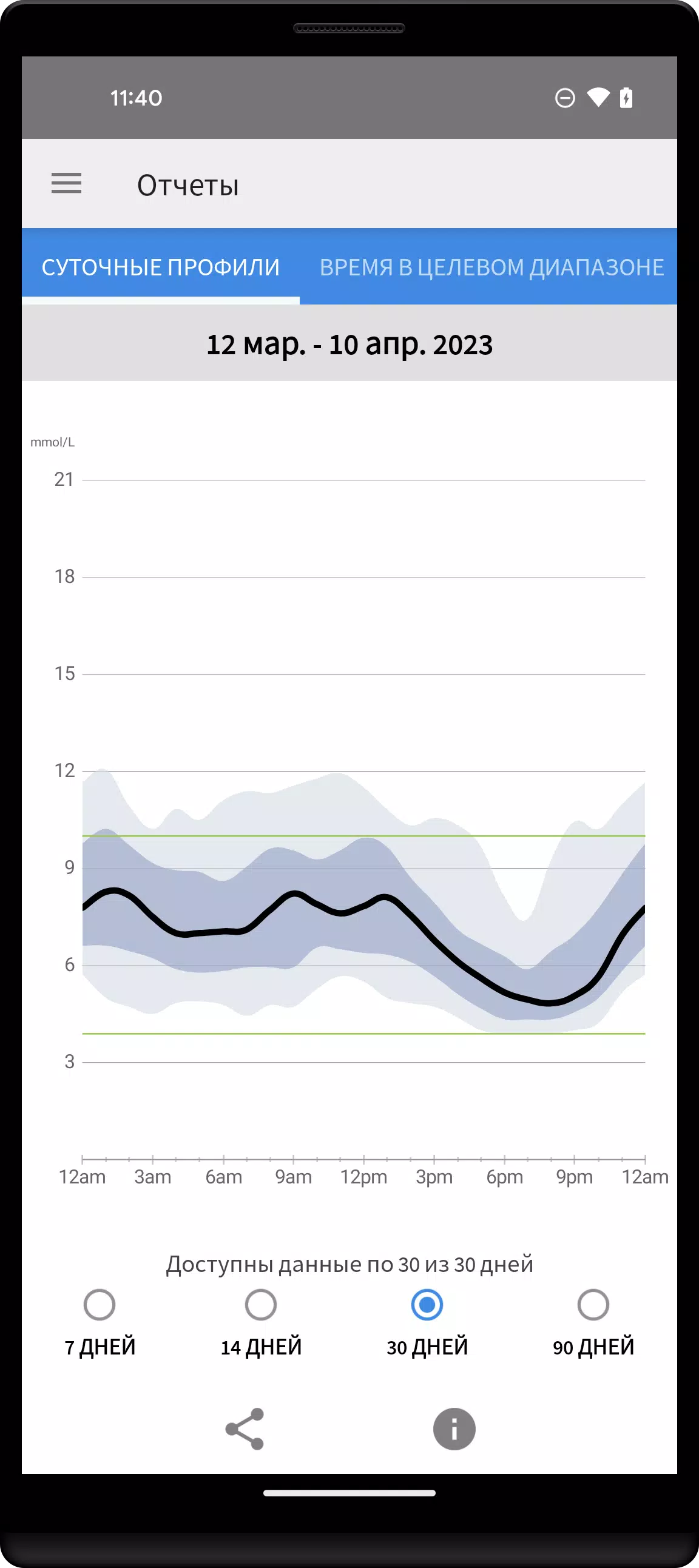
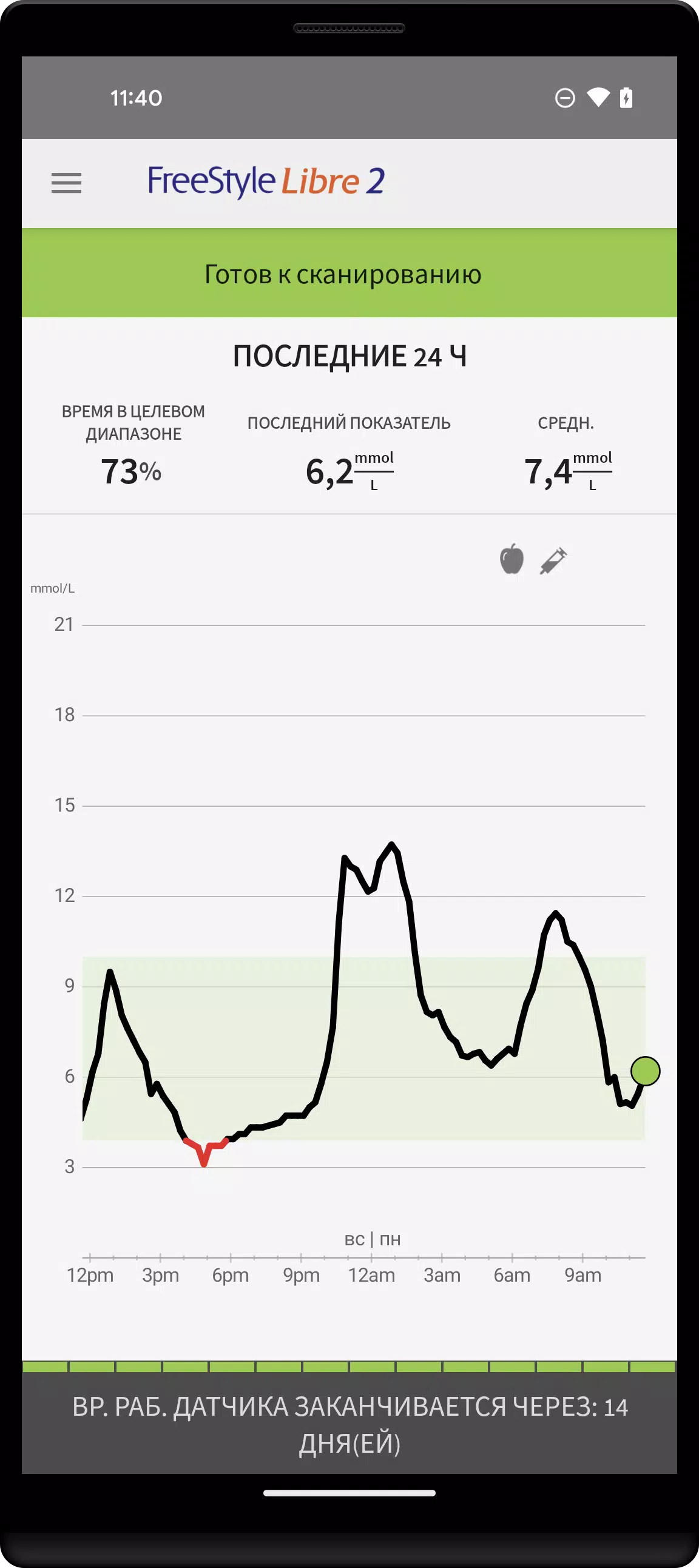
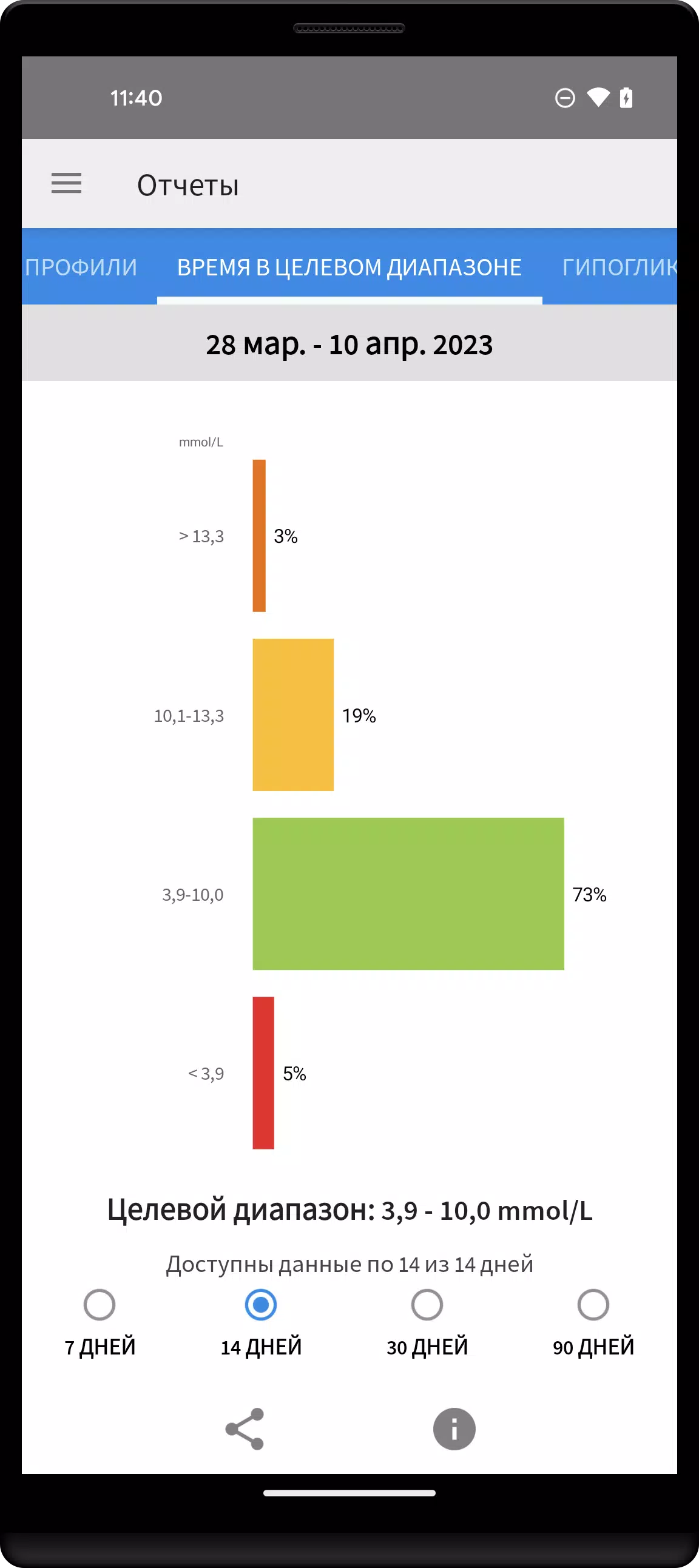
Flash glucose monitoring has revolutionized the way individuals with diabetes manage their glucose levels. The FreeStyle LibreLink app, compatible with the FreeStyle Libre and FreeStyle Libre 2 system sensors, allows users to monitor their glucose levels by simply scanning the sensor with their smartphone. With the FreeStyle Libre 2 system sensors, users can also receive alerts for high or low glucose levels, enhancing their ability to respond promptly to fluctuations.
With the FreeStyle LibreLink app, users can:
When using the app alongside the FreeStyle Libre 2 scanner, it's important to understand that signals can be directed either to the scanner or the phone, but not both simultaneously. To receive signals on your phone, the sensor must be activated through the app. Conversely, to use the FreeStyle Libre 2 scanner, the sensor must be activated using the scanner. If the sensor is initially activated with the scanner, it can still be scanned using a phone afterward. Note that the app and scanner do not communicate with each other. For comprehensive data, users should scan the sensor with their chosen device every 8 hours. All data can be downloaded and viewed at LibreView.com.
The FreeStyle LibreLink app is specifically designed for measuring glucose levels in diabetic patients when used in conjunction with a sensor. For detailed instructions on using the app, refer to the manual accessible through the app itself. If a printed copy is needed, contact Abbott Diabetes Care Customer Service. Always consult a healthcare professional to ensure the product is suitable for your needs and to discuss any questions about using the product for treatment decisions.
For more information, visit FreeStyleLibre.com. Keep in mind that when using the FreeStyle LibreLink app, access to a traditional blood glucose monitoring system is necessary as the app does not include one. Additionally, the alerts received from the FreeStyle Libre 2 system sensors do not display glucose readings; a sensor scan is required to check these levels. Registration with LibreView is necessary to use FreeStyle LibreLink and LibreLinkUp.
FreeStyle, Libre, and related brand marks are trademarks of Abbott, and other trademarks are the property of their respective owners. For additional legal information and terms of use, visit FreeStyleLibre.com.
For any technical or customer service issues related to the FreeStyle Libre product, please contact FreeStyle Libre Customer Service directly.
Last updated on Jun 3, 2024
Minor bug fixes and improvements. Install or update to the newest version to check it out!
Girls Frontline 2: Exilium Global Website Goes Live, Along With Its Socials!
Top Skills to Prioritize for Yasuke in Assassin’s Creed Shadows
Marvel Rivals: Understanding Bussing and Catching It
New Game Plus in Assassin's Creed Shadows: Confirmed?
Death Stranding 2 Release Date Unveiled in Massive Trailer
Assassin’s Creed Shadows Movements Reviewed by Two Parkour Athletes
Pokemon GO Leak Teases New Adventure Effects
Amazon Music Unlimited: Free 3-Month Trial Available

Genesis Mutants: Cyberpunk Card Strategy
Oct 23,2026

Hyrule Warriors: Age of Imprisonment Update 1.0.2 Adds New Quests & Weapons
Oct 19,2026
Itch.io Suddenly Pulls NSFW Adult Content From Browse and Search Pages, After 'Critical' Pressure From Payment Partners
Oct 19,2026

Polytopia's Fall World Championship Begins
Oct 18,2026

“Sure, go right ahead!” Crossword Clue - Try Hard Guides
Oct 11,2026
 Category












Discover the best professional photography software! This comprehensive review features top-rated apps like ReLens Camera, PhotoKit AI Photo Editor, Pixlr, YouCam Perfect - Photo Editor, GCamera: GCam & HD Pro Photos, Photo Studio PRO, Lightleap by Lightricks, Google Camera, PhotoShot, and Photoroom. Compare features, user reviews, and pricing to find the perfect app for your photography needs, whether you're a beginner or a pro. Enhance your images with AI-powered tools, advanced editing capabilities, and stunning filters. Elevate your photography game today!
Photoroom AI Photo Editor
Photo Studio PRO
ReLens Camera
Pixel Camera
Pixlr – Photo Editor
YouCam Perfect - Photo Editor
PhotoKit AI Photo Editor