

Communication 2.1 14.53 MB by Branchfire ✪ 5.0
Android 4.1, 4.1.1 or higher requiredJun 04,2022
 Download
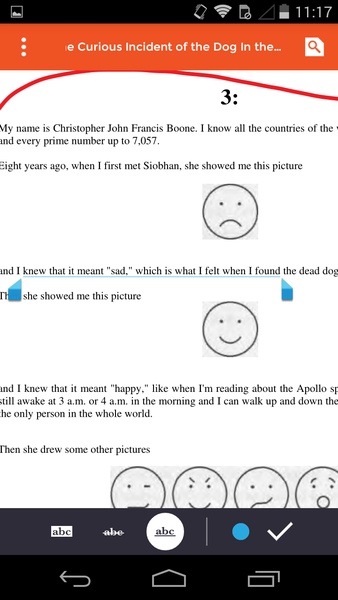
iAnnotate is a versatile Android app that empowers you to take notes and annotate PDF files directly on your device. With a wide array of colors and writing options, this app simplifies note-taking in classrooms or clarifying crucial points within work documents.
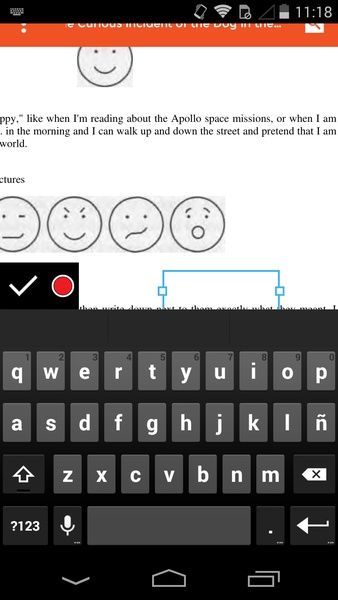
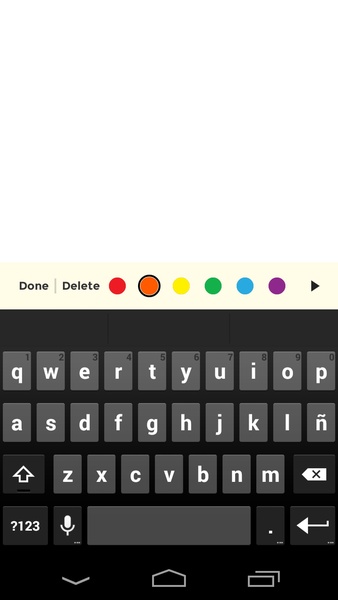
iAnnotate offers four distinct editing modes: freehand writing, underlining and crossing, text, and notes. The freehand writing feature allows you to draw freely with your fingers, ideal for creating visual notes like circles and arrows of varying widths. Underlining and crossing enable you to draw lines beneath or above sentences, regardless of their length. Text and notes share similarities but possess unique characteristics: text allows you to write in any direction, while notes create watermarks that require a click to reveal the written note.
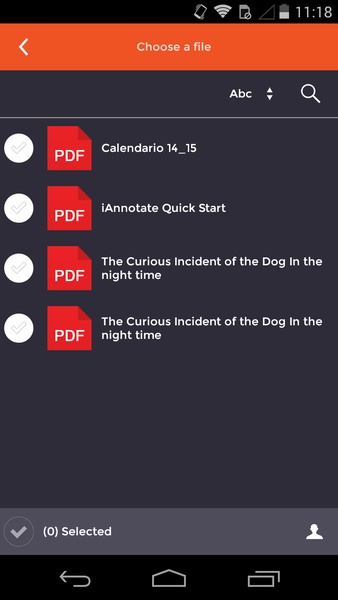
These comprehensive features enhance clarity within paragraphs, ensuring both you and others comprehend the text. Once you've finished editing the PDF, you can effortlessly share it with contacts via email or open it using any installed reading app. iAnnotate stands out as a reliable application for working with PDF files, which are often incompatible with standard text editors.
Requirements (Latest version)
Android 4.1, 4.1.1 or higher is required.
Girls Frontline 2: Exilium Global Website Goes Live, Along With Its Socials!
Top Skills to Prioritize for Yasuke in Assassin’s Creed Shadows
Marvel Rivals: Understanding Bussing and Catching It
New Game Plus in Assassin's Creed Shadows: Confirmed?
Death Stranding 2 Release Date Unveiled in Massive Trailer
Assassin’s Creed Shadows Movements Reviewed by Two Parkour Athletes
Pokemon GO Leak Teases New Adventure Effects
Amazon Music Unlimited: Free 3-Month Trial Available

Hyrule Warriors: Age of Imprisonment Update 1.0.2 Adds New Quests & Weapons
Oct 19,2026
Itch.io Suddenly Pulls NSFW Adult Content From Browse and Search Pages, After 'Critical' Pressure From Payment Partners
Oct 19,2026

Polytopia's Fall World Championship Begins
Oct 18,2026

“Sure, go right ahead!” Crossword Clue - Try Hard Guides
Oct 11,2026

Old School RuneScape Is Bringing a Bingo-Inspired Community Event ‘Grid Master’
Oct 11,2026
 Category















Discover the best professional photography software! This comprehensive review features top-rated apps like ReLens Camera, PhotoKit AI Photo Editor, Pixlr, YouCam Perfect - Photo Editor, GCamera: GCam & HD Pro Photos, Photo Studio PRO, Lightleap by Lightricks, Google Camera, PhotoShot, and Photoroom. Compare features, user reviews, and pricing to find the perfect app for your photography needs, whether you're a beginner or a pro. Enhance your images with AI-powered tools, advanced editing capabilities, and stunning filters. Elevate your photography game today!
Photoroom AI Photo Editor
Photo Studio PRO
ReLens Camera
Pixel Camera
Pixlr – Photo Editor
YouCam Perfect - Photo Editor
PhotoKit AI Photo Editor