
Transform your device into a joystick, steering wheel, gamepad, mouse, or keyboard for your PC.
Turn your Android device into a joystick, steering wheel, gamepad, mouse, or keyboard for 99% of PC games.
We provide skins for:
RedBull Air Race Game
Minecraft
Counter Strike
World of Tanks
Microsoft Flight Simulator
and many more...
- This acts as a real joystick emulator, recognized by the PC as a Plug and Play device.
- The application also emulates a PC keyboard and mouse.
- All skins are fully customizable.
- You can create your own skins (using xml, png, and mp3 files) to play any PC game.
Quick start:
- Install the PocketGamepad server on your PC. The server is available here:
http://www.pgpad.com/downloads/server/PocketGamepadSetup.exe
- Install PocketGamepad on your smartphone.
- Launch the PocketGamepad server on your PC.
- Launch PocketGamepad on your smartphone.
- Press Menu / Connect, then press the Search button. When the application finds the PocketGamepad server, press the connect button.
Selecting a skin
- Menu / Skins (games)
- Select a skin and press the Play button.
Customizing a skin
- Select a skin.
- Press Menu / Edit skin.
- Press the button you want to customize.
- Menu / Save as.
- Menu / Finish editing.
When controlling a PC game, the game on the PC must be in focus, not running in the background.
Skins XML schema documentation:
http://www.pgpad.com/downloads/doc/xml\_schema.pdf
Last updated on Jan 9, 2020 Added Minecraft skin
Added Counter Strike skin
Added World of Tanks skin
Refactored all skins
Improved connection
Menu button now indicates WiFi connection quality
Multiplayer support added
New menu


Girls Frontline 2: Exilium Global Website Goes Live, Along With Its Socials!
Marvel Rivals: Understanding Bussing and Catching It
Top Skills to Prioritize for Yasuke in Assassin’s Creed Shadows
New Game Plus in Assassin's Creed Shadows: Confirmed?
Death Stranding 2 Release Date Unveiled in Massive Trailer
Assassin’s Creed Shadows Movements Reviewed by Two Parkour Athletes
Pokemon GO Leak Teases New Adventure Effects
Amazon Music Unlimited: Free 3-Month Trial Available
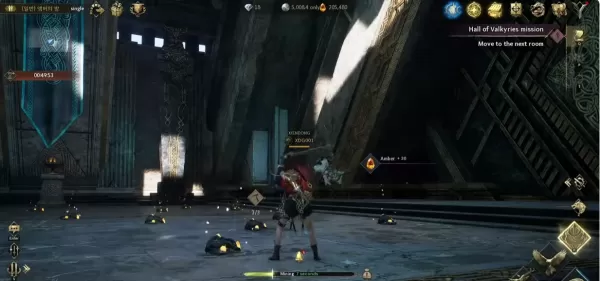
Legend of YMIR Farming Guide for Early to Mid-Game Progression
Sep 28,2026
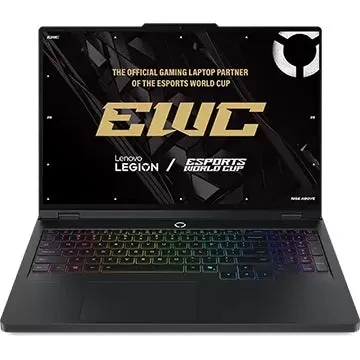
Lenovo Labor Day Sale: Top Deals on Legion Gaming Laptops
Sep 26,2026

Mongil: Star Dive has received its first post-launch update, introducing new character Mina
Sep 25,2026
John Wick 5 Will Be Very Different, Says Stahelski
Sep 22,2026
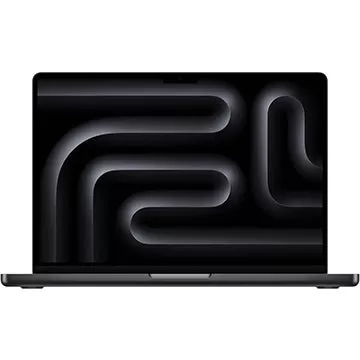
Adorama Is Clearing Out This Apple MacBook Pro M3 Pro Laptop by Offering a $700 Off Discount
Sep 20,2026
 Category

 Download




![My New Family [Killer7] [Final Version]](https://images.wk8.cc/uploads/20/1719605462667f18d6e60b5.jpg)







Discover the best professional photography software! This comprehensive review features top-rated apps like ReLens Camera, PhotoKit AI Photo Editor, Pixlr, YouCam Perfect - Photo Editor, GCamera: GCam & HD Pro Photos, Photo Studio PRO, Lightleap by Lightricks, Google Camera, PhotoShot, and Photoroom. Compare features, user reviews, and pricing to find the perfect app for your photography needs, whether you're a beginner or a pro. Enhance your images with AI-powered tools, advanced editing capabilities, and stunning filters. Elevate your photography game today!
Photoroom AI Photo Editor
Photo Studio PRO
ReLens Camera
Pixel Camera
Pixlr – Photo Editor
YouCam Perfect - Photo Editor
PhotoKit AI Photo Editor