
Video Players & Editors 6.8.0.0 92.76M by Fogosoft Ltd ✪ 2.7
Android 5.0 or laterSep 16,2026
 Download
AndroVid Pro is a powerful mobile video editing app designed for effortlessly creating and enhancing videos for major social platforms like YouTube, Instagram, TikTok, and Facebook. Packed with tools for trimming, cutting, merging, adding overlays and music, and capturing exact frames, it serves both beginners and seasoned editors. Known for its flexibility, the app supports multiple formats for video conversion and compression, letting you adjust resolutions and pinpoint specific moments with accuracy. With its user-friendly interface and handy organizational features, AndroVid Pro is the essential choice for producing high-quality videos on mobile. Discover its advanced capabilities in the MOD APK file, available now!
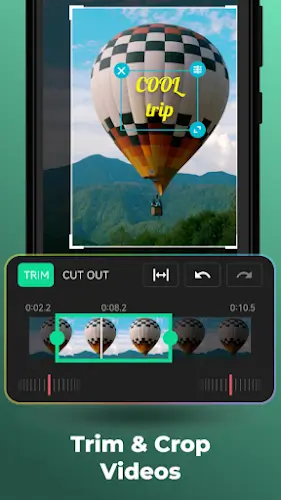
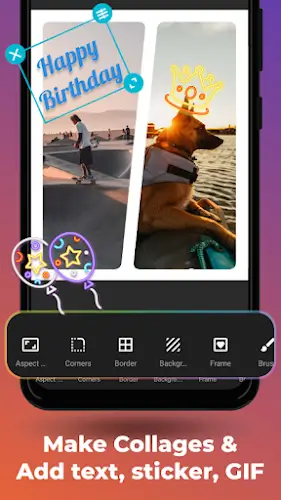
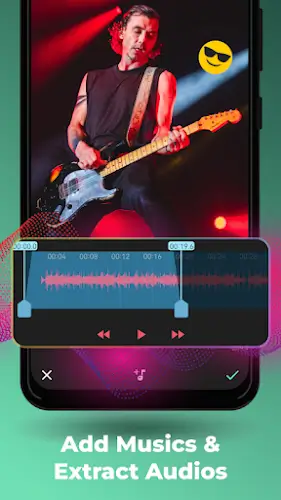
AndroVid Pro features a fast trimmer and cutter for splitting and trimming videos with minimal quality loss and frame-accurate precision. It also includes a built-in video joiner to seamlessly merge clips with background music. For creative enhancements, the app offers text, emoji, sticker, and watermark overlays, giving you plenty of options to personalize and add artistic flair to your videos.
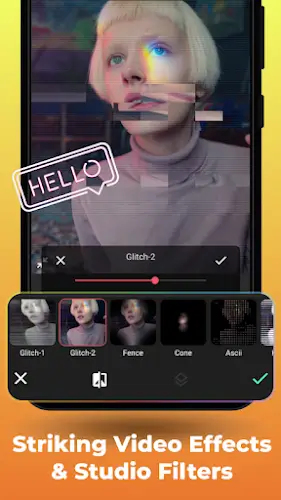
Unleash your creativity with tools like drawing, animated text, and visual filters. The aspect ratio changer ensures your videos maintain perfect compatibility across different platforms. Beyond basic editing, AndroVid Pro includes extras like a video-to-MP3 converter, an animated GIF maker, and a photo slideshow creator, letting you extract audio, turn clips into GIFs, and build engaging slideshows with music and effects.
This section highlights the app's organizational and control features for smooth video editing. Easily organize, play, and share your videos with streamlined navigation. Fine-tune your projects with precise controls for rotation, enhancement, and speed adjustments to meet high presentation standards. The video speed changer gives you detailed control over each clip’s pacing, adding dynamic energy to your content.
AndroVid Pro comes with a versatile video converter and format changer, supporting a wide range of formats including GIF, 3GP, AVI, and more. Easily transcode videos, adjust resolutions, and compress files for smooth sharing on social media.
Capture exact moments with the video frame grabber, extracting still images from any point in your video. The built-in video compressor lets you reduce file sizes for easy sharing via WhatsApp or email. You also have control over export quality and resolution to fine-tune your final output.
You can download the MOD APK version of the app using the link below. If you encounter any issues with the download, feel free to leave a comment. Thanks and enjoy!
Girls Frontline 2: Exilium Global Website Goes Live, Along With Its Socials!
Marvel Rivals: Understanding Bussing and Catching It
Top Skills to Prioritize for Yasuke in Assassin’s Creed Shadows
New Game Plus in Assassin's Creed Shadows: Confirmed?
Death Stranding 2 Release Date Unveiled in Massive Trailer
Assassin’s Creed Shadows Movements Reviewed by Two Parkour Athletes
Pokemon GO Leak Teases New Adventure Effects
Amazon Music Unlimited: Free 3-Month Trial Available

BULLPEN(MLBpark)
Download
NetShare - no-root-tethering
Download
ZEPETO: Avatar, Connect & Play
Download
Avatarify: AI Face Animator
Download
Cross DJ Pro - Mix & Remix
Download
Wynk Music: MP3, Song, Podcast
Download
Flat Equalizer - Bass Booster
Download
Magic Fluids: Fluid Wallpaper
Download
Aurora - Poweramp Skin
Download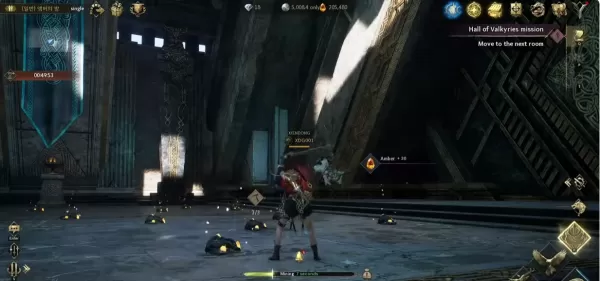
Legend of YMIR Farming Guide for Early to Mid-Game Progression
Sep 28,2026
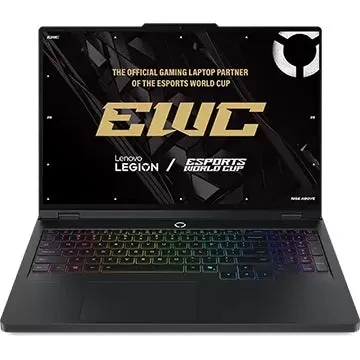
Lenovo Labor Day Sale: Top Deals on Legion Gaming Laptops
Sep 26,2026
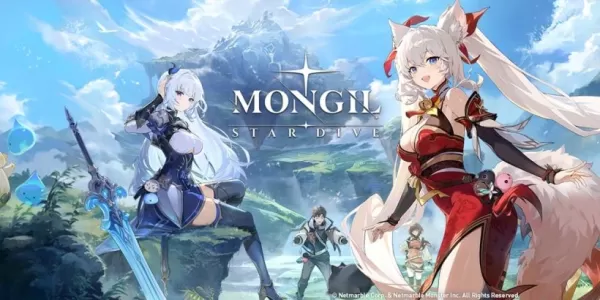
Mongil: Star Dive has received its first post-launch update, introducing new character Mina
Sep 25,2026
John Wick 5 Will Be Very Different, Says Stahelski
Sep 22,2026
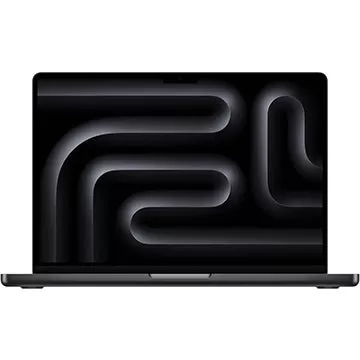
Adorama Is Clearing Out This Apple MacBook Pro M3 Pro Laptop by Offering a $700 Off Discount
Sep 20,2026
 Category










Discover the best professional photography software! This comprehensive review features top-rated apps like ReLens Camera, PhotoKit AI Photo Editor, Pixlr, YouCam Perfect - Photo Editor, GCamera: GCam & HD Pro Photos, Photo Studio PRO, Lightleap by Lightricks, Google Camera, PhotoShot, and Photoroom. Compare features, user reviews, and pricing to find the perfect app for your photography needs, whether you're a beginner or a pro. Enhance your images with AI-powered tools, advanced editing capabilities, and stunning filters. Elevate your photography game today!
Photoroom AI Photo Editor
Photo Studio PRO
ReLens Camera
Pixel Camera
Pixlr – Photo Editor
YouCam Perfect - Photo Editor
PhotoKit AI Photo Editor