by Christian Mar 21,2025
Dynasty Warriors: Origins doesn't have a dedicated sprint button; your character automatically sprints after a few running steps. While sprinting is useful, traversing large battlefields to rescue officers often requires faster travel. This is where your horse comes in handy. Summonable at any time, in the overworld or during battle, your horse provides rapid movement and even allows for mounted combat, ideal for hit-and-run tactics. Let's explore how to acquire, upgrade, and switch horses.
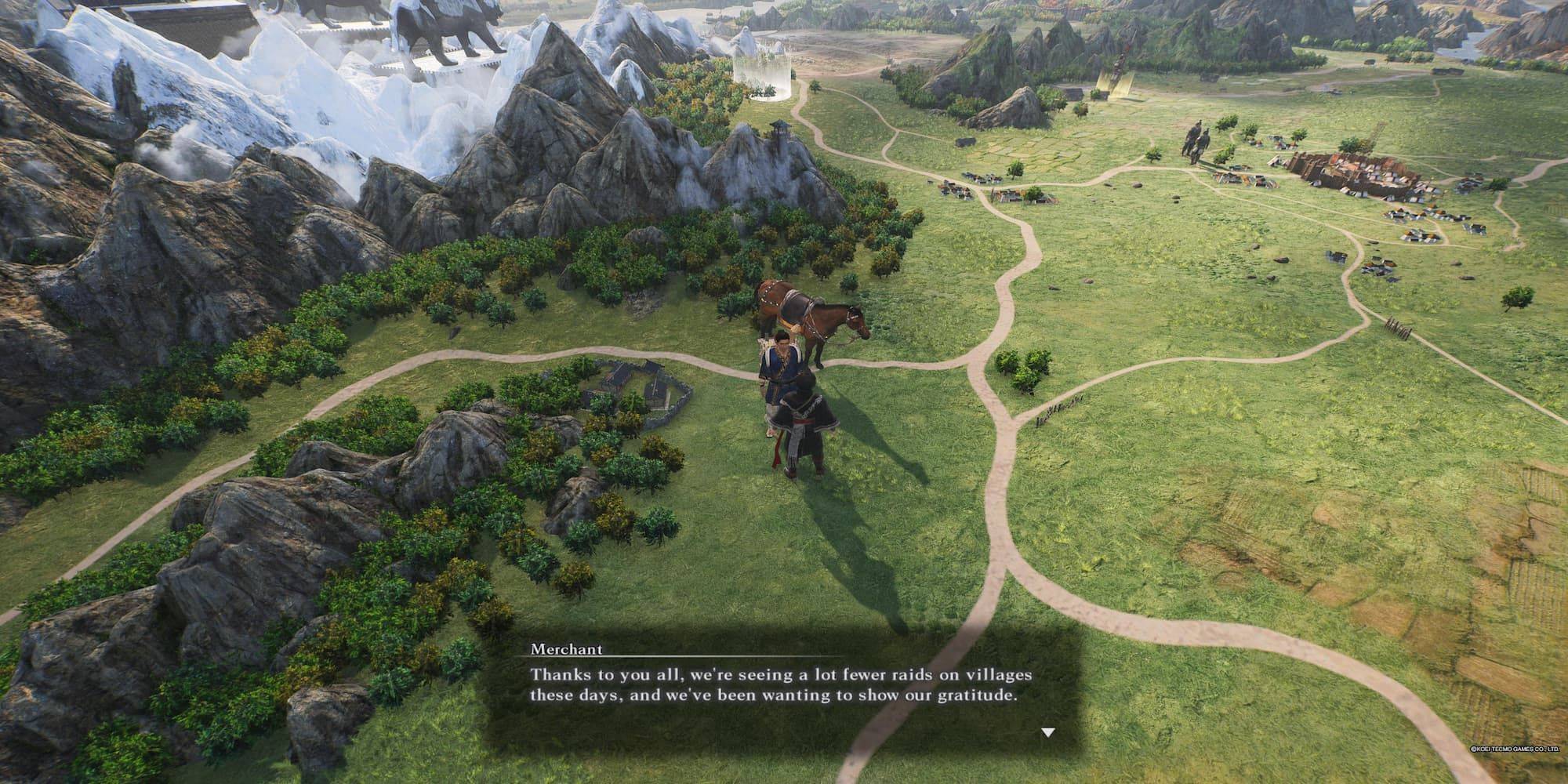 Your journey begins in Chapter 1. After completing the "Test of Zheng Fei" battle, a merchant appears in the overworld northeast of Wan Castle, before reaching the camp. He's easily spotted next to his horse. Simply speak to him to receive your first steed—it's automatically equipped! Summon your horse by pressing down on the left joystick (console) or V (keyboard).
Your horse gains XP by completing missions and main story battles (excluding Skirmishes, denoted by a red diamond with a soldier icon). XP earned depends on battle length and your horse's usage, including charging into enemies. Leveling up unlocks unique buffs for each horse.
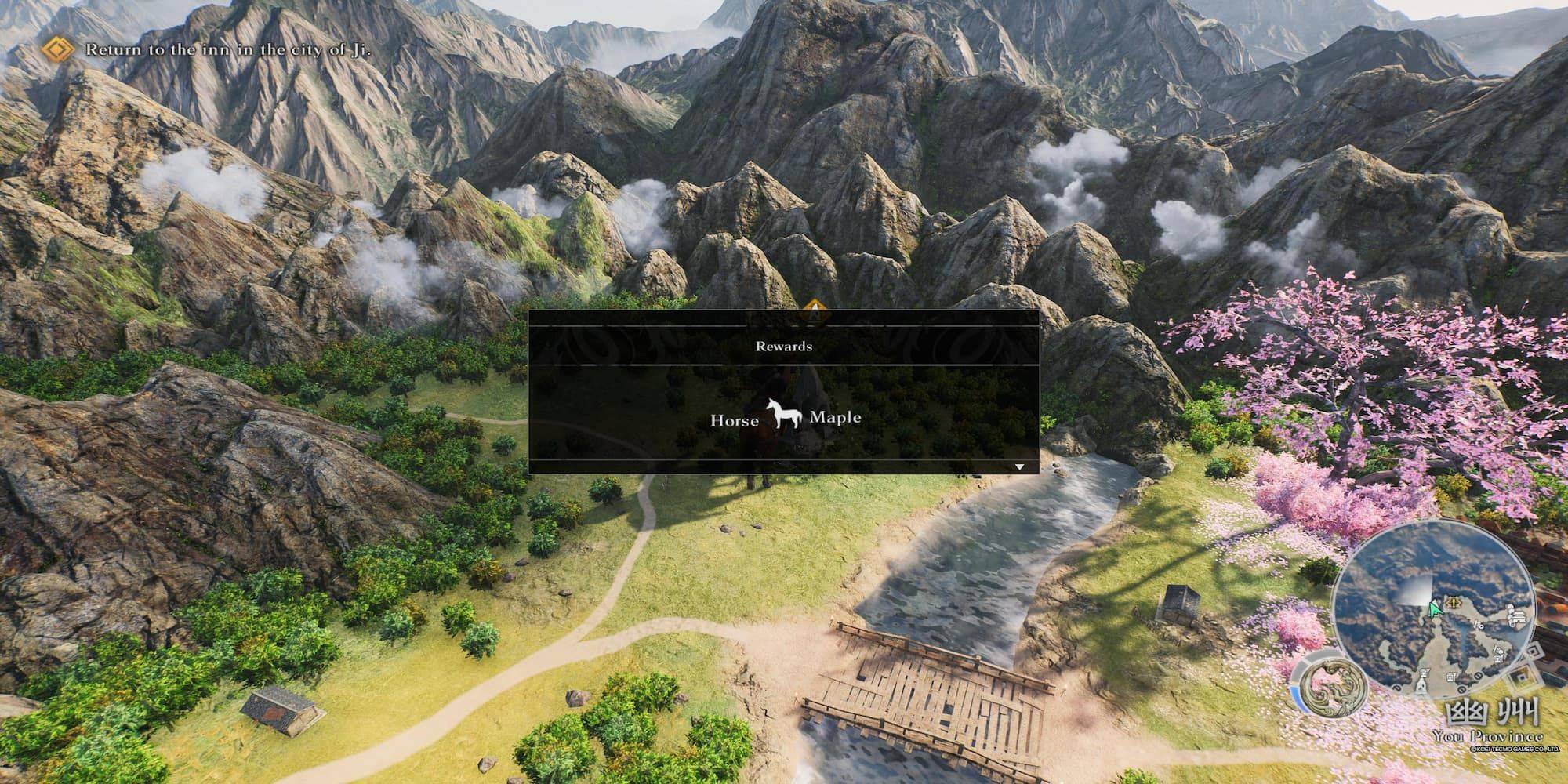 While your initial horse is automatically equipped, you can acquire and equip others. Access the Battle Preparation menu; the horse selection is the last option on the left. Each horse boasts unique perks and varying speed/performance, making switching a strategic advantage. New horses are rewarded for maximizing a region's peace level; check nearby waypoints after achieving this.
Girls Frontline 2: Exilium Global Website Goes Live, Along With Its Socials!
Marvel Rivals: Understanding Bussing and Catching It
New Game Plus in Assassin's Creed Shadows: Confirmed?
Top Skills to Prioritize for Yasuke in Assassin’s Creed Shadows
Assassin’s Creed Shadows Movements Reviewed by Two Parkour Athletes
Death Stranding 2 Release Date Unveiled in Massive Trailer
Pokemon GO Leak Teases New Adventure Effects
Amazon Music Unlimited: Free 3-Month Trial Available

Ahsoka Revealed at Star Wars Celebration
Apr 09,2026
Netflix and PBS to Stream New Sesame Street Episodes After HBO Max Deal Ends
Apr 07,2026

Eternity's Bastion Season 2 Debuts Post-EVA 2025 Triumph
Apr 02,2026

Alien RPG: Idle Space Farm Guide
Apr 02,2026
GOG unveils one-click mods, Skyblivion arrives this year
Mar 30,2026
 Category