by Bella Feb 02,2025
Grace is a challenging Roblox horror experience. To aid players in testing and experimenting, the developers have included a test server with various chat commands. This guide details all available commands and how to use them.
All Grace Commands
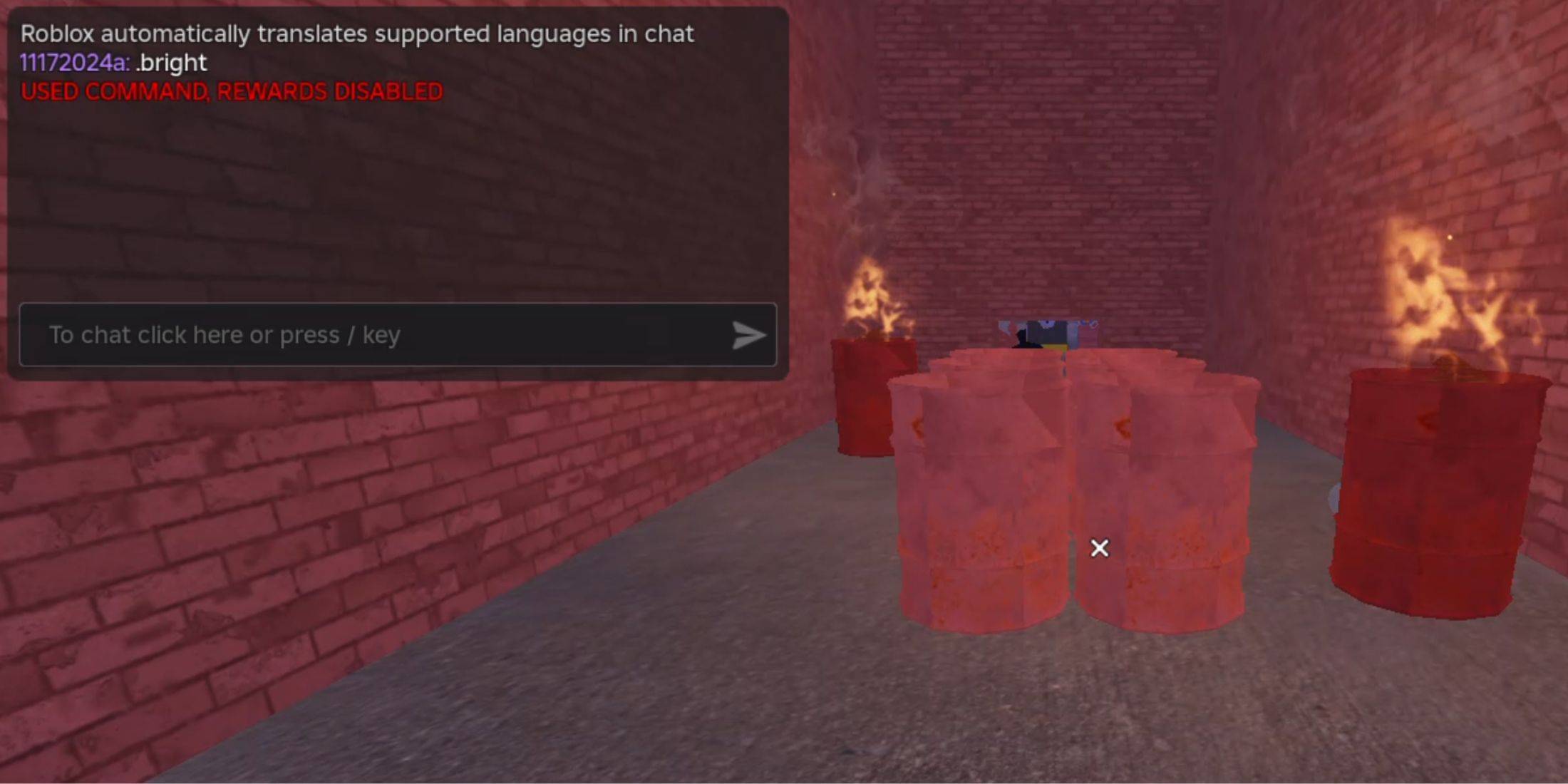
.revive: Respawns the player after death or if stuck..panicspeed: Modifies the in-game timer speed..dozer: Spawns the Dozer entity..main: Loads the Main Branch server..slugfish: Spawns the Slugfish entity..heed: Spawns the Heed entity..test: Loads the Test Branch server, enabling most commands and accessing unreleased content..carnation: Spawns the Carnation entity..goatman: Spawns the Goatman entity..panic: Starts the in-game timer..godmode: Enables god mode, making the player invincible..sorrow: Spawns the Sorrow entity..settime: Sets a specific time for the in-game timer..slight: Spawns a Slight entity..bright: Maximizes game brightness.How to Use Grace Commands
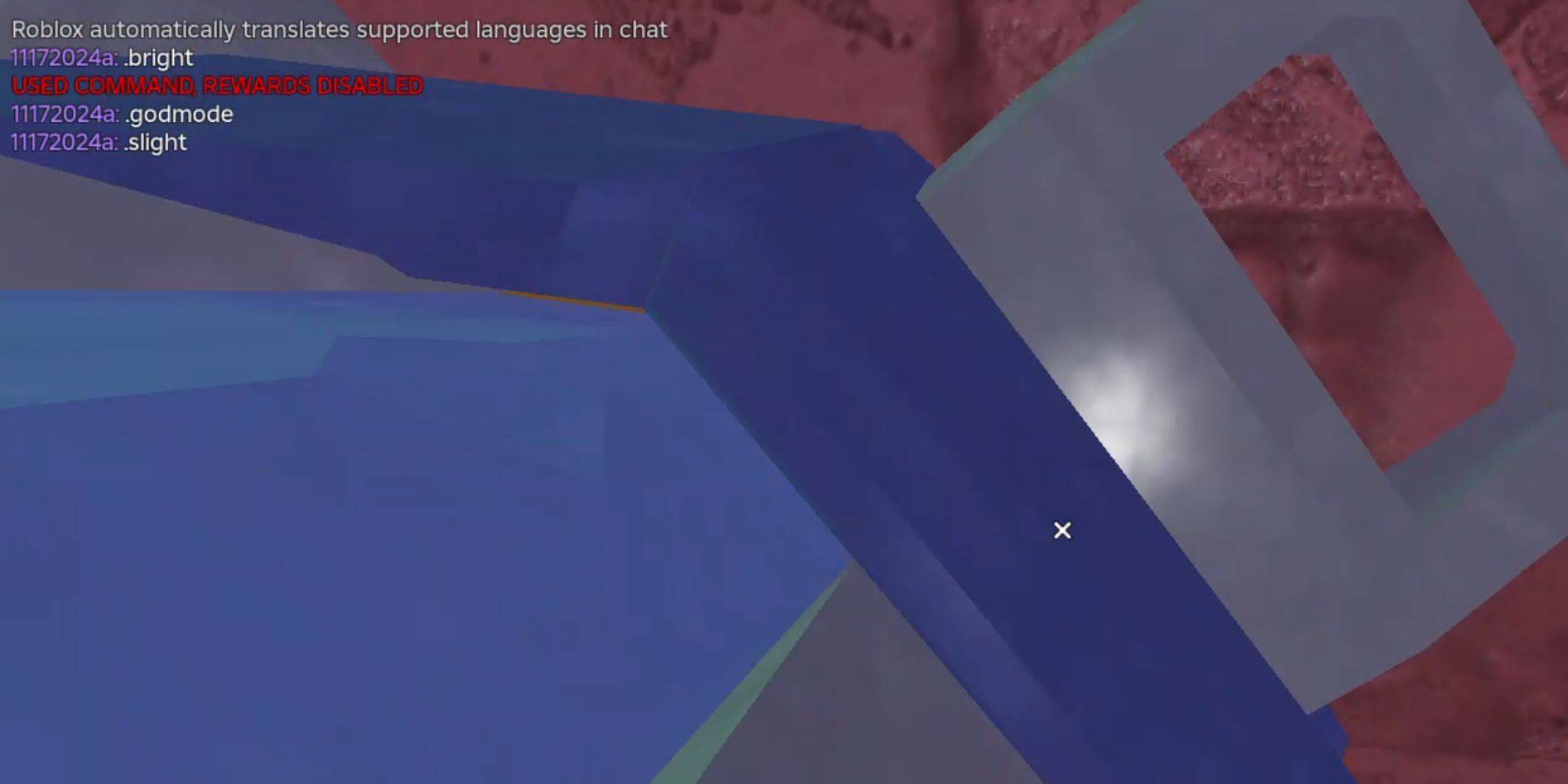
Using Grace commands requires creating a test server and entering commands into the chat. Follow these steps:
.test in the chat to access the test lobby.Girls Frontline 2: Exilium Global Website Goes Live, Along With Its Socials!
Marvel Rivals: Understanding Bussing and Catching It
New Game Plus in Assassin's Creed Shadows: Confirmed?
Top Skills to Prioritize for Yasuke in Assassin’s Creed Shadows
Assassin’s Creed Shadows Movements Reviewed by Two Parkour Athletes
Death Stranding 2 Release Date Unveiled in Massive Trailer
Pokemon GO Leak Teases New Adventure Effects
Amazon Music Unlimited: Free 3-Month Trial Available
Disney Pulls 14 Classic Games From PC Storefronts With No Explanation
May 06,2026
Review: Alien Earth Episode 4
May 04,2026

Switch 2 Unveiled in Nintendo Direct Showcase
May 04,2026

Unison League teams up with Hatsune Miku and top Vocaloid idols
May 02,2026

Shelby American Teams With PUBG Mobile
May 02,2026
 Category