
by Brooklyn Feb 27,2025
Hyper Light Breaker, the 3D rogue-lite successor to Hyper Light Drifter, introduces a compelling multiplayer element. This guide details how to play cooperatively with friends and participate in random online matchmaking.
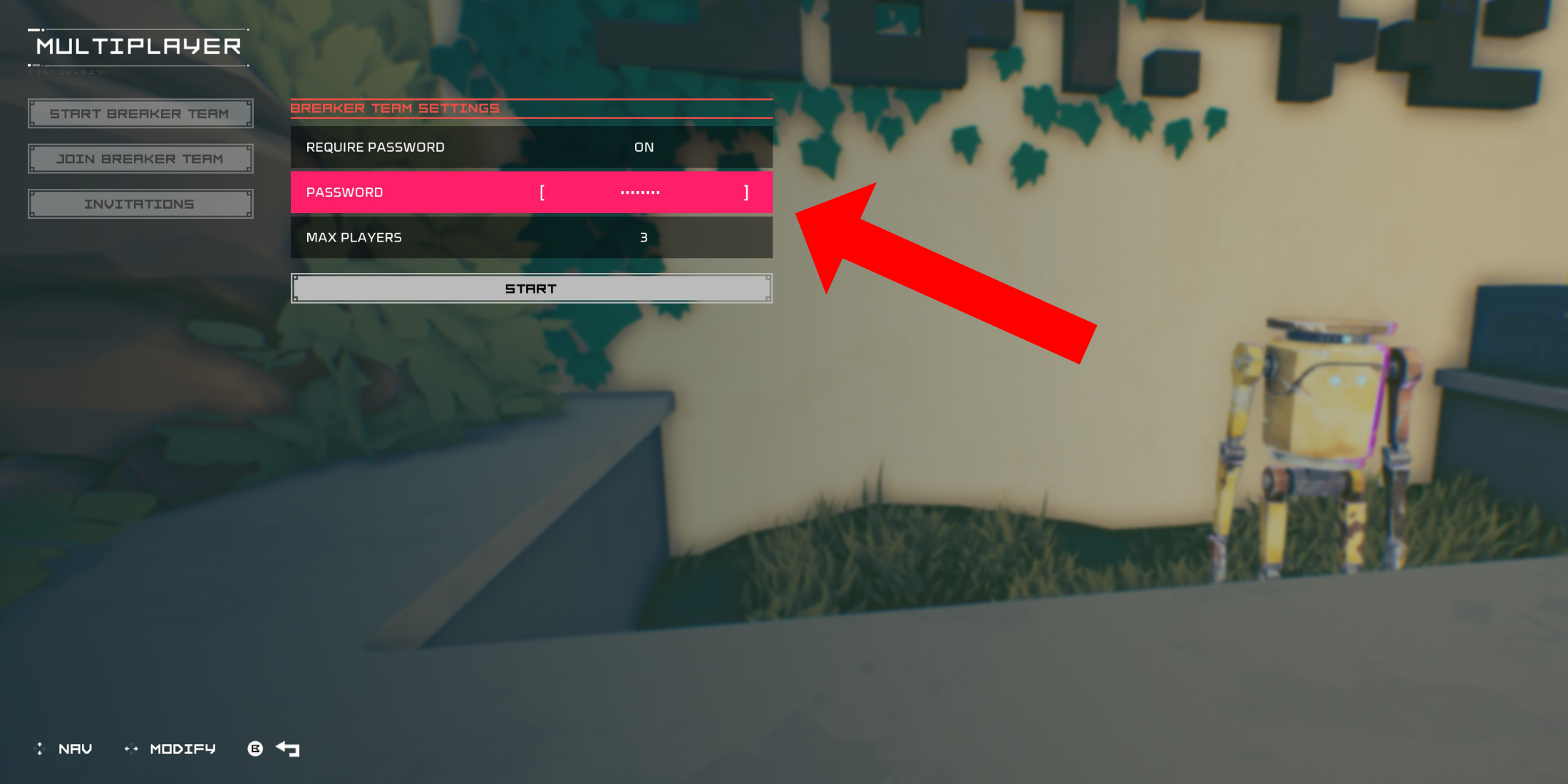 To engage in co-op gameplay with friends, you'll need to establish a private multiplayer room. Upon arriving at the Cursed Outpost hub, approach the counter to the left of your commander, Pherus Bit.
Interact with the counter (typically R1 or RB) to access the Multiplayer menu. Here, select "Create Breaker Team."
Set "Password Required" to "On" and input a password. Invite up to two friends via your platform's social features (PSN, Xbox, and Steam are supported). The game supports teams of up to three players.
Invited friends will receive an in-game notification if online. Otherwise, they can join using the provided invitation link. Your team might also appear in the "Join Breaker Team" menu, allowing friends to join directly.
Once your friends accept the invitation (remember to share the password!), you're ready for cooperative runs.
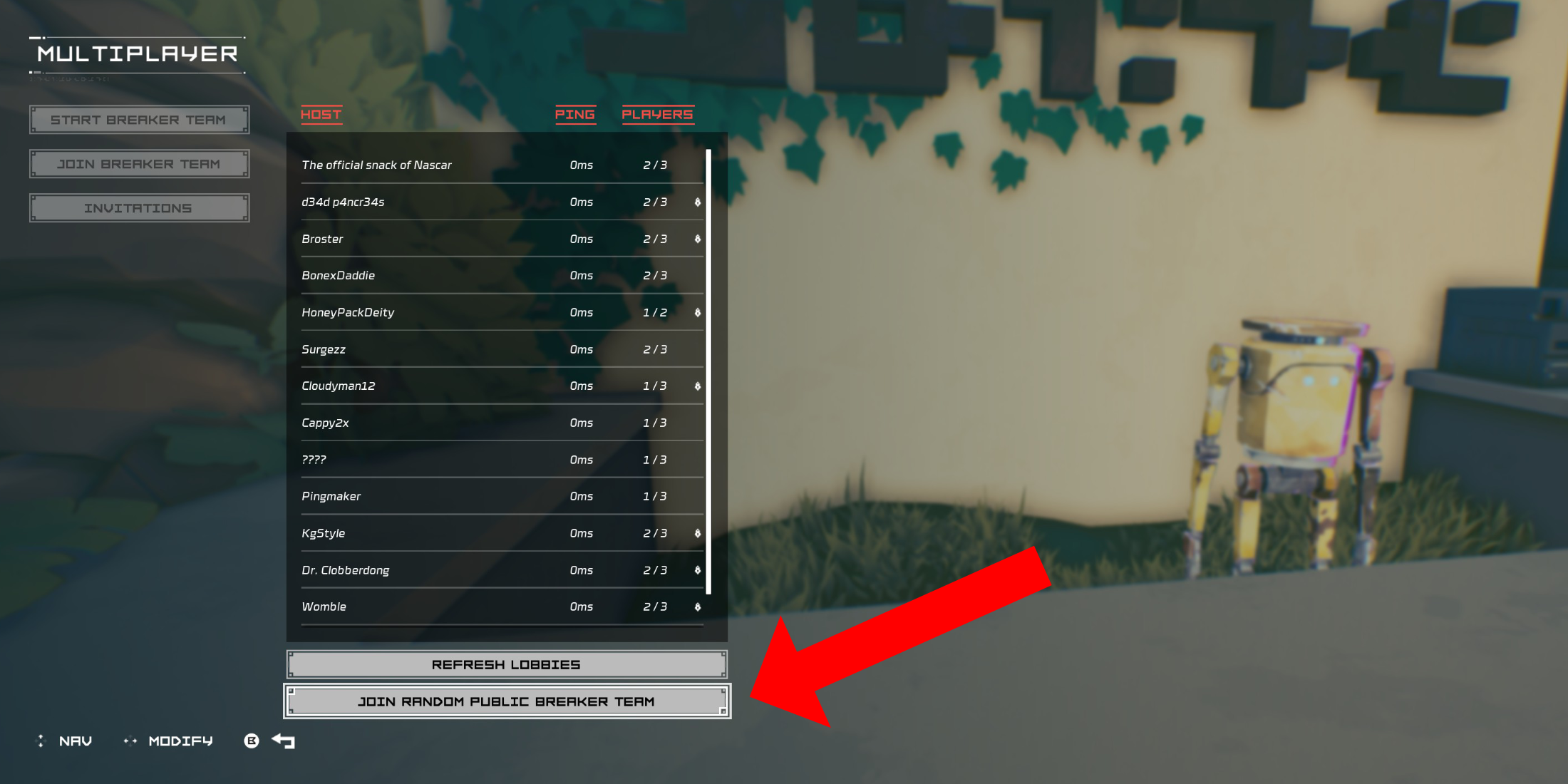 For multiplayer without friends owning the game, public groups are available. You can create your own (without a password) or join a random group.
In the Cursed Outpost's Multiplayer menu, choose "Join Breaker Team," then scroll to "Join Random Public Breaker Team" at the bottom.
The game will search for available public teams and place you in one if found. After a brief load, you'll join the host's world.
To leave a multiplayer session, return to the counter in the Cursed Outpost, open the Multiplayer menu, and select the "Disconnect" option (appearing only during a multiplayer session). Alternatively, simply quitting the game will also end the session.
Girls Frontline 2: Exilium Global Website Goes Live, Along With Its Socials!
Marvel Rivals: Understanding Bussing and Catching It
New Game Plus in Assassin's Creed Shadows: Confirmed?
Top Skills to Prioritize for Yasuke in Assassin’s Creed Shadows
Assassin’s Creed Shadows Movements Reviewed by Two Parkour Athletes
Death Stranding 2 Release Date Unveiled in Massive Trailer
Pokemon GO Leak Teases New Adventure Effects
Amazon Music Unlimited: Free 3-Month Trial Available
Little Robot Mod
Download
Charades and other party games - Lexis Pexis
Download
Brain Boom - Tricky Puzzles game, IQ Challenge
Download
Rezident slot safes
Download
Poker Mania
Download
EA Sports FC Mobile 25 (FIFA Fútbol)
Download
MainCraft: build & mine blocks
Download
Red Cherry Slot Machine
Download
Hex Kingdom
Download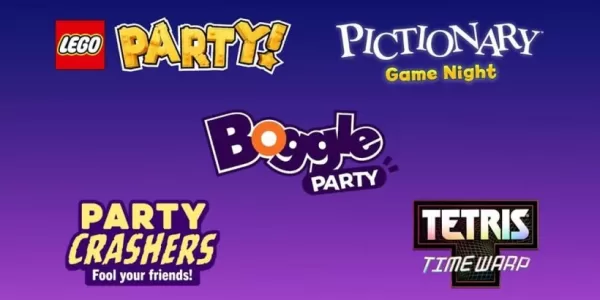
Netflix will soon offer interactive party games you and your friends can play via mobile
Apr 27,2026
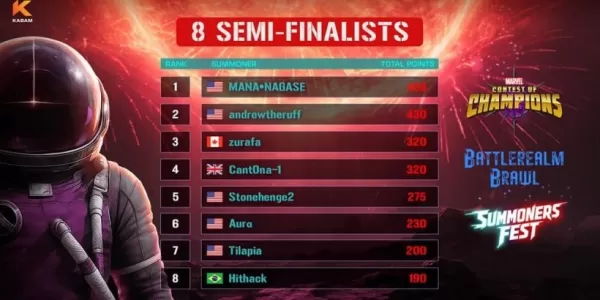
Marvel Contest Semi-Finalists Revealed for Battlerealm Brawl
Apr 25,2026
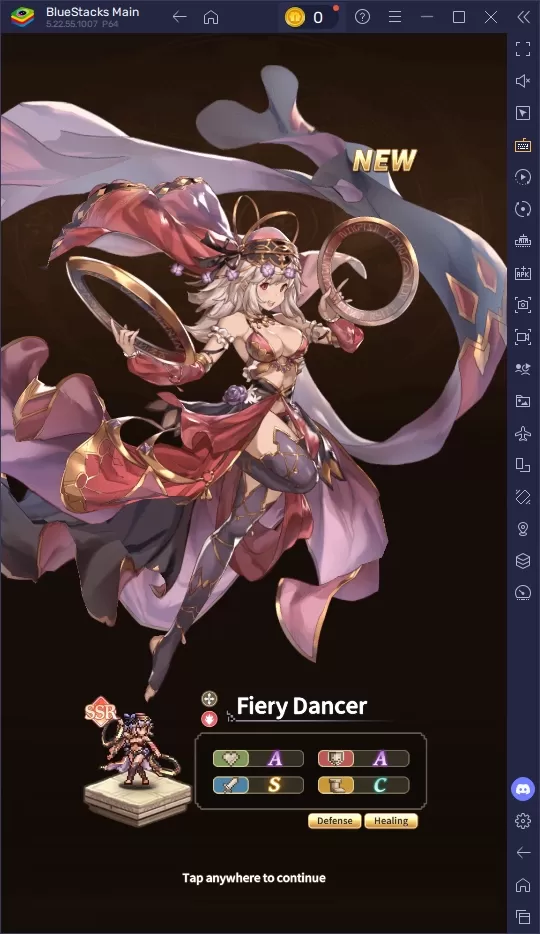
Endless Grades: Pixel Saga – The Best Tips & Tricks To Boost Your Progression
Apr 22,2026
Foretales: Card Game Shapes Apocalyptic Fate
Apr 20,2026

Once Human: Best Builds for PvE and PvP
Apr 17,2026
 Category




