by Jacob Feb 18,2025
Plants vs. Zombies 2: A Hilarious Zombie Survival Game
Plants vs. Zombies 2 offers a comedic twist on the zombie apocalypse. Explore vibrant environments in campaign mode as you defend your garden against hordes of brain-hungry zombies. Cultivate a diverse army of plants, powering them up with plant food and fertilizers to withstand the undead onslaught. This free-to-play game is available on both Google Play and the iOS App Store.
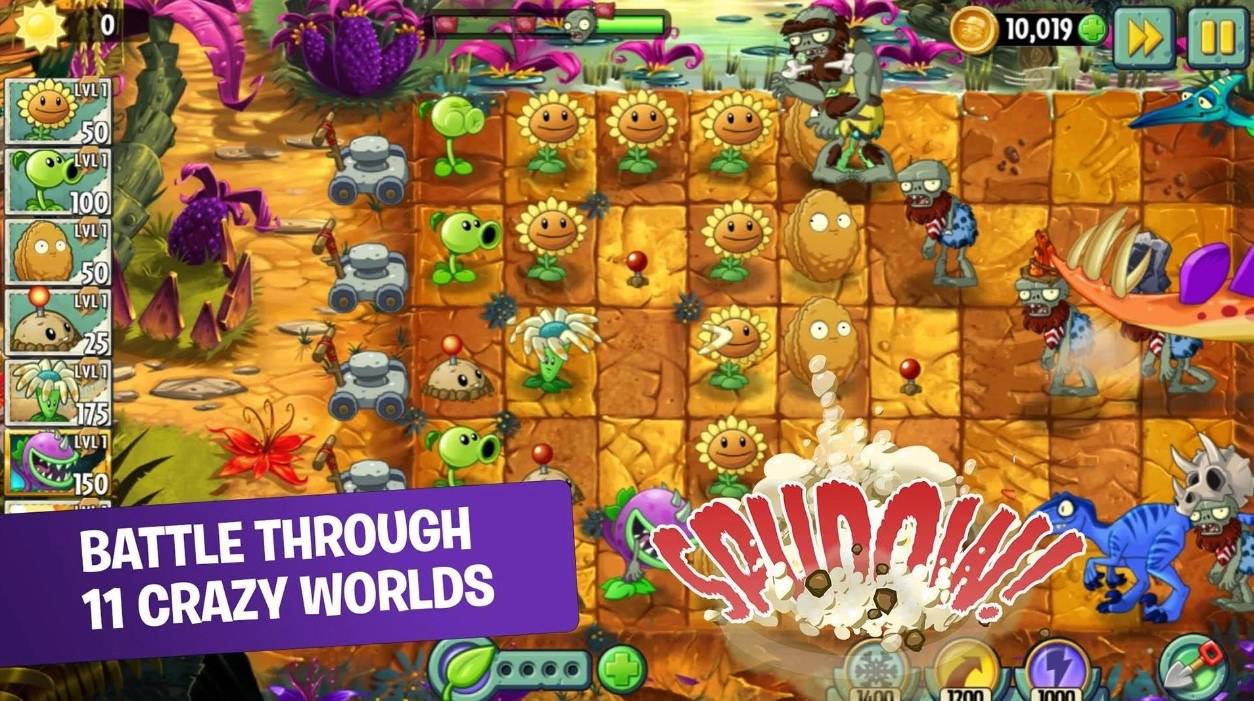
This strategic tower defense game provides endless challenges and unique plant combinations. Engage in real-time player-versus-player battles, earning rewards like Plant Food, Coins, and Piñatas. Weekly events unlock new plants and keep the gameplay fresh. For a superior gaming experience, play Plants vs. Zombies 2 on a larger screen with keyboard and mouse using BlueStacks.
Further information is available on the Google Play Store. For advanced strategies and gameplay tips, check out our extensive BlueStacks game guides.
Girls Frontline 2: Exilium Global Website Goes Live, Along With Its Socials!
Marvel Rivals: Understanding Bussing and Catching It
New Game Plus in Assassin's Creed Shadows: Confirmed?
Top Skills to Prioritize for Yasuke in Assassin’s Creed Shadows
Assassin’s Creed Shadows Movements Reviewed by Two Parkour Athletes
Death Stranding 2 Release Date Unveiled in Massive Trailer
Pokemon GO Leak Teases New Adventure Effects
Amazon Music Unlimited: Free 3-Month Trial Available

Unison League teams up with Hatsune Miku and top Vocaloid idols
May 02,2026

Shelby American Teams With PUBG Mobile
May 02,2026
Capcom Teases Resident Evil 9 Celebrating RE4 Sales
Apr 30,2026

Baki the Grappler Joins Two Strikes on Crunchyroll Game Vault
Apr 30,2026
Gaming Monitors Impress at Computex 2025
Apr 29,2026
 Category