by Ethan Jan 18,2025
Ready for your 2024 Twitch Year in Review? This guide shows you how to access your Twitch Recap and what to do if it's not showing up.
Getting your Twitch recap is easy! Follow these steps:
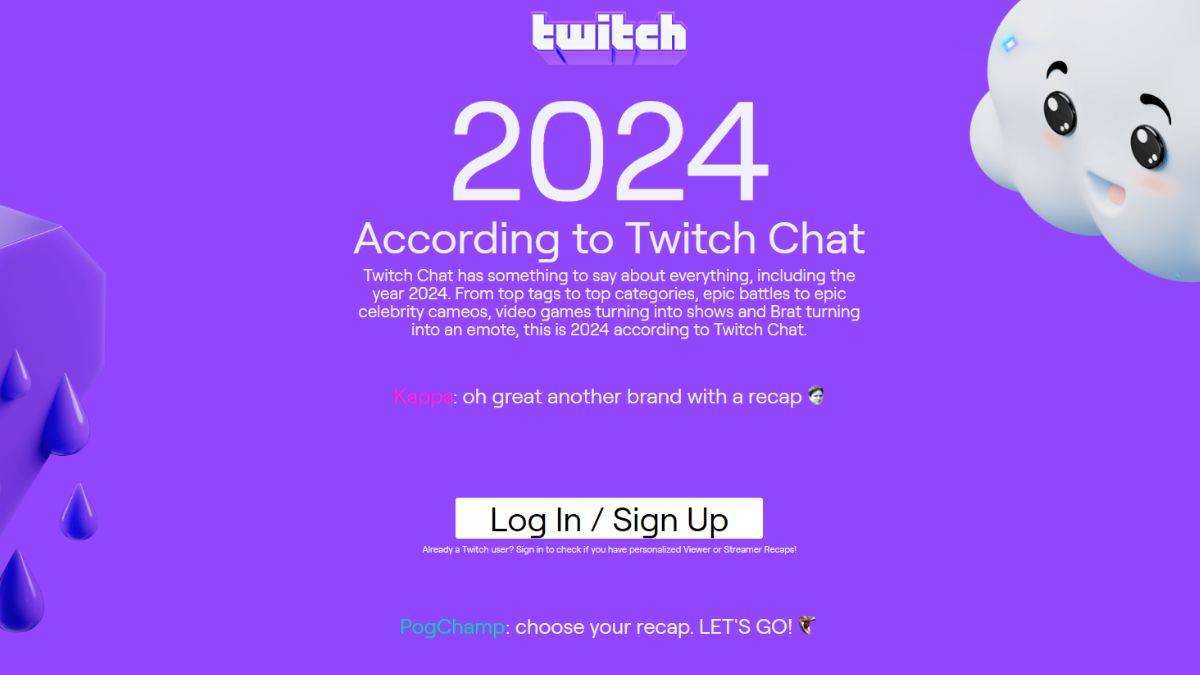
Log in to your Twitch account.
You'll then be given the option to view either a Viewer Recap or a Creator Recap (if you meet the minimum requirements). Select your preferred option.
Explore your personalized recap! See your favorite categories, top streamers, and total watch time, just like Spotify Wrapped.
If you don't see a personalized recap, it's because you didn't meet the minimum viewing or streaming time requirements.
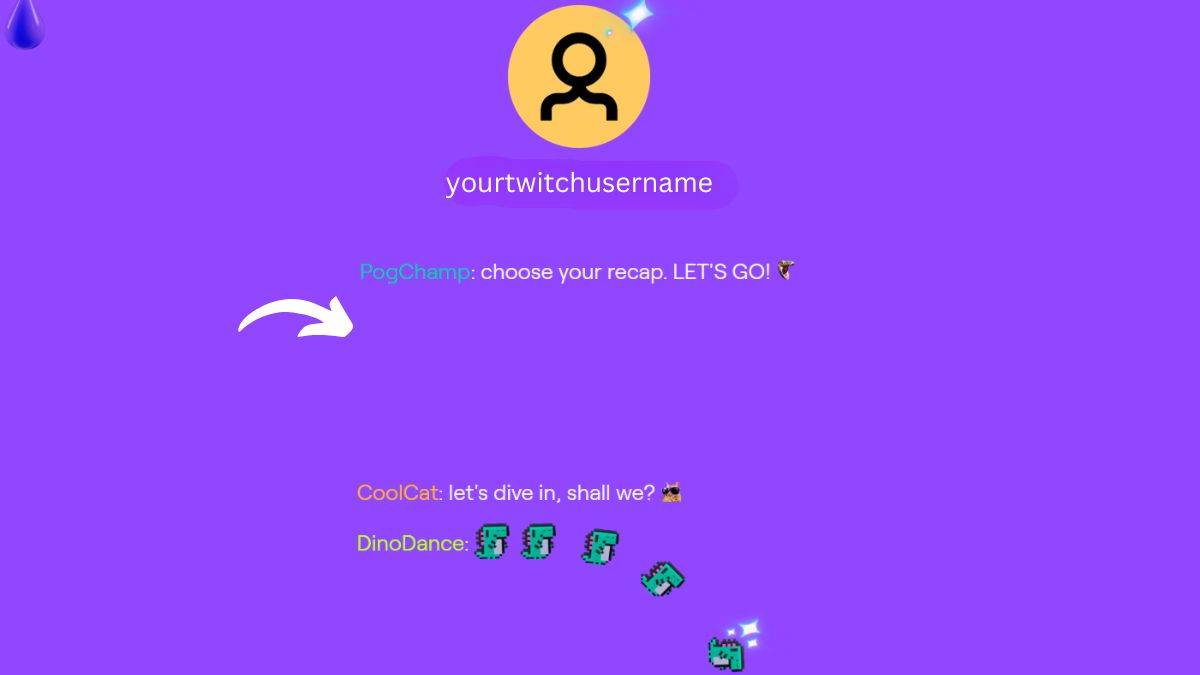
To qualify, you need to have watched or streamed at least 10 hours of content in 2024. If you don't meet this threshold, you'll see a community recap highlighting overall Twitch trends, including the year's top games.
Even without a personal recap, the community recap offers insights into popular Twitch content in 2024 (like Fields of Mistria, Pokemon, and anime). So it's still worth checking out!
Girls Frontline 2: Exilium Global Website Goes Live, Along With Its Socials!
Marvel Rivals: Understanding Bussing and Catching It
New Game Plus in Assassin's Creed Shadows: Confirmed?
Top Skills to Prioritize for Yasuke in Assassin’s Creed Shadows
Death Stranding 2 Release Date Unveiled in Massive Trailer
Assassin’s Creed Shadows Movements Reviewed by Two Parkour Athletes
Pokemon GO Leak Teases New Adventure Effects
Amazon Music Unlimited: Free 3-Month Trial Available

Overwatch Mobile could still be coming as Nexon pen new deal with Blizzard
May 13,2026
A Beginner’s Guide to The Tower – Idle Tower Defense
May 13,2026

Naughty Dog Denies The Last of Us 3 Rumors
May 11,2026
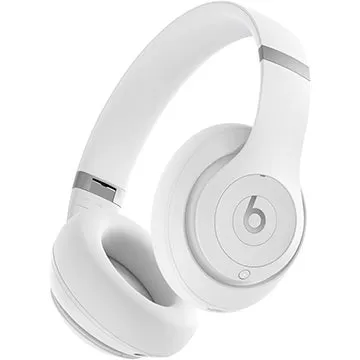
The Beats Studio Pro Wireless Noise Canceling Headphone Drops Below $140 for Black Friday
May 11,2026

Starfield Update Drops, Mod Group Expands, More DLC Coming
May 09,2026
 Category