Google Photos est le gestionnaire ultime de vos précieuses photos et vidéos, offrant une solution transparente pour stocker, organiser et partager vos souvenirs numériques. Avec ses fonctionnalités robustes, Google Photos répond aux besoins de l'utilisateur moderne, offrant un stockage suffisant et un accès facile sur plusieurs appareils.
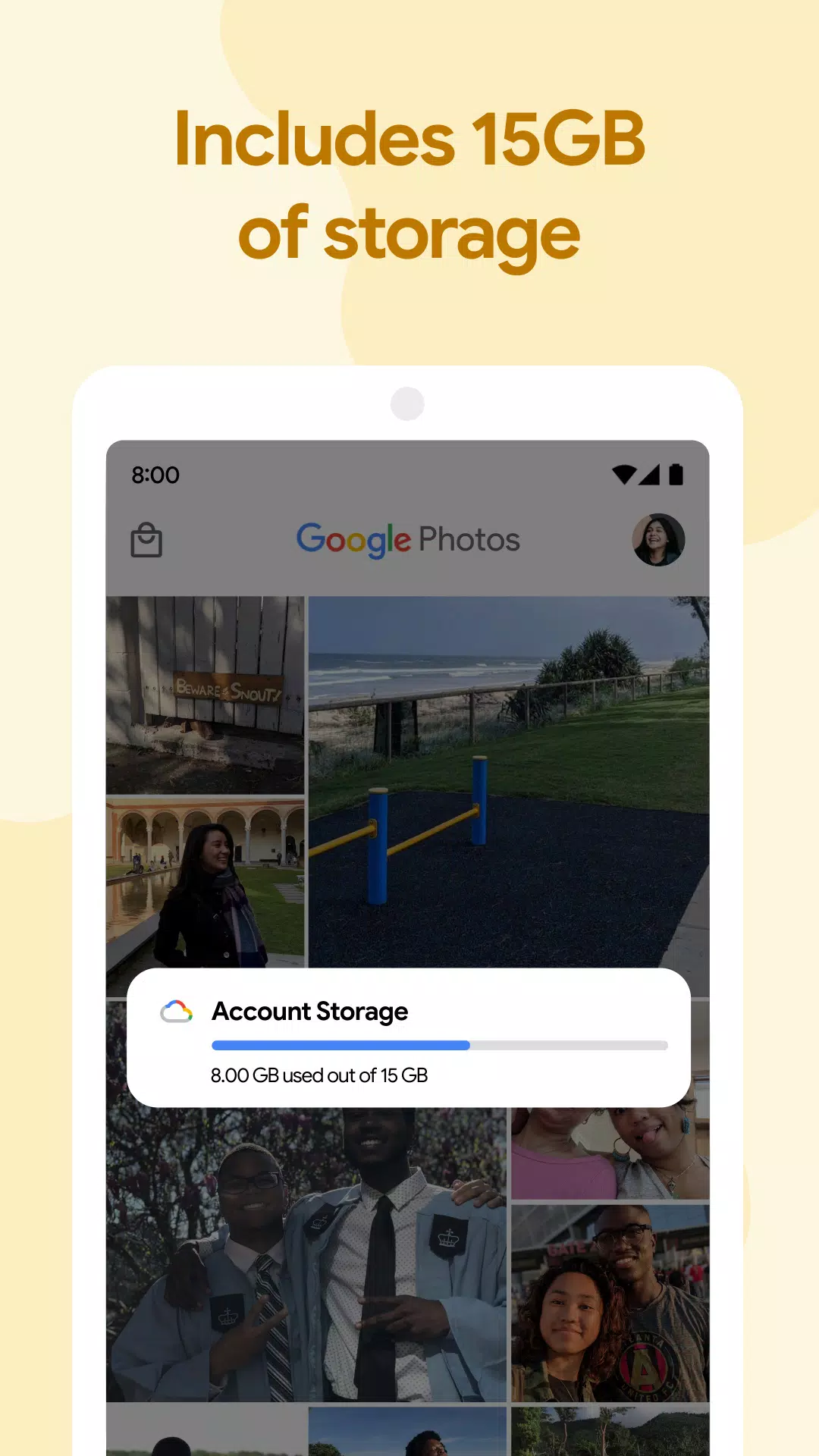
Avec 15 Go de stockage gratuit pour chaque compte Google, vous pouvez activer les sauvegardes automatiques pour économiser vos médias en qualité élevée ou originale. Accédez à vos fichiers à tout moment, à partir de tout appareil lié à votre compte, ou directement via Photos.google.com.
Voici les principales fonctionnalités qui rendent Google Photos indispensables:
Optimiser le stockage: utilisez une sauvegarde cloud pour libérer de l'espace sur votre appareil. Après avoir sauvegardé, vous pouvez supprimer en toute sécurité les photos de votre stockage local, économisant ainsi un espace sans effort.
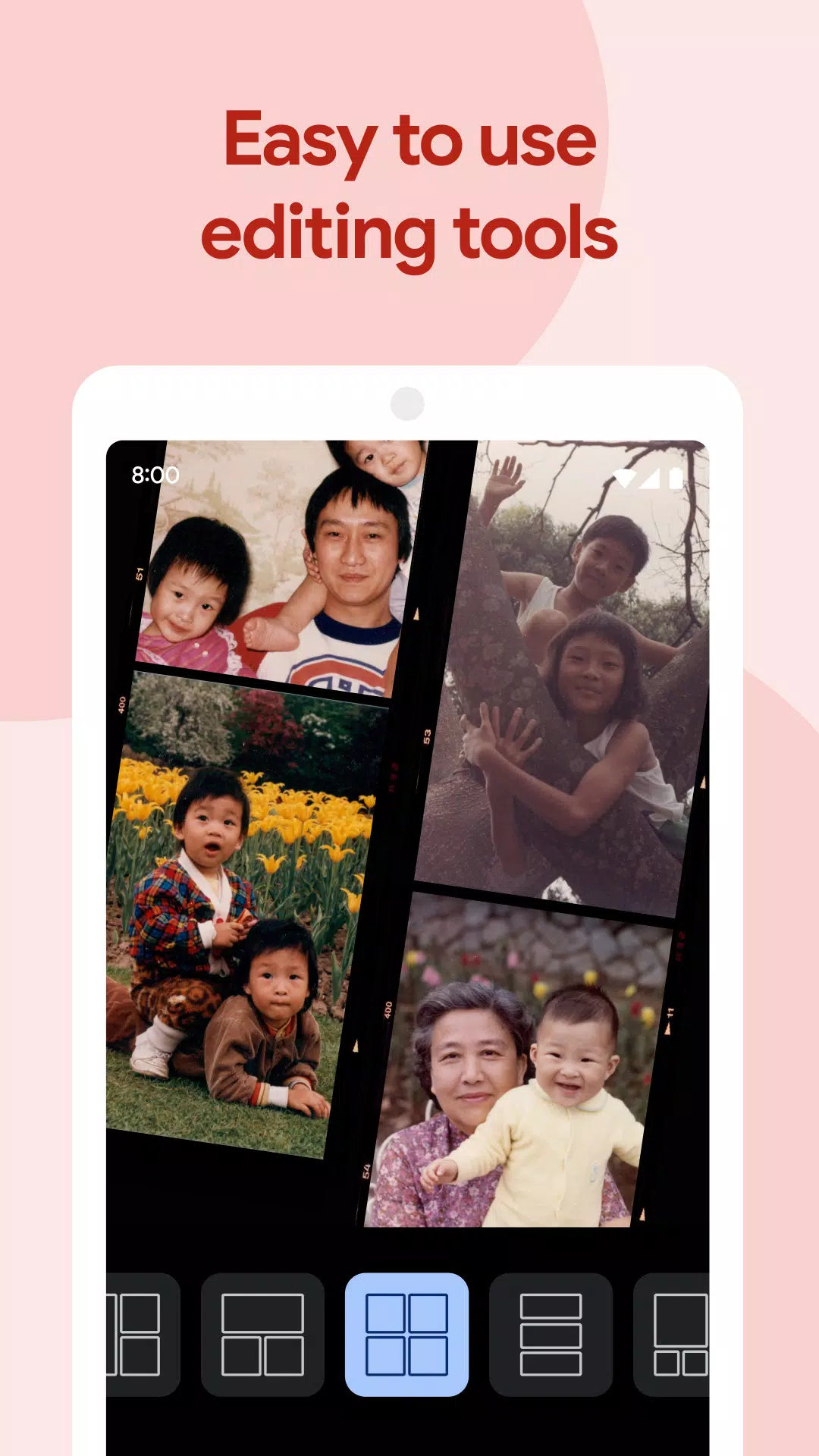
Créations alimentées par AI: Laissez Google Photos travailler sa magie en générant automatiquement des films, des collages, des animations et des panoramas à partir de votre bibliothèque. De plus, vous pouvez les créer manuellement avec les outils conviviaux de l'application.
Outils d'édition avancés: améliorez vos photos avec des options d'édition de qualité professionnelle. Appliquez des filtres consacrés au contenu, l'éclairage de réglage et effectuez les autres ajustements avec facilité.
Partage sans effort: partagez vos moments préférés avec des amis et de la famille sans effort. Google Photos suggère avec qui vous voudrez peut-être partager vos photos, ce qui rend le processus plus fluide.
Recherche intelligente: tirez parti des technologies avancées pour rechercher des photos par des personnes, des lieux ou des choses sans avoir besoin d'un étiquetage manuel, ce qui rend votre photo-bibliothèque très consultable.
Albums live: configurer des albums qui se mettent automatiquement à jour avec de nouvelles photos de personnes ou d'animaux de compagnie, garantissant que vos albums sont toujours en cours.
Livres photo personnalisées: créez rapidement des livres photo à partir de votre téléphone ou de votre ordinateur. Google Photos peut même suggérer des livres de photos en fonction de vos meilleurs plans à partir d'un voyage ou d'une période spécifique.
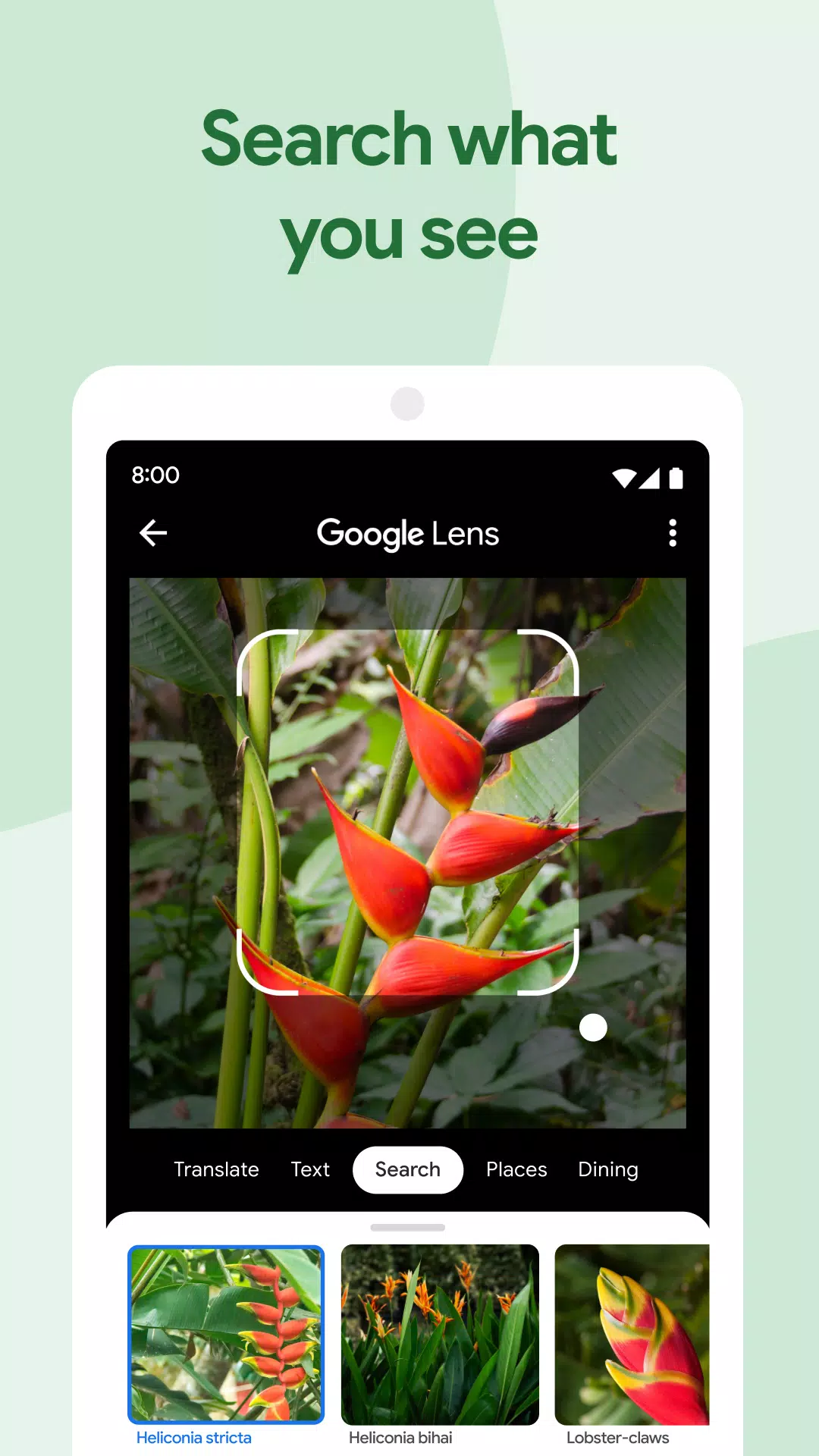
Intégration Google Lens: utilisez Google Lens pour recueillir des informations sur les objets sur vos photos, traduire du texte ou identifier les plantes et les animaux.
Partage instantané: Partagez des photos instantanément avec tout contact, e-mail ou numéro de téléphone, en vous assurant que vos souvenirs atteignent vos proches en quelques secondes.
Bibliothèques partagées: accorder l'accès à l'intégralité de votre collection de photos aux personnes de confiance, ce qui facilite le partage des moments de votre vie avec ceux qui sont les plus proches de vous.
Améliorez la capacité de stockage de votre compte Google avec un abonnement Google One, à partir de 1,99 $ par mois pour 100 Go aux États-Unis. Les prix et la disponibilité peuvent varier selon la région.
Mis à jour le 26 octobre 2024
Nous sommes ravis de présenter un nouvel outil de gestion du stockage dans Google Photos. Cet outil vous aide à gérer votre quota de stockage en identifiant des photos ou des vidéos que vous voudrez peut-être supprimer, telles que des photos floues, des captures d'écran et de grandes vidéos.
Girls Frontline 2 : Exilium Global Website est mis en ligne, avec ses réseaux sociaux !
Marvel Rivals: comprendre les bus et l'attraper
New Game Plus dans Assassin's Creed Shadows: confirmé?
Les meilleures compétences à prioriser pour Yasuke dans Assassin's Creed Shadows
Assassin's Creed Shadows Mouvements examinés par deux athlètes de parkour
Death Stranding 2 Date de sortie dévoilée dans une bande-annonce massive
Pokemon go fuite taquine de nouveaux effets d'aventure
Amazon Music Unlimited: essai gratuit de 3 mois disponible

Neutrino+
Télécharger
ES File Decrypter
Télécharger
Uzmovi - kinofilmlar | Uz TV
Télécharger
3D EARTH PRO - local forecast
Télécharger
Coop Supercard
Télécharger
Picker Wheel - Spin The Wheel
Télécharger
Transport.kg
Télécharger
Box Maker Template Creator Pro
Télécharger
Kidly – Stories for Kids
Télécharger
At Star Wars Celebration 2023, which took place in Chicago, Ahsoka Tano made a major and highly anticipated reveal. The event showcased a first full look at Ahsoka in her new live-action incarnation, portrayed by Rosario Dawson in the upcoming Disney+ series Ahsoka. This was the first time fans saw the character in her new costume and hairstyle, complete with her signature dual-bladed lightsaber and a more mature, battle-worn appearance. The reveal was part of a special presentation that included a new teaser trailer for the series, which confirmed that Ahsoka would be on a personal mission to find her former mentor, Anakin Skywalker—now Darth Vader—after the fall of the Jedi Order. The trailer also featured appearances by Maul, Grand Admiral Thrawn, and Ezra Bridger, setting up a story that dives deep into the post-Clone Wars era of the Star Wars galaxy. The event was a massive highlight for fans, as it confirmed that Ahsoka’s journey from The Clone Wars animated series was continuing in live action with full narrative depth and emotional weight. The live-action debut of Ahsoka was officially released on August 23, 2023, and received widespread acclaim for its faithful adaptation and strong performances. So in short: ✅ Ahsoka Tano was officially revealed at Star Wars Celebration 2023 ✅ Portrayed by Rosario Dawson ✅ First look at her new costume and lightsaber style ✅ Teaser for the Disney+ series dropped ✅ Confirmed as a major chapter in the Star Wars saga It was a landmark moment for the franchise and a dream come true for long-time fans. 🌌⚔️
Apr 09,2026
Netflix et PBS diffuseront de nouveaux épisodes de Rue Muraille après la fin du partenariat avec HBO Max
Apr 07,2026
La saison 2 d’Eternity's Bastion débarque après la victoire post-EVA 2025
Apr 02,2026
Sure! Here's a comprehensive Idle Space Farm Guide to help you maximize your gameplay, progress efficiently, and make the most of your time in the game: 🌍✨ Idle Space Farm – Ultimate Beginner to Pro Guide ✨🚀 🔹 What Is Idle Space Farm? Idle Space Farm is a relaxing, casual idle game where you grow crops on distant planets, automate your farm, and expand your interstellar agriculture empire. With upgrades, resource management, and adorable space farming mechanics, it’s perfect for players who love idle games with a sci-fi twist. 🌱 1. Core Gameplay Basics 🌟 Your Goal: Turn your humble space farm into a galactic agricultural powerhouse by automating crop growth, upgrading tools, and unlocking new planets. 🛠️ Main Resources: Energy (⚡) – Powers your farm and machines. Seeds (🌱) – Used to plant crops. Credits (💰) – In-game currency for upgrades. Farming Reputation (⭐) – Unlocks new features and planets. 🚀 2. Early Game (Levels 1–10) – Survival & Setup ✅ Priorities: Plant your first crops on the starting planet (usually "Arid-7"). Upgrade your Seed Dispenser (first auto-planting machine). Focus on energy and credits – These are your lifeblood. Complete daily and task missions for bonuses. 🌱 Quick Tips: Never let energy run out – Buy an Energy Cell (first upgrade) as soon as possible. Use the "Auto-Plant" feature – Saves time and boosts efficiency. Save 10% of your credits for future upgrades. 🌍 3. Mid-Game (Levels 11–30) – Expansion & Automation 🔧 Unlock These Key Features: New Planets: Unlock planets like "Verdant-9", "Crystal Grove", and "Nova Fields" via Reputation. Combine Machines: Use machines like the Harvester Drone, Fertilizer Bot, and Climate Controller. Unlock "Auto-Refill" – Prevents seed shortages. 💡 Pro Tips: Use the "Farming Queue" – Plan ahead to avoid downtime. Upgrade to Solar Arrays – Increases energy output long-term. Prioritize machines with high ROI (Return on Investment) – E.g., a Harvester Drone that earns 100 credits/minute vs. one that earns 30. 📌 Golden Rule: Always keep 1–2 machines running on auto, even when not playing. 🌌 4. Late Game (Levels 30+) – Max Efficiency & Endgame 🏆 Endgame Goals: Unlock all planets (up to 10+). Achieve 100% automation (no manual taps needed). Max out all machines and upgrades. Reach "Galactic Farmer" Rank. 🛠️ Advanced Upgrades: Upgrade Purpose Quantum Seed Vault Holds more seeds, reduces refill time Neural Crop AI Increases yield and growth speed Gravitational Field Stabilizer Prevents crop loss during storms Interplanetary Transport Moves crops between planets automatically 🔄 Set Up Your Farm Loop: Energy → Plant Seeds → Grow Crops → Harvest → Sell → Buy More Seeds Optimize every step with machines and upgrades. 🎯 5. Pro Tips & Secrets ✨ Hidden Features: "Farming Festival" Events: Occur weekly – boost rewards and give rare seeds. Secret Planet (Easter Egg): Unlock by completing 500 tasks or finding a hidden code (check socials for hints). Daily Login Rewards: Don’t skip! 7-day streaks give rare resources. 🧠 Efficiency Hacks: Use "Energy Boosters" during events – Get double energy for 1 hour. Batch plant seeds when on a time-limited event (e.g., "Super Crop Week"). Set alerts for when auto-refill is low (check your dashboard!). 🛠️ 6. Common Mistakes to Avoid ❌ Spending all credits on one machine (diversify!). ❌ Ignoring energy limits (your farm will stall). ❌ Not using daily tasks (they give free boosts). ❌ Forgetting to log in – time = money in idle games! 📊 7. Best Upgrade Order (Recommended Path) Seed Dispenser (Auto-Plant) Energy Cell (Energy) Harvester Drone Fertilizer Bot Climate Controller Quantum Seed Vault Neural Crop AI Interplanetary Transport 🔁 After maxing these, focus on unlocking planets and event-specific upgrades. 🌟 Final Words Idle Space Farm is all about patience, planning, and automation. The longer you play, the more your farm grows — literally across the galaxy! Keep coming back daily, use events wisely, and enjoy watching your pixelated space fields bloom with every tick. 🌱 Happy Farming, Cosmic Farmer! 🌟 May your crops grow fast, your energy never drop, and your credits stack higher than the stars. 💡 Want more? Check the official game Discord, Reddit (r/IdleSpaceFarm), or YouTube for build guides and live gameplay! Let me know if you want a printable checklist, upgrade calculator, or event calendar! 🛠️🚀
Apr 02,2026
As of now, there is no official announcement from GOG (Galaxy of Games) confirming "one-click mods" or a release of Skyblivion in 2024. However, here's what’s actually happening in the community and context: Skyblivion is a long-awaited, fan-made mod for The Elder Scrolls V: Skyrim, aiming to merge the story and world of Skyrim with the original Morrowind (set in the same universe). It’s been in development for years by a passionate modding team, and it has generated significant excitement. In 2023 and 2024, there have been promising updates from the Skyblivion team, including a new trailer, development progress videos, and hints that a full release is imminent — potentially later in 2024. GOG has not officially introduced a "one-click mods" feature. However, GOG has long supported mods for its games (including Skyrim), and they do offer a mod-friendly platform, especially for games like Skyrim, where modding is a core part of the experience. They’ve made it easier to install and manage mods through their launcher, but not quite a universal "one-click" system across all games. So, while the headline "GOG unveils one-click mods, Skyblivion arrives this year" sounds exciting, it’s likely a misinterpretation or exaggeration of real developments. The truth is: ✅ Skyblivion is still in active development, and fans are hopeful for a 2024 release. ✅ GOG continues to support Skyrim modding, and their platform makes it easy to install mods. ❌ There is no official "one-click mods" feature from GOG as a standalone service. Stay tuned to official sources like: The Skyblivion Discord (for updates) GOG’s official blog and social media Trusted modding news sites like Nexus Mods, ModDB, or The Escapist For now, keep an eye out — if Skyblivion drops this year, it’ll be a major moment in the modding community. 🔥
Mar 30,2026
Découvrez le meilleur logiciel de photographie professionnelle! Cette revue complète présente des applications les mieux notées comme Relens Camera, PhotoKit AI Photo Editor, Pixlr, YouCam Perfect - THOTH EDADING, GCAMERA: GCAM & HD Pro Photos, Photo Studio Pro, Lightleap by Lightricks, Google Camera, Photoshot et PhotoRoom. Comparez les fonctionnalités, les avis des utilisateurs et les prix pour trouver l'application parfaite pour vos besoins en photographie, que vous soyez un débutant ou un pro. Améliorez vos images avec des outils alimentés par l'IA, des capacités d'édition avancées et des filtres étonnants. Élevez votre jeu de photographie aujourd'hui!
Photoroom Studio Photo
Photo Studio PRO
ReLens Camera
Module photo Pixel
Pixlr
YouCam Perfect : photo editor
PhotoKit AI Photo Editor