by Hunter Feb 21,2025
Capture the Beauty of Kingdom Come: Deliverance 2 with Photo Mode
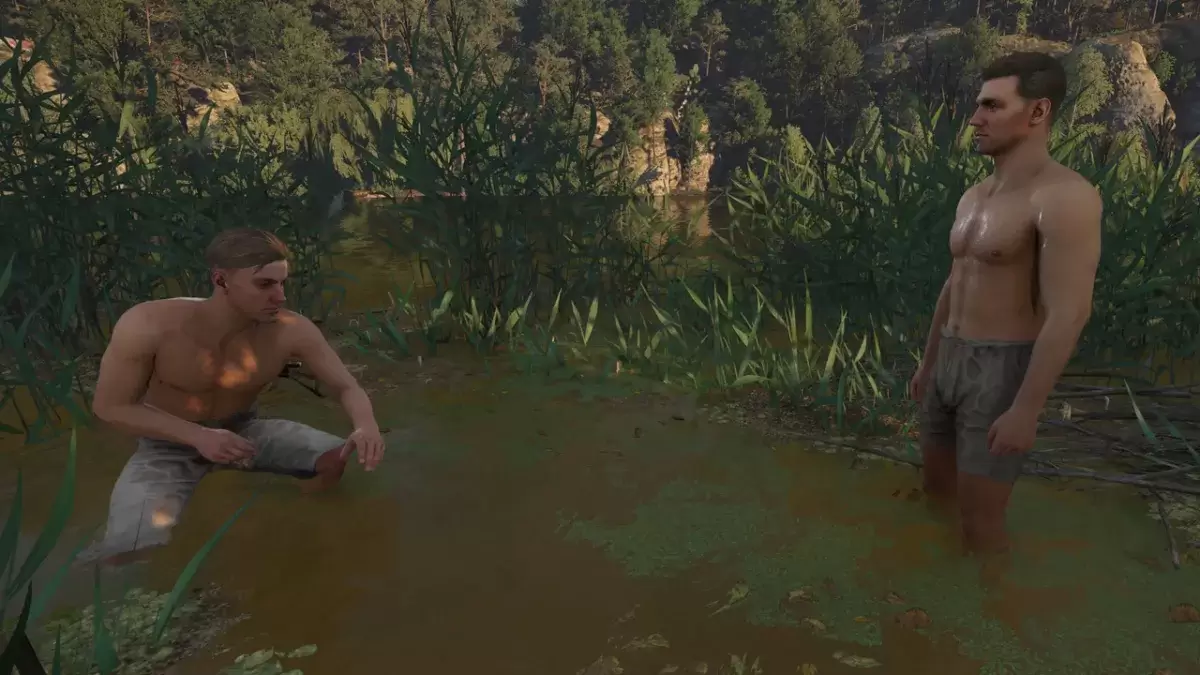
Kingdom Come: Deliverance 2 boasts stunning visuals, especially in fidelity mode. Want to preserve that beauty beyond gameplay? The game features a built-in photo mode, making it easy to capture breathtaking shots.
Activating Photo Mode
Unlike some games that lack photo mode at launch, or never receive one, Kingdom Come: Deliverance 2 includes this feature. Here's how to access it:
Photo Mode Controls
Once in photo mode, time freezes, allowing you to freely position the camera. Here's a breakdown of the controls:
Xbox Series X|S:
PlayStation 5:
PC (Keyboard and Mouse):
Screenshots are saved to your Pictures folder on PC or your console's capture gallery.
Photo Mode Limitations
While the photo mode is a welcome addition, its functionality is currently limited. You can move the camera around the character, zoom, and adjust the angle, but features such as character posing, color grading, or time-of-day adjustments are absent. Hopefully, future updates will expand its capabilities.
Girls Frontline 2: Exilium Global Website Goes Live, Along With Its Socials!
Marvel Rivals: Understanding Bussing and Catching It
New Game Plus in Assassin's Creed Shadows: Confirmed?
Top Skills to Prioritize for Yasuke in Assassin’s Creed Shadows
Assassin’s Creed Shadows Movements Reviewed by Two Parkour Athletes
Death Stranding 2 Release Date Unveiled in Massive Trailer
Pokemon GO Leak Teases New Adventure Effects
Amazon Music Unlimited: Free 3-Month Trial Available
Capcom Teases Resident Evil 9 Celebrating RE4 Sales
Apr 30,2026

Baki the Grappler Joins Two Strikes on Crunchyroll Game Vault
Apr 30,2026
Gaming Monitors Impress at Computex 2025
Apr 29,2026

Netflix will soon offer interactive party games you and your friends can play via mobile
Apr 27,2026

Marvel Contest Semi-Finalists Revealed for Battlerealm Brawl
Apr 25,2026
 Category