Categoria
 by Jack Feb 22,2025
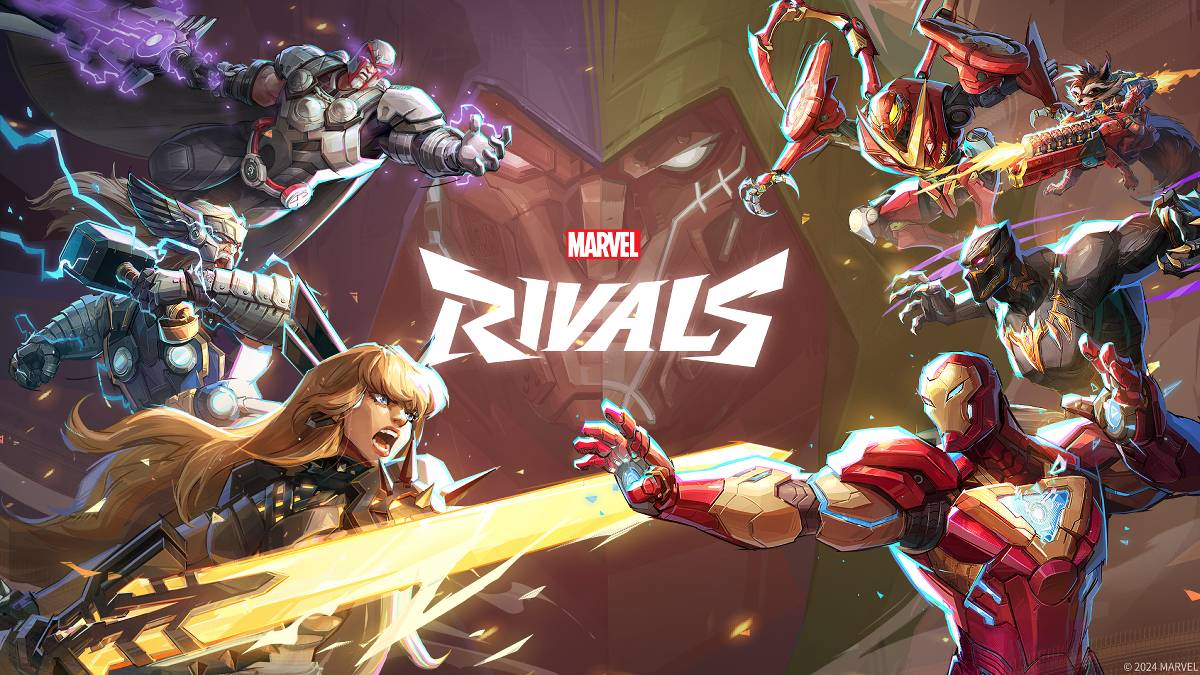
Solução de problemas Marvel Rivals Códigos de erro: um guia abrangente
Os jogos modernos envolvem inevitavelmente bugs e códigos de erro, e Marvel Rivals não é exceção. Este guia fornece soluções para erros comuns encontrados pelos jogadores.
Uma variedade de códigos e bugs de erro pode afetar a jogabilidade, de impedir o acesso a causar falhas e atrasos. Felizmente, a maioria tem soluções viáveis.
| Error Code | Description | Troubleshooting Steps |
|---|---|---|
| Error 4 | Frequently appears on PlayStation, but can also affect PC. | Check internet connection; Verify server status; Relaunch *Marvel Rivals*. |
| 99% Loading Bug | Game stalls at 99% during match loading. | Check internet connection; Close background applications; Adjust Network Diagnostic Settings. |
| Error 211 | Common on Steam, indicating connection problems. | Check server status; Disable third-party server blockers; Check internet connection; Verify game files. |
| Error 10 | Occurs on launch, usually due to poor internet connection. | Check internet connection; Relaunch *Marvel Rivals*; Check server status. |
| Error 220 | May stem from server location or firewall settings. | Modify firewall settings; Adjust DNS settings; Disable third-party server blockers; Use a VPN. |
| Error 21 | Sometimes seen by Xbox players on launch. | Restart console; Reset router; Check server status; Disable IPv6; Use a VPN. |
| Error 5 | Afflicts PlayStation players; indicates high ping and packet loss. | Address high ping and packet loss (check internet connection, network diagnostics). |
| Error 26 | Prevents gameplay. | Check internet connection; Disable VPN; Clear cache files; Verify game files. |
| Packet Loss Error | High ping and packet loss due to latency spikes. | Check internet connection; Close background applications; Adjust Network Diagnostic Settings. |
| DX12 Not Supported | Game fails to launch due to DX12 incompatibility (often Windows or GPU related). | Update Windows; Update GPU drivers; Reinstall *Marvel Rivals*. |
| Error Code 258 | Login failure via PC launcher (common on Epic Games Store). | Investigate Epic Games Store-specific issues. |
| Error LS-0014 | Epic Games Store-related error. | Check antivirus software; Verify game files; Reinstall the game. |
| Igniting the Timestream | Occurs during matchmaking. | Check server status; Restart the game; Check internet connection. |
| Version Mismatch | Appears after game updates. | Verify game files; Check for updates; Check internet connection. |
| Out of Video Memory | Prevents gameplay. | Check VRAM; Update GPU drivers; Close background applications. |
| Blue Screen Error | A critical error, though less frequent. | Clean install GPU drivers; Lower graphics settings; Run Windows Memory Diagnostic Tool. |
Girls Frontline 2: Exilium Global Website vai ao ar, junto com suas redes sociais!
Marvel Rivals: Entendendo o ônibus e pegando
Novo jogo mais em Assassin's Creed Shadows: confirmado?
Principais habilidades para priorizar para Yasuke em Assassin's Creed Shadows
Assassin's Creed Shadows Movimentos revisados por dois atletas de parkour
Death Stranding 2 Data de lançamento revelada em trailer maciço
Pokemon Go Leak provoca novos efeitos de aventura
Amazon Music Unlimited: julgamento gratuito de 3 meses disponível

Shelby American estabelece parceria com PUBG Mobile
May 02,2026
Capcom anuncia Resident Evil 9 para celebrar as vendas de RE4
Apr 30,2026
Baki, o Lutador, entra em dois jogos no Crunchyroll Game Vault
Apr 30,2026
Monitores de Gaming Destacam-se na Computex 2025
Apr 29,2026
A Netflix vai oferecer em breve jogos interativos para festas que você e seus amigos podem jogar pelo celular
Apr 27,2026