by Jack Feb 22,2025
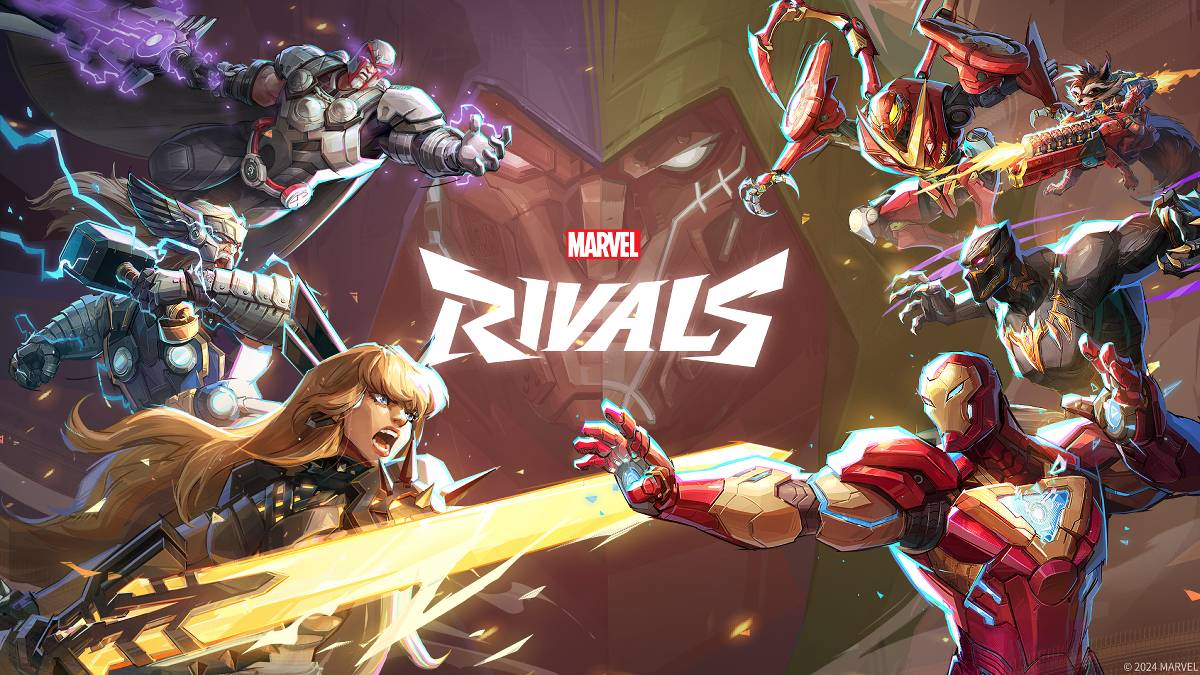
Troubleshooting Marvel Rivals Error Codes: A Comprehensive Guide
Modern gaming inevitably involves bugs and error codes, and Marvel Rivals is no exception. This guide provides solutions for common errors encountered by players.
A variety of error codes and bugs can impact gameplay, from preventing access to causing crashes and lag. Fortunately, most have workable solutions.
| Error Code | Description | Troubleshooting Steps |
|---|---|---|
| Error 4 | Frequently appears on PlayStation, but can also affect PC. | Check internet connection; Verify server status; Relaunch Marvel Rivals. |
| 99% Loading Bug | Game stalls at 99% during match loading. | Check internet connection; Close background applications; Adjust Network Diagnostic Settings. |
| Error 211 | Common on Steam, indicating connection problems. | Check server status; Disable third-party server blockers; Check internet connection; Verify game files. |
| Error 10 | Occurs on launch, usually due to poor internet connection. | Check internet connection; Relaunch Marvel Rivals; Check server status. |
| Error 220 | May stem from server location or firewall settings. | Modify firewall settings; Adjust DNS settings; Disable third-party server blockers; Use a VPN. |
| Error 21 | Sometimes seen by Xbox players on launch. | Restart console; Reset router; Check server status; Disable IPv6; Use a VPN. |
| Error 5 | Afflicts PlayStation players; indicates high ping and packet loss. | Address high ping and packet loss (check internet connection, network diagnostics). |
| Error 26 | Prevents gameplay. | Check internet connection; Disable VPN; Clear cache files; Verify game files. |
| Packet Loss Error | High ping and packet loss due to latency spikes. | Check internet connection; Close background applications; Adjust Network Diagnostic Settings. |
| DX12 Not Supported | Game fails to launch due to DX12 incompatibility (often Windows or GPU related). | Update Windows; Update GPU drivers; Reinstall Marvel Rivals. |
| Error Code 258 | Login failure via PC launcher (common on Epic Games Store). | Investigate Epic Games Store-specific issues. |
| Error LS-0014 | Epic Games Store-related error. | Check antivirus software; Verify game files; Reinstall the game. |
| Igniting the Timestream | Occurs during matchmaking. | Check server status; Restart the game; Check internet connection. |
| Version Mismatch | Appears after game updates. | Verify game files; Check for updates; Check internet connection. |
| Out of Video Memory | Prevents gameplay. | Check VRAM; Update GPU drivers; Close background applications. |
| Blue Screen Error | A critical error, though less frequent. | Clean install GPU drivers; Lower graphics settings; Run Windows Memory Diagnostic Tool. |
| Server Connection Failed | Common, harmless error due to internet connectivity. | Check server status; Check internet connection. |
Many errors are connection-related; ensure a stable Wi-Fi connection. Restarting your device is often a helpful first step.
Marvel Rivals is available on PS5, PC, and Xbox Series X|S.
Girls Frontline 2: Exilium Global Website Goes Live, Along With Its Socials!
Marvel Rivals: Understanding Bussing and Catching It
New Game Plus in Assassin's Creed Shadows: Confirmed?
Top Skills to Prioritize for Yasuke in Assassin’s Creed Shadows
Assassin’s Creed Shadows Movements Reviewed by Two Parkour Athletes
Death Stranding 2 Release Date Unveiled in Massive Trailer
Pokemon GO Leak Teases New Adventure Effects
Amazon Music Unlimited: Free 3-Month Trial Available

Shelby American Teams With PUBG Mobile
May 02,2026
Capcom Teases Resident Evil 9 Celebrating RE4 Sales
Apr 30,2026
Baki the Grappler Joins Two Strikes on Crunchyroll Game Vault
Apr 30,2026
Gaming Monitors Impress at Computex 2025
Apr 29,2026
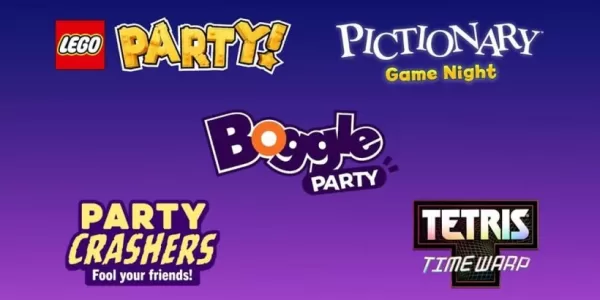
Netflix will soon offer interactive party games you and your friends can play via mobile
Apr 27,2026
 Category