by Isaac Oct 21,2022
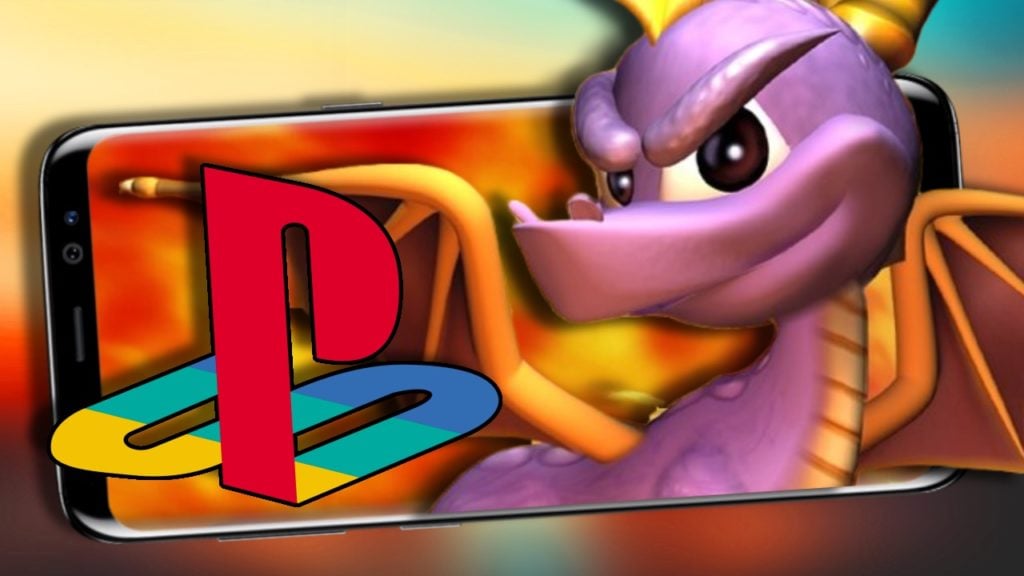
¿Estás buscando volver a visitar algunos de tus queridos juegos retro en tu teléfono? Bueno, parece que necesitas el mejor emulador de PS1 de Android. Para experimentar verdaderamente la magia de la PlayStation original, necesitarás lo mejor de lo mejor en dispositivos móviles. Por supuesto, si después decides que quieres algo más moderno, también te ayudamos en eso. Echa un vistazo a nuestro mejor emulador de Android PS2 o al mejor emulador de Android 3DS para conocer todos los detalles que necesitas. El mejor emulador de Android PS1 Hemos detallado algunos de los principales reproductores que existen. FPse FPSe utiliza OpenGL para proporcionar algunos gráficos brillantes considerando que es un emulador de Android . Este emulador hace que sea más fácil que nunca emular tus juegos favoritos de PS1 en tu dispositivo Android. Es importante tener en cuenta que se recomienda cargar la BIOS cuando se utiliza FPSe. La compatibilidad con el controlador externo es un trabajo en progreso, pero funcional hasta el momento. Incluso hay compatibilidad con la realidad virtual en marcha. (Si puedes manejar eso con gráficos de PS1). El FPSe tiene retroalimentación de fuerza, lo que te permite sumergirte aún más en el juego. RetroArch RetroArch es una excelente opción para una variedad de emulaciones de consola, pero hoy estamos aquí para hablar sobre la PS1, ¡así que sigamos adelante! Lo que hace que RetroArch sea fantástico es el hecho de que se ejecuta en la mayoría de los sistemas operativos, incluidos Linux, FreeBSD y Raspberry Pi. Si desea utilizar RetroArch para la emulación de PS1, puede utilizar el núcleo Beetle PSX. ¡Este núcleo contiene una gran cantidad de clásicos de PS1, lo que significa que puedes jugar tus juegos favoritos sin siquiera necesitar la consola PS1! EmuBox ¡El emulador EmuBox tiene la capacidad de ejecutar una amplia variedad de ROM antiguas! También puedes guardar estas ROM hasta 20 veces. Además, si te encanta tomar capturas de pantalla durante el juego, ¡estás de suerte! Usar el emulador EmuBox te permite tomar una gran cantidad de capturas de pantalla de cada juego. No solo eso, EmuBox también puede funcionar con otras consolas como NES y GBA. Si eres fanático de la personalización, te alegrará saber que puedes personalizar la configuración de EmuBox para garantizar que cada juego funciona bien. Jugar en Android significa que usarás la pantalla táctil, pero EmuBox admite dispositivos externos. ¡Puedes usar un controlador con cable e inalámbrico para que te acompañe durante tu sesión de juego! ePSXe para Android Una oferta premium, aunque no tan costosa, ePSXe es uno de los nombres más importantes en la emulación de PS1, y la versión de Android se beneficia de provenir de ese venerable estable. Tiene una tasa de compatibilidad del 99% con juegos y viene con algunas opciones divertidas para juegos multijugador. Incluso puedes jugar en pantalla dividida y recuperar el modo cooperativo de antaño... si tienes una pantalla de tamaño razonable y un amigo cerca. DuckStation DuckStation es muy compatible con la enorme biblioteca de PlayStation. En algunos juegos solo ocurren problemas gráficos menores y solo unos pocos títulos fallan o se niegan a arrancar. Si desea consultar la lista de compatibilidad, haga clic aquí. DuckStation tiene una interfaz de usuario fácil de usar y un montón de funciones. Además de múltiples renderizadores, el emulador puede mejorar la resolución de los juegos de PS1, corregir la oscilación de las texturas y jugar juegos en pantalla panorámica real. Además, el emulador admite configuraciones por juego. Esto le permite establecer controles y configuraciones de renderizado para ROM individuales, lo cual es una bendición. ¡Y eso es sólo la punta del iceberg! En algunas de las mejores funciones del emulador, podrás overclockear la PS1 que estás emulando o rebobinar el juego para corregir errores sin estados de guardado. Incluso hay soporte para logros retro, añadiendo logros modernos a los juegos retro. Leer más: El mejor emulador de PSP en Android: ¿PPSSPP es el correcto? Emulador Playstation emulador de playstation emulador de playstation para Android
Girls Frontline 2: Exilium Global Website ¡está disponible, junto con sus redes sociales!
Rivales de Marvel: Comprender los autobuses y atraparlo
Nuevo juego más en Assassin's Creed Shadows: ¿Confirmado?
Las principales habilidades para priorizar para Yasuke en Assassin's Creed Shadows
Fecha de lanzamiento de Death Stranding 2 presentado en un remolque masivo
Assassin's Creed Shadows Movimientos revisados por dos atletas de Parkour
Pokemon Go Leak se burla de los nuevos efectos de aventura
Amazon Music Unlimited: Prueba gratuita de 3 meses disponible
Detalles del lanzamiento de Hollow Knight: Silksong
Jun 01,2026
Hytale, similar a Minecraft, vuelve a estar en línea tras que los fundadores lo recuperen de Riot Games
Jun 01,2026
Divinity se revela como la estatua Hellstone del TGA 2025
May 29,2026
Bungie inicia una “revisión exhaustiva” tras descubrir arte sin créditos
May 29,2026
El tráiler de Fantastic Four revela al Caballero Plateado ante la amenaza de Galactus
May 27,2026
 Categoría