by Christopher Apr 11,2025
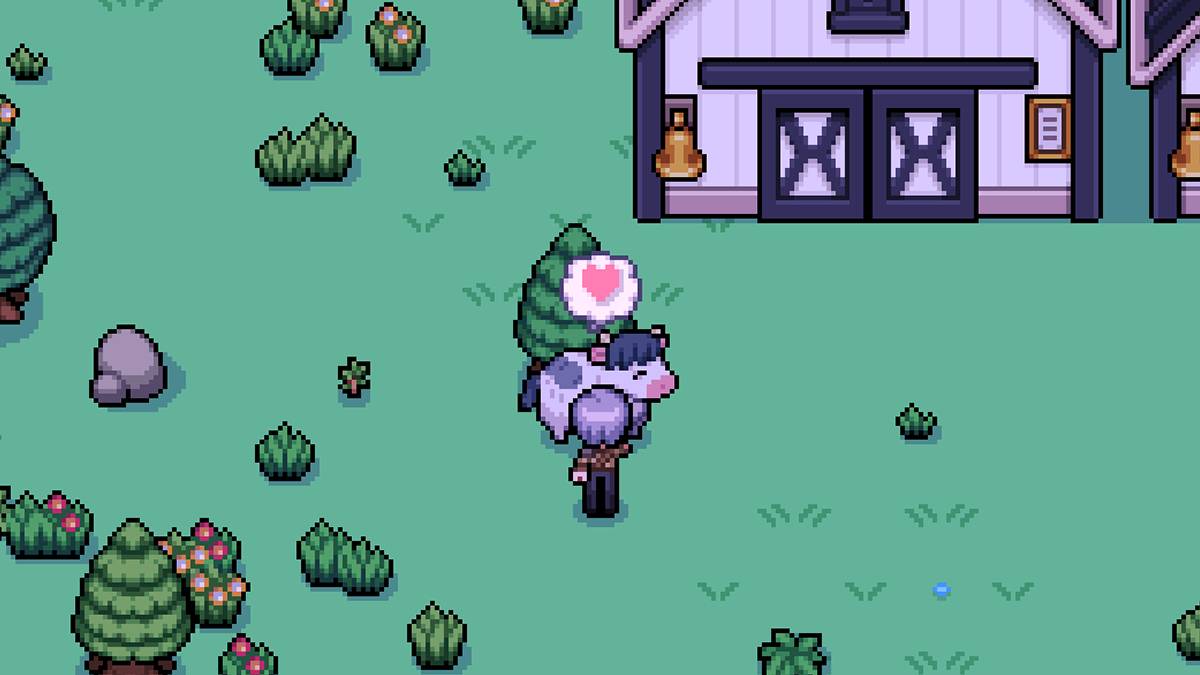
Having livestock in *Fields of Mistria* can be a lucrative venture, but the daily chore of petting them can become tedious. An auto-petter would be the perfect solution to streamline this process on your farm.
Unfortunately, the base version of *Fields of Mistria* does not include an auto-petter. This means you'll need to manually pet your livestock each day if you're playing without modifications. However, there's a workaround: you can use mods to automate this task.
I recommend the Animal Friends mod by annanomoly, available on Nexus Mods. This mod not only introduces an auto-petter but also an auto-feeder for your animals. To make this mod work, you'll need to install the Mods of Mistria Installer, which is essential for activating the mod.
To install the mod, follow these steps:
The Animal Friends mod comes with several features you can customize. In addition to the auto-petter, you can enable the auto-feeder, a friendship multiplier, and prevent friendship loss. The friendship multiplier increases the heart points your animals gain, while the prevent friendship loss feature ensures that these points don't decrease over time.
To tweak these settings, locate the AnimalFriends.json file within the unzipped mod folder. This file is a simple text document where you can activate features by changing "false" to "true". For example, to enable the auto-petter, you would adjust the setting like this: ["auto-feed": true]. To disable any feature, simply revert "true" to "false".
The friendship multiplier requires a numeric value between 1 and 100. Setting it to the maximum will accelerate your bonding with animals. To disable it, set the value back to 1.
Upon installation, the mod defaults to a friendship multiplier of five and activates the prevent friendship loss feature. However, the auto-pet and auto-feed functions are not enabled by default and must be manually turned on.
If you decide to remove the mod, don't just delete the mod folder. Use the Mods of Mistria Installer to uninstall it properly, which helps prevent any corruption or errors in your save file.
That covers everything you need to know about using an auto-petter in *Fields of Mistria*. Always back up your save file before installing mods, even though this one should be stable.
*Fields of Mistria is available to play on PC.*
Girls Frontline 2: Exilium Global Website Goes Live, Along With Its Socials!
Marvel Rivals: Understanding Bussing and Catching It
New Game Plus in Assassin's Creed Shadows: Confirmed?
Top Skills to Prioritize for Yasuke in Assassin’s Creed Shadows
Assassin’s Creed Shadows Movements Reviewed by Two Parkour Athletes
Death Stranding 2 Release Date Unveiled in Massive Trailer
Pokemon GO Leak Teases New Adventure Effects
Amazon Music Unlimited: Free 3-Month Trial Available

Eternity's Bastion Season 2 Debuts Post-EVA 2025 Triumph
Apr 02,2026

Alien RPG: Idle Space Farm Guide
Apr 02,2026
GOG unveils one-click mods, Skyblivion arrives this year
Mar 30,2026

The Darkside Detective Is This Week’s Free Mobile Game on the Epic Games Store
Mar 29,2026

Randy Pitchford Defends Borderlands 4 Comment in Statement
Mar 28,2026
 Category