by Ava Mar 19,2025
Minecraft's chat function is your lifeline for connecting with other players, executing commands, and receiving crucial server updates. It's the central hub for coordinating activities, trading resources, asking questions, engaging in roleplay, and even managing in-game processes. The server itself utilizes the chat to broadcast system messages, warnings, rewards, and important announcements.
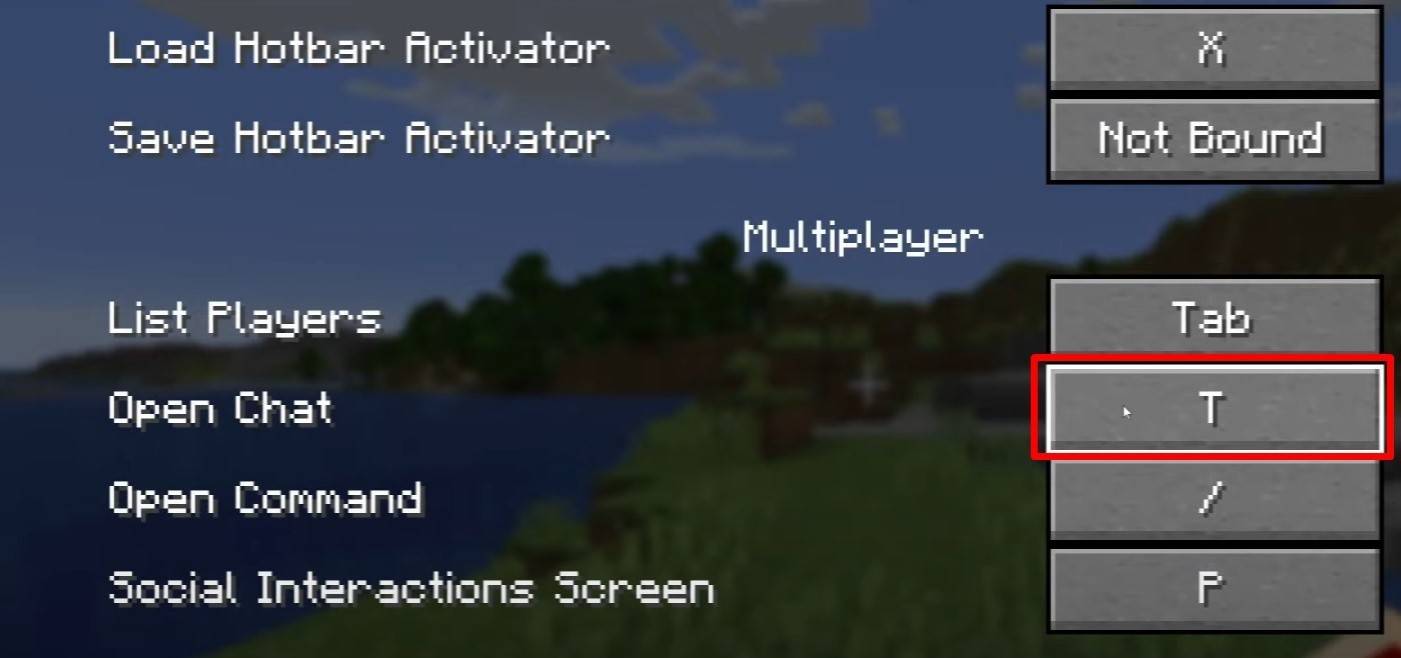 Image: youtube.com
Pressing the "T" key opens the chat window. Type your message and press Enter to send. Commands begin with a forward slash "/". Examples include:
/tp - Teleport to another player/spawn - Teleport to the spawn point/home - Return to your home (if set)/help - Display a list of available commandsIn single-player mode, commands require cheats to be enabled. On servers, command access depends on your assigned permissions.
Also read: Take charge of Minecraft: a deep dive into commands
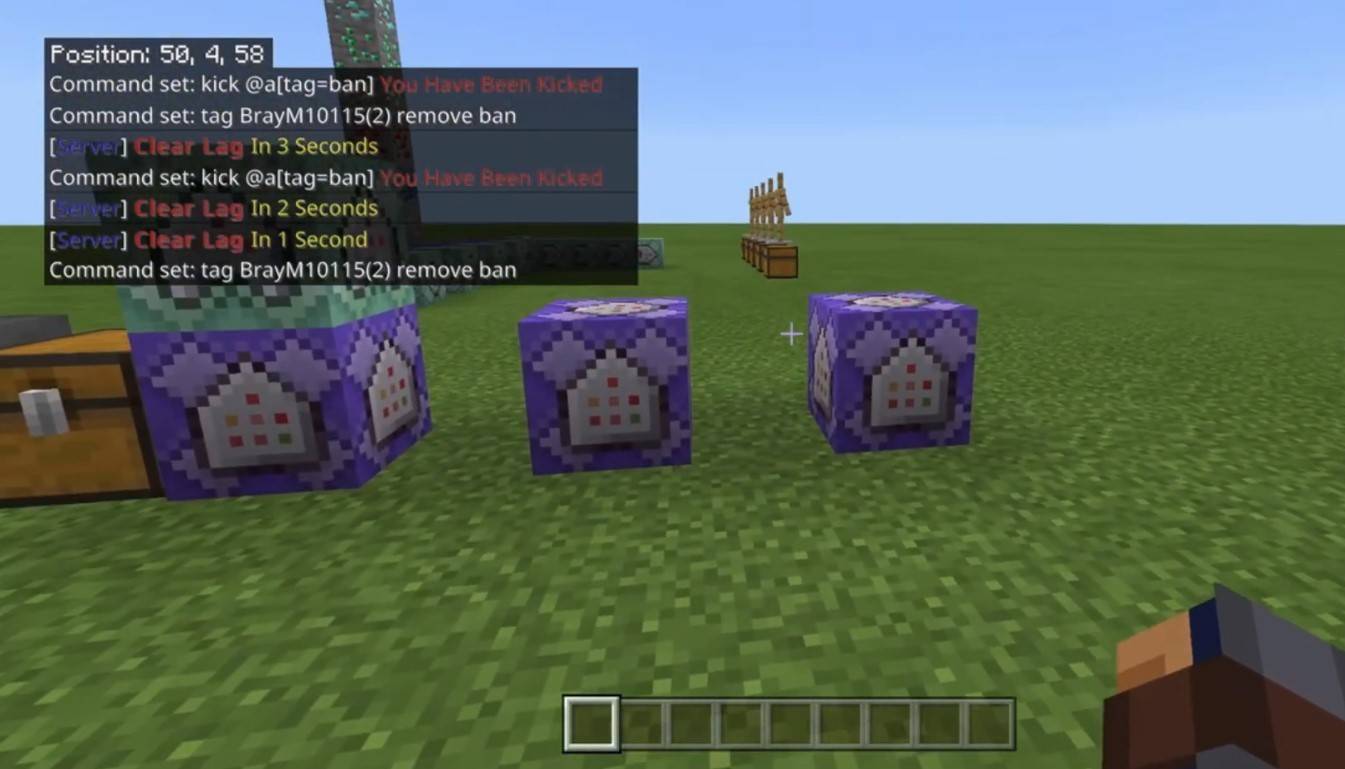 Image: youtube.com
Servers offer various communication methods. The standard chat broadcasts messages to all players. Private messages are sent using /msg and are only visible to the recipient. Group or team chats, often facilitated by server plugins, can be accessed via commands like /partychat or /teammsg. Some servers utilize global and local chats, with global messages visible to everyone and local messages limited to a specific radius.
Server roles also influence chat access. Regular players can use basic chat and commands, while moderators and administrators possess expanded privileges, including the ability to mute or ban players (muting silences a player, while banning prevents server access).
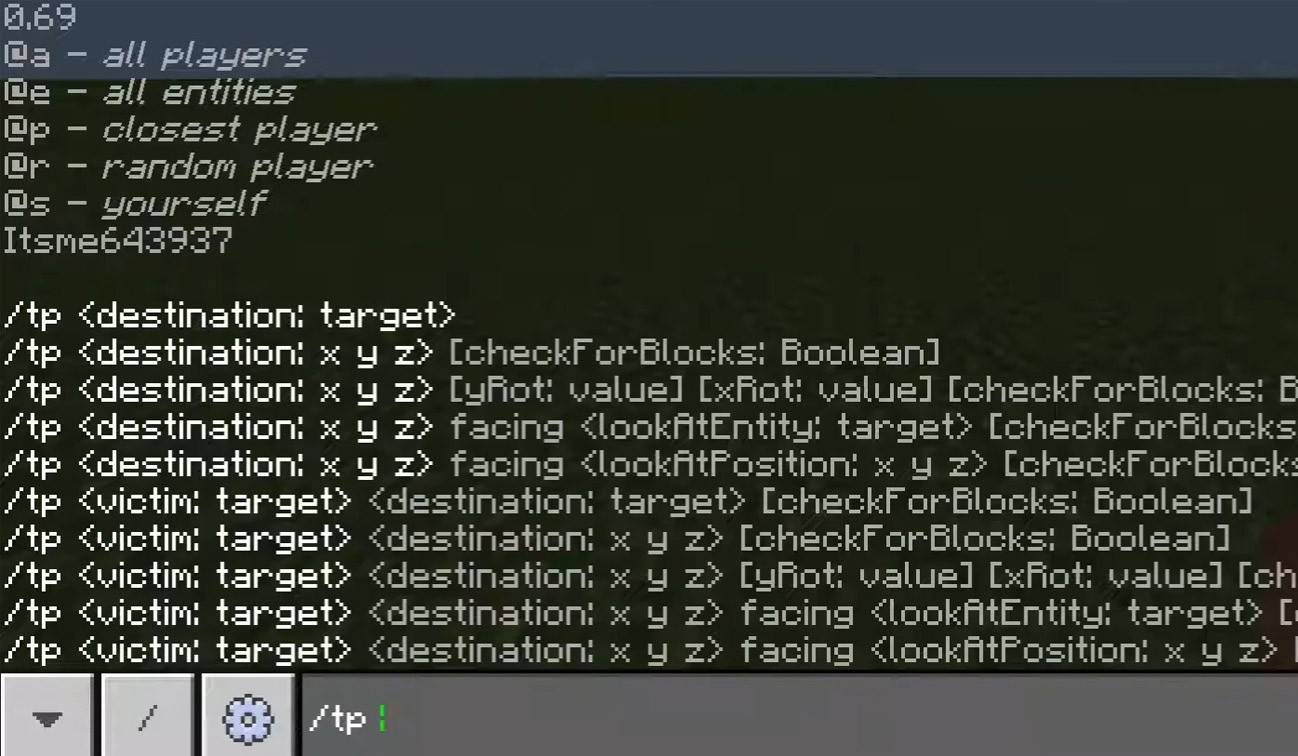 Image: youtube.com
/togglechat command.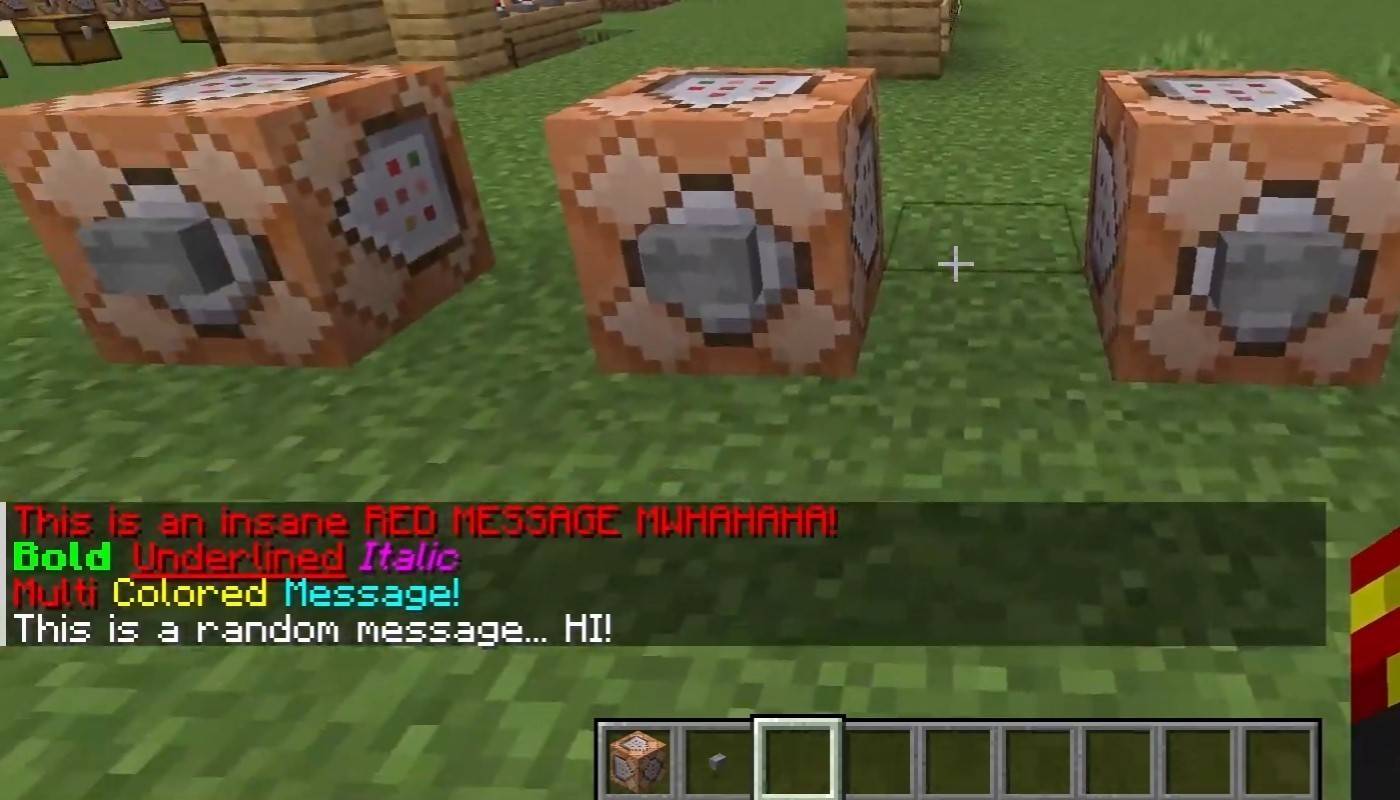 Image: youtube.com
Servers supporting text formatting allow you to use these codes:
&l - Bold text&o - Italic text&n - Underlined text&m - Strikethrough text&r - Reset formattingThe chat displays player join/leave messages, achievement notifications (e.g., "Player has obtained a diamond pickaxe"), server announcements, news, events, updates, and command errors (e.g., "You do not have permission"). It also shows messages about executed commands and game status updates. Administrators and moderators use the chat to inform players of important changes or server rules.
/ignore - Ignore messages from a specific player./unignore - Remove a player from your ignore list./chatslow - Slow down the chat (limit message sending rate)./chatlock - Temporarily disable the chat.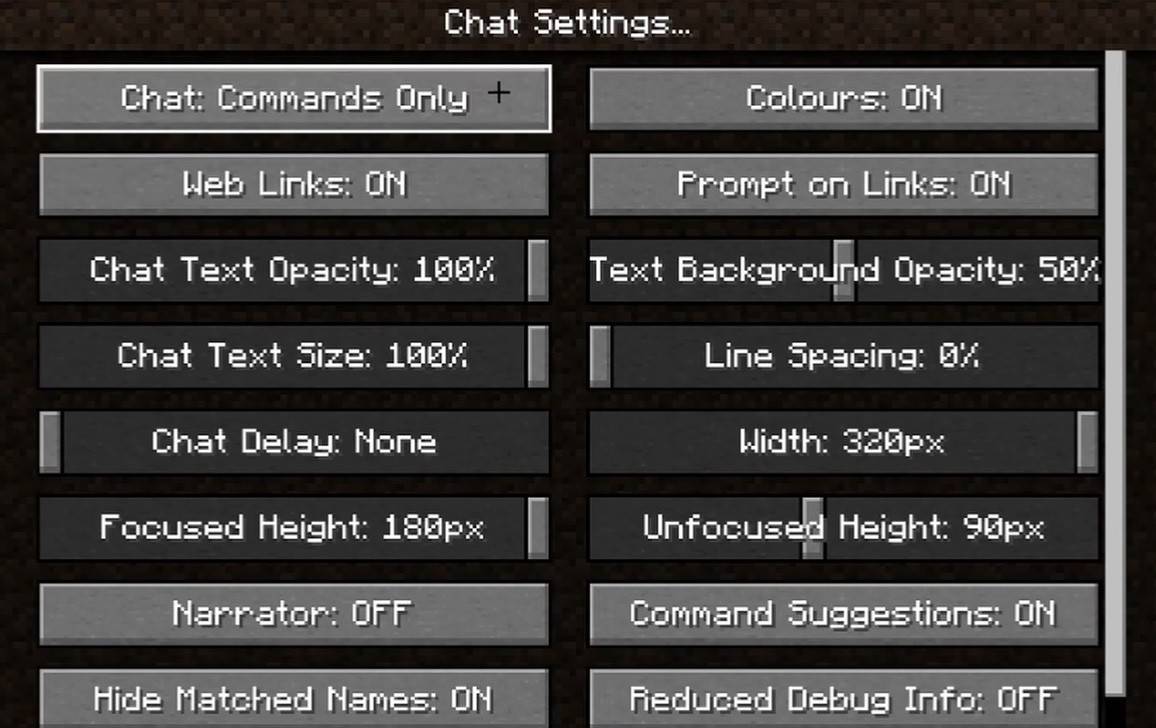 Image: youtube.com
The "Chat and Commands" menu allows you to enable/disable chat, adjust font size and background transparency, and configure the profanity filter (Bedrock Edition). You can also customize command message display and text color. Some versions offer message type filtering for a more streamlined experience.
Bedrock Edition commands sometimes differ slightly (e.g., /tellraw functionality). Newer Java Edition versions feature message filtering and message sending confirmations.
Custom servers often include auto-announcements for rules, events, etc. Spam, advertisement, profanity, and insult filters are common. Large servers may offer additional chat channels, such as trade, clan, or faction chats.
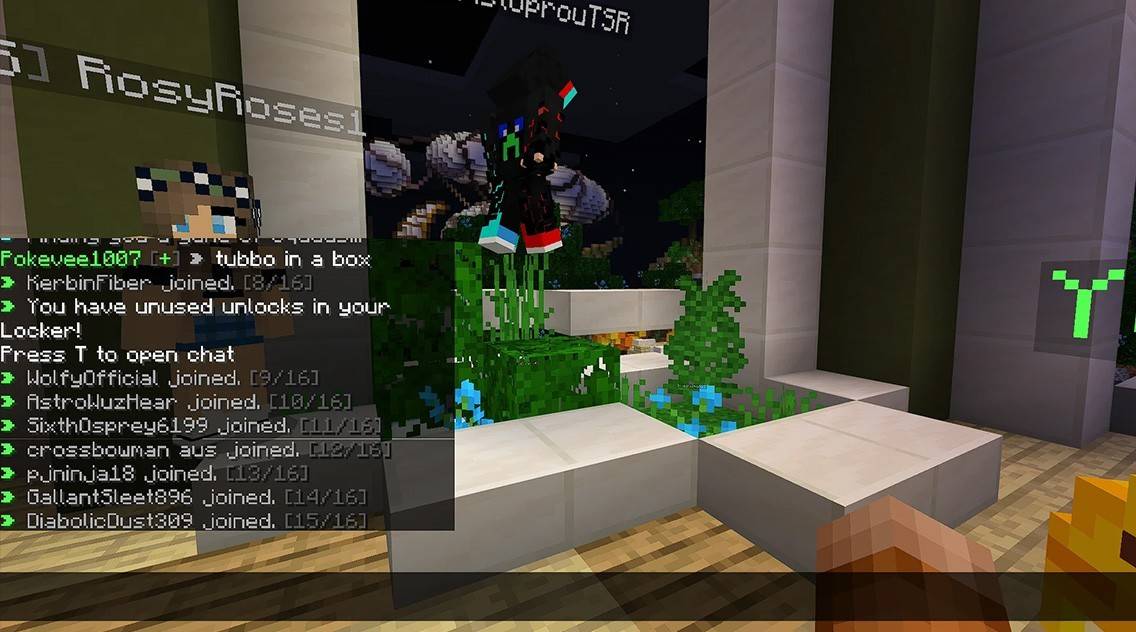 Image: youtube.com
Minecraft's chat isn't just communication; it's a gameplay management tool. Its customizability, commands, and features make it a powerful asset for effective player interaction. Understanding its basics unlocks a smoother and more enjoyable Minecraft experience!
Girls Frontline 2: Exilium Global Website Goes Live, Along With Its Socials!
Marvel Rivals: Understanding Bussing and Catching It
New Game Plus in Assassin's Creed Shadows: Confirmed?
Top Skills to Prioritize for Yasuke in Assassin’s Creed Shadows
Assassin’s Creed Shadows Movements Reviewed by Two Parkour Athletes
Death Stranding 2 Release Date Unveiled in Massive Trailer
Pokemon GO Leak Teases New Adventure Effects
Amazon Music Unlimited: Free 3-Month Trial Available
Ahsoka Revealed at Star Wars Celebration
Apr 09,2026
Netflix and PBS to Stream New Sesame Street Episodes After HBO Max Deal Ends
Apr 07,2026

Eternity's Bastion Season 2 Debuts Post-EVA 2025 Triumph
Apr 02,2026

Alien RPG: Idle Space Farm Guide
Apr 02,2026
GOG unveils one-click mods, Skyblivion arrives this year
Mar 30,2026
 Category