by Emily Apr 20,2025
In the fast-paced world of Freedom Wars Remastered, where players face off against towering Abductors and must dodge penalties for exceeding 10 seconds in the Panopticon, manually saving your game is crucial to preserving your hard-earned progress. Whether you're gearing up for a tough mission or simply taking a break, understanding how to save your game is essential. Let's delve into the saving mechanics of Freedom Wars Remastered.
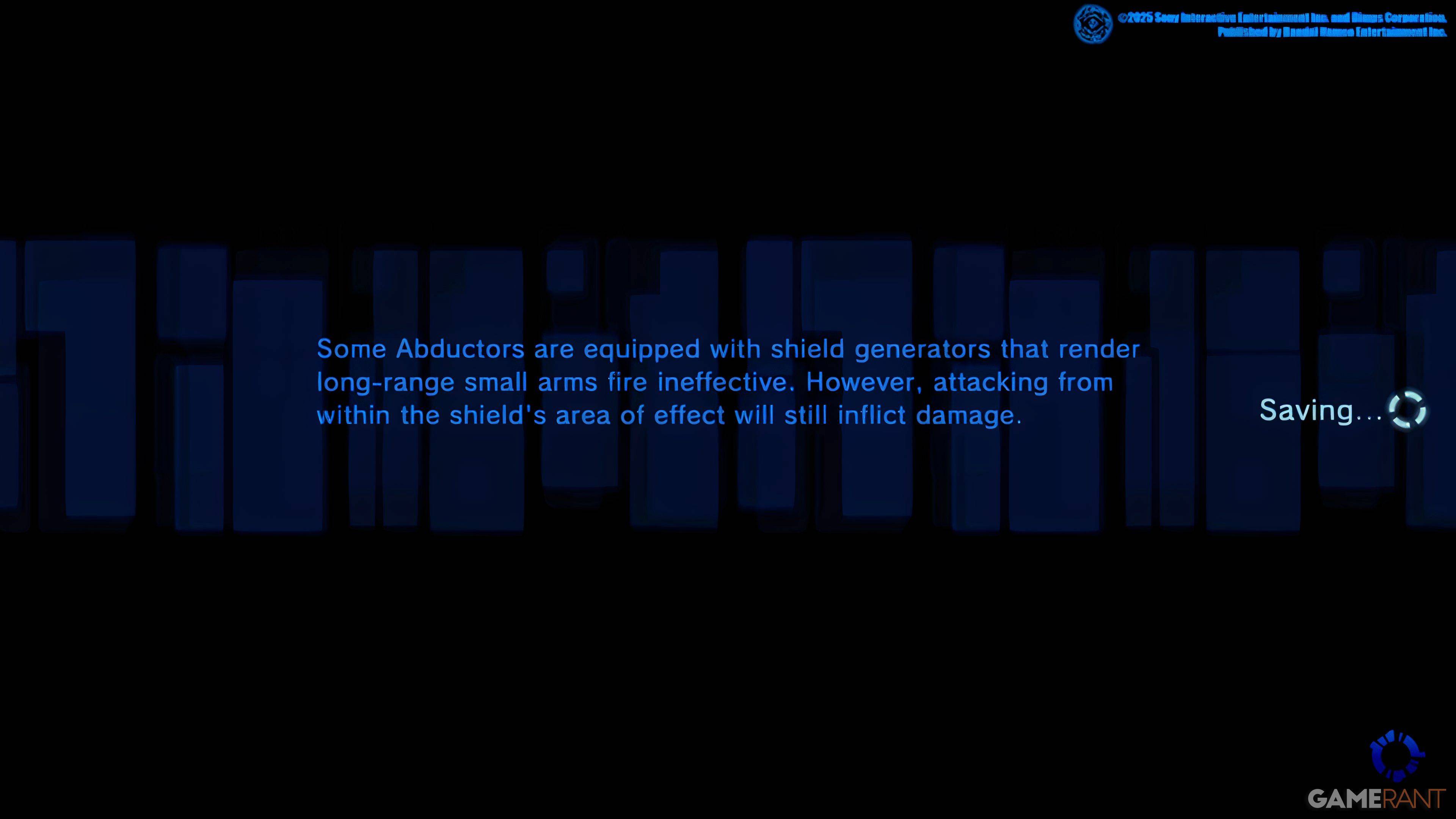
From the outset, the game introduces you to its mechanics through a tutorial, which can be overwhelming due to the sheer amount of information. You'll occasionally see a small saving icon on the right side of your screen, indicating that the game's Autosave system is active. This system automatically saves your progress after missions, significant dialogues, or cutscenes. However, relying solely on Autosave can be risky, which is why the Manual Save feature is invaluable.
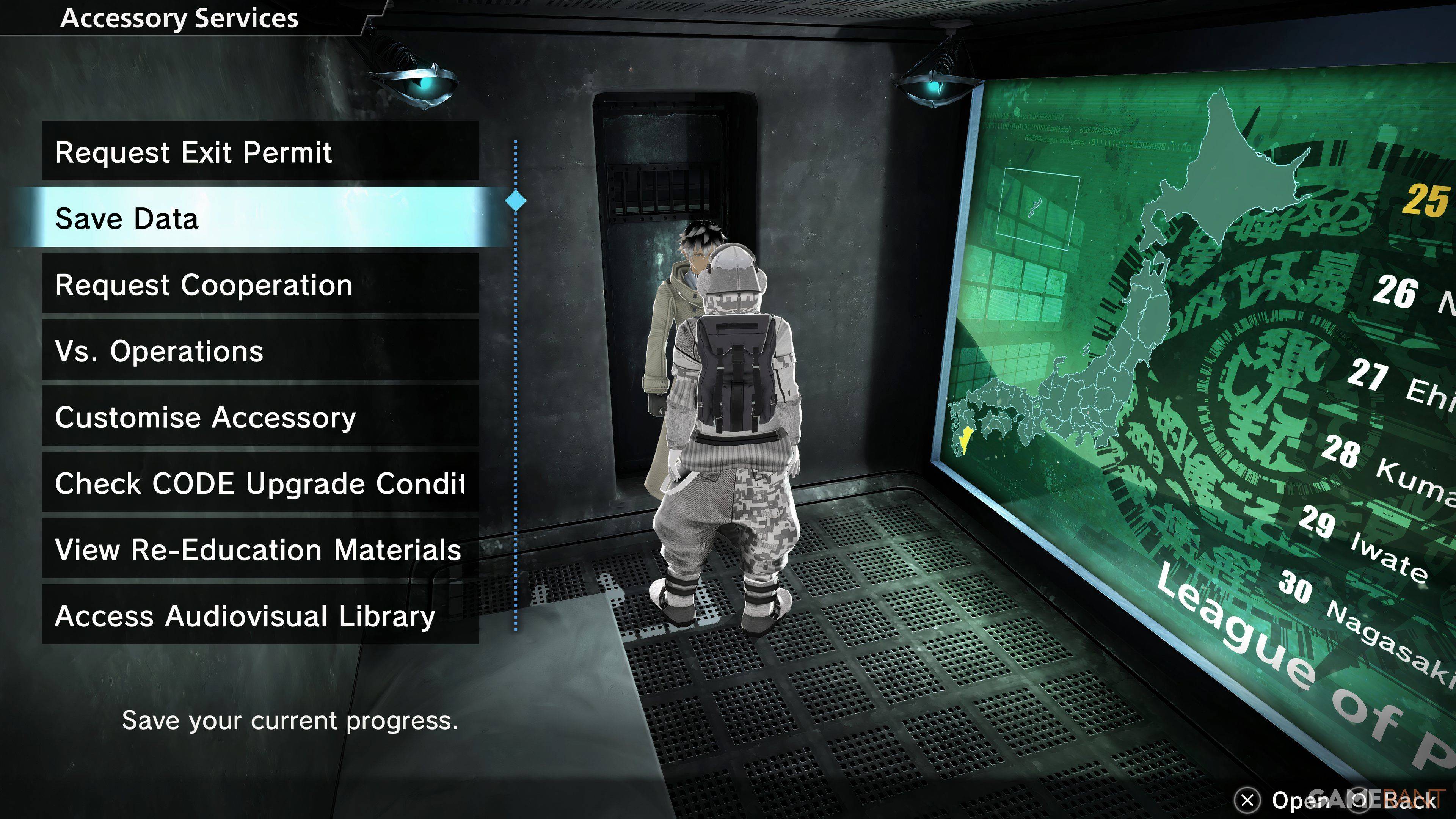
Freedom Wars Remastered offers a Manual Save option, but it comes with a caveat: there's only one save file available. This means you can't go back to earlier points in the story using different save files. To manually save, navigate to your Accessory in your Panopticon Cell and choose "Save Data," which is the second option on the menu. Once your Accessory grants permission, your current progress will be securely saved.
This single save file system means that important decisions you make can permanently affect the game's outcome, as you won't have the option to revert to earlier saves. For players with a PlayStation Plus subscription, there's a useful workaround: you can upload your save data to the Cloud and download it as needed. This feature not only allows you to revisit crucial moments but also provides an additional layer of protection against data loss.
Given that some players have reported game crashes, it's highly recommended to save your game frequently. By doing so, you can minimize the risk of losing progress and ensure a smoother gaming experience in the intense world of Freedom Wars Remastered.
Girls Frontline 2: Exilium Global Website Goes Live, Along With Its Socials!
Marvel Rivals: Understanding Bussing and Catching It
New Game Plus in Assassin's Creed Shadows: Confirmed?
Top Skills to Prioritize for Yasuke in Assassin’s Creed Shadows
Assassin’s Creed Shadows Movements Reviewed by Two Parkour Athletes
Death Stranding 2 Release Date Unveiled in Massive Trailer
Pokemon GO Leak Teases New Adventure Effects
Amazon Music Unlimited: Free 3-Month Trial Available
GOG unveils one-click mods, Skyblivion arrives this year
Mar 30,2026

The Darkside Detective Is This Week’s Free Mobile Game on the Epic Games Store
Mar 29,2026

Randy Pitchford Defends Borderlands 4 Comment in Statement
Mar 28,2026
Pokémon Players Now Think Another Card 'Looks Very Similar' to Fan Art, but Others Aren't Convinced This Is a Ho-Oh Plagiarism Situation
Mar 26,2026

Clown Alley Creator Launches, Craft Your Character
Mar 26,2026
 Category