by Sebastian Apr 22,2025
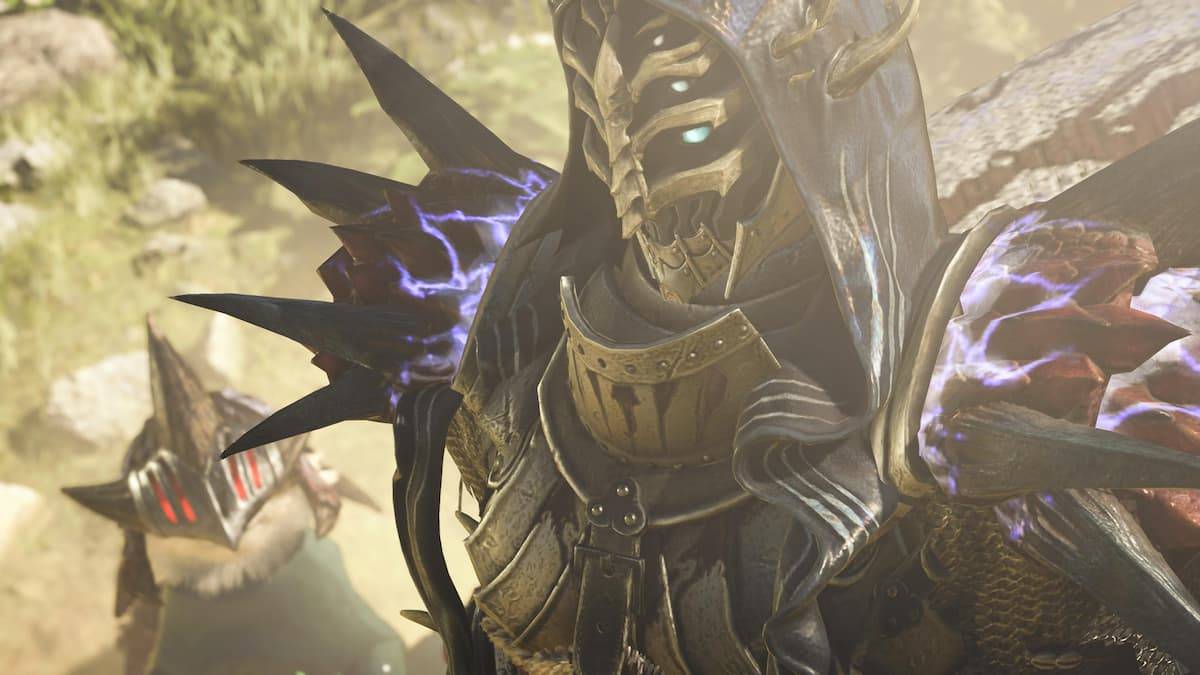
One of the exciting new features in *Monster Hunter Wilds* is the introduction of the Seikret, which provides significant utility both in and out of combat. If you're curious about how to switch weapons in *Monster Hunter Wilds*, here's a comprehensive guide to help you master this mechanic.
To seamlessly switch between your primary and secondary weapons in *Monster Hunter Wilds*, you first need to mount your Seikret. Once mounted, simply press right on the d-pad if you're using a console, or the X key if you're playing on PC. This action will automatically equip your secondary weapon. You can summon your Seikret to your location anytime on the field by pressing up on the d-pad.
It's important to note that you can also manage your primary and secondary weapons at Base Camp. The most straightforward method is to speak with Gemma, access your weapon inventory, select the desired weapon, and designate it as either your primary or secondary. Your primary weapon will be carried by your Hunter, while your secondary weapon will be stored on your Seikret. You have the flexibility to change this setup at any time.
The ability to switch between two weapon types in *Monster Hunter Wilds* is a game-changer. While it's beneficial to become highly proficient with one weapon type, mastering multiple types can significantly enhance your ability to tackle various threats. Additionally, consider equipping different elemental weapons to prepare for unexpected monster encounters during your quests.
That's the complete guide on how to switch weapons in *Monster Hunter Wilds*. For more in-depth tips and information on the game, including detailed rundowns of all armor sets and our best weapons tier list, be sure to visit The Escapist.
Girls Frontline 2: Exilium Global Website Goes Live, Along With Its Socials!
Marvel Rivals: Understanding Bussing and Catching It
New Game Plus in Assassin's Creed Shadows: Confirmed?
Top Skills to Prioritize for Yasuke in Assassin’s Creed Shadows
Assassin’s Creed Shadows Movements Reviewed by Two Parkour Athletes
Death Stranding 2 Release Date Unveiled in Massive Trailer
Pokemon GO Leak Teases New Adventure Effects
Amazon Music Unlimited: Free 3-Month Trial Available
GOG unveils one-click mods, Skyblivion arrives this year
Mar 30,2026

The Darkside Detective Is This Week’s Free Mobile Game on the Epic Games Store
Mar 29,2026

Randy Pitchford Defends Borderlands 4 Comment in Statement
Mar 28,2026
Pokémon Players Now Think Another Card 'Looks Very Similar' to Fan Art, but Others Aren't Convinced This Is a Ho-Oh Plagiarism Situation
Mar 26,2026

Clown Alley Creator Launches, Craft Your Character
Mar 26,2026
 Category