by Aurora Apr 23,2025
Handheld gaming PCs have surged in popularity over the last couple of years, largely thanks to the groundbreaking Steam Deck by Valve. This has spurred major PC manufacturers to develop their own handheld devices, and the Lenovo Legion Go S is Lenovo's latest entry, positioning itself closer to the Steam Deck in design and functionality than its predecessor, the original Legion Go.
Unlike the original Legion Go, which featured Switch-like removable controllers and numerous additional dials and buttons, the Legion Go S adopts a streamlined unibody design. This shift makes the device more user-friendly and ergonomic. A notable upcoming feature is the release of a SteamOS version of the Legion Go S later this year, marking it as the first non-Valve handheld to run this Linux-based operating system out-of-the-box. However, the model reviewed here operates on Windows 11 and, at $729, struggles to match the performance of similarly priced competitors.
 7 Images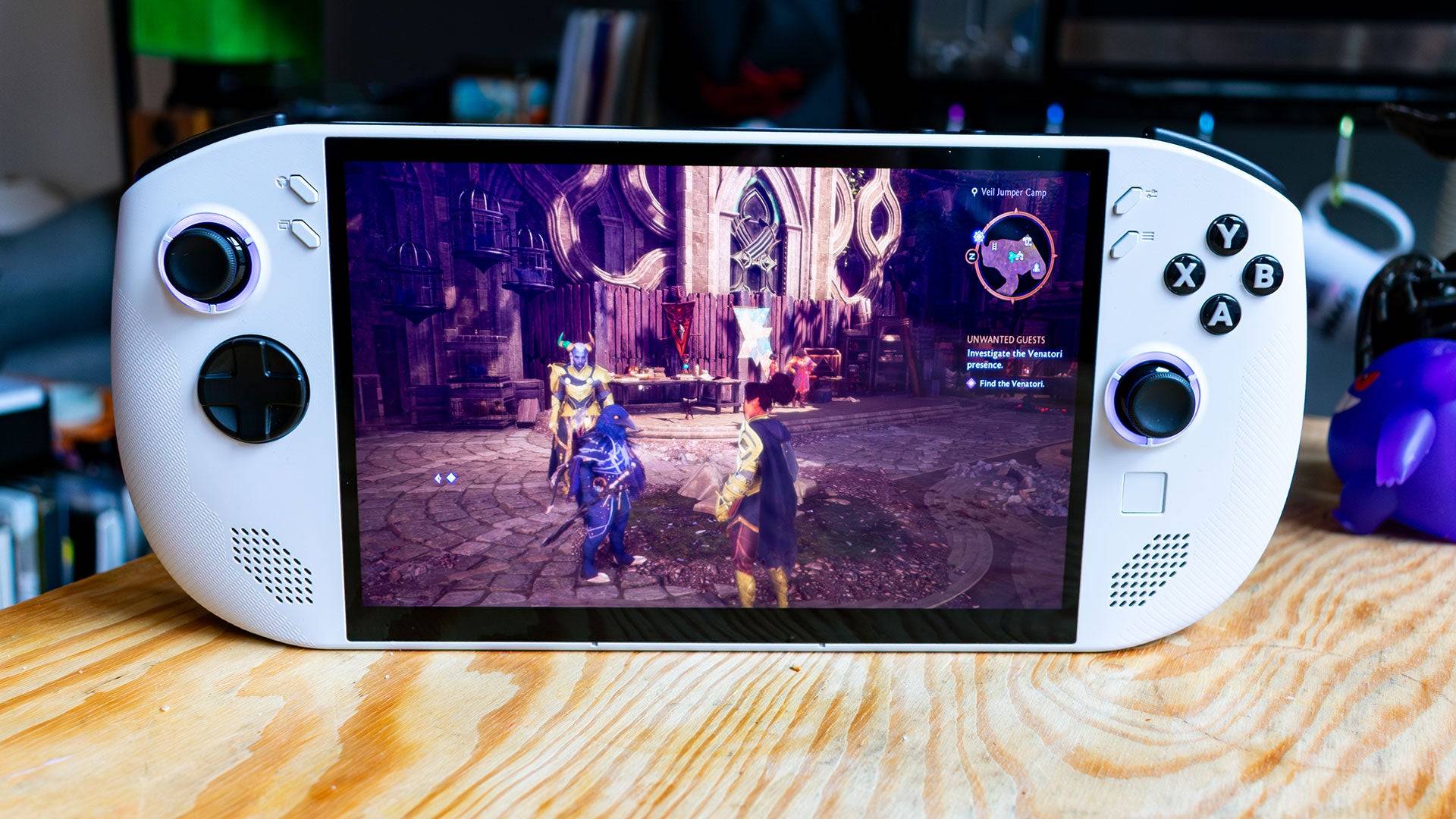
 Lenovo Legion Go S – Design
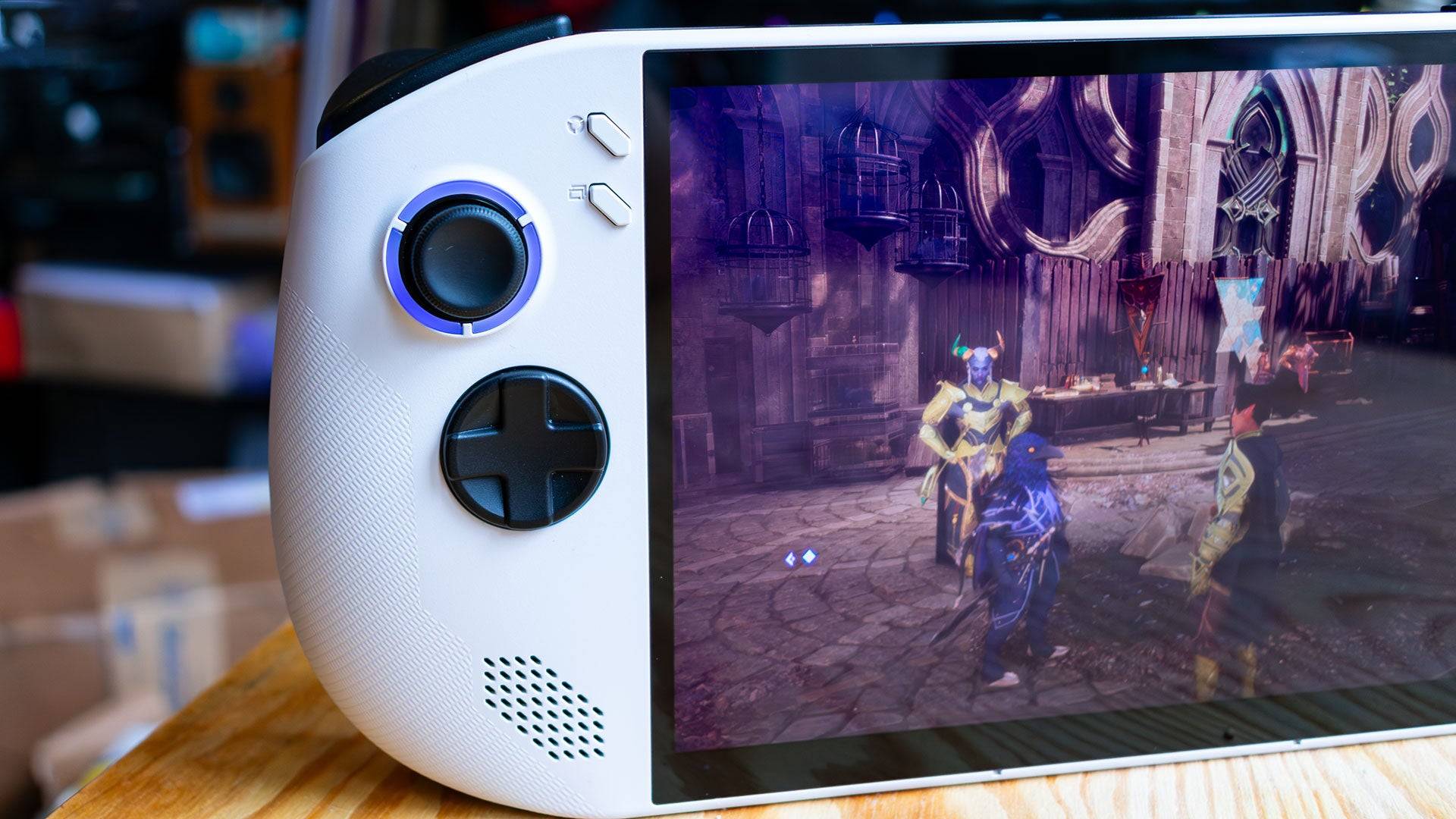
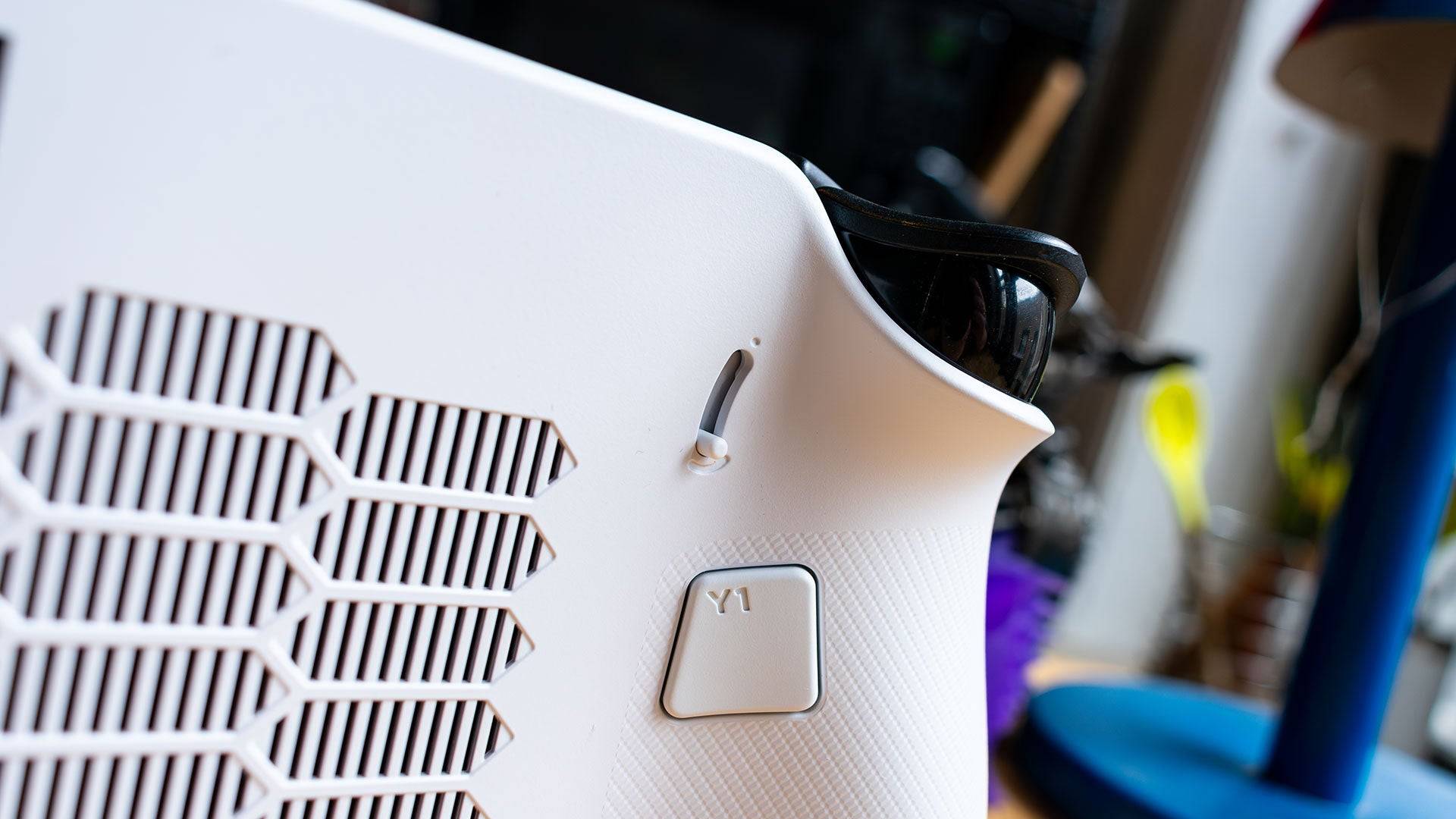
The Lenovo Legion Go S boasts a sleek design, resembling the Asus ROG Ally more than the original Legion Go. Its unibody construction enhances usability, though its rounded edges contribute significantly to comfort during extended play sessions. Despite weighing 1.61 pounds, which is slightly less than the bulky original Legion Go (1.88 pounds) but more than the Asus ROG Ally X (1.49 pounds), the Go S feels substantial in hand.
The device features an impressive 8-inch, 1200p IPS display rated at 500 nits of brightness. This screen delivers stunning visuals, enhancing the gaming experience across various titles, from vibrant games like Dragon Age: The Veilguard to more realistic ones like Horizon Forbidden West. It's one of the top displays in the handheld gaming PC market, only surpassed by the Steam Deck OLED.
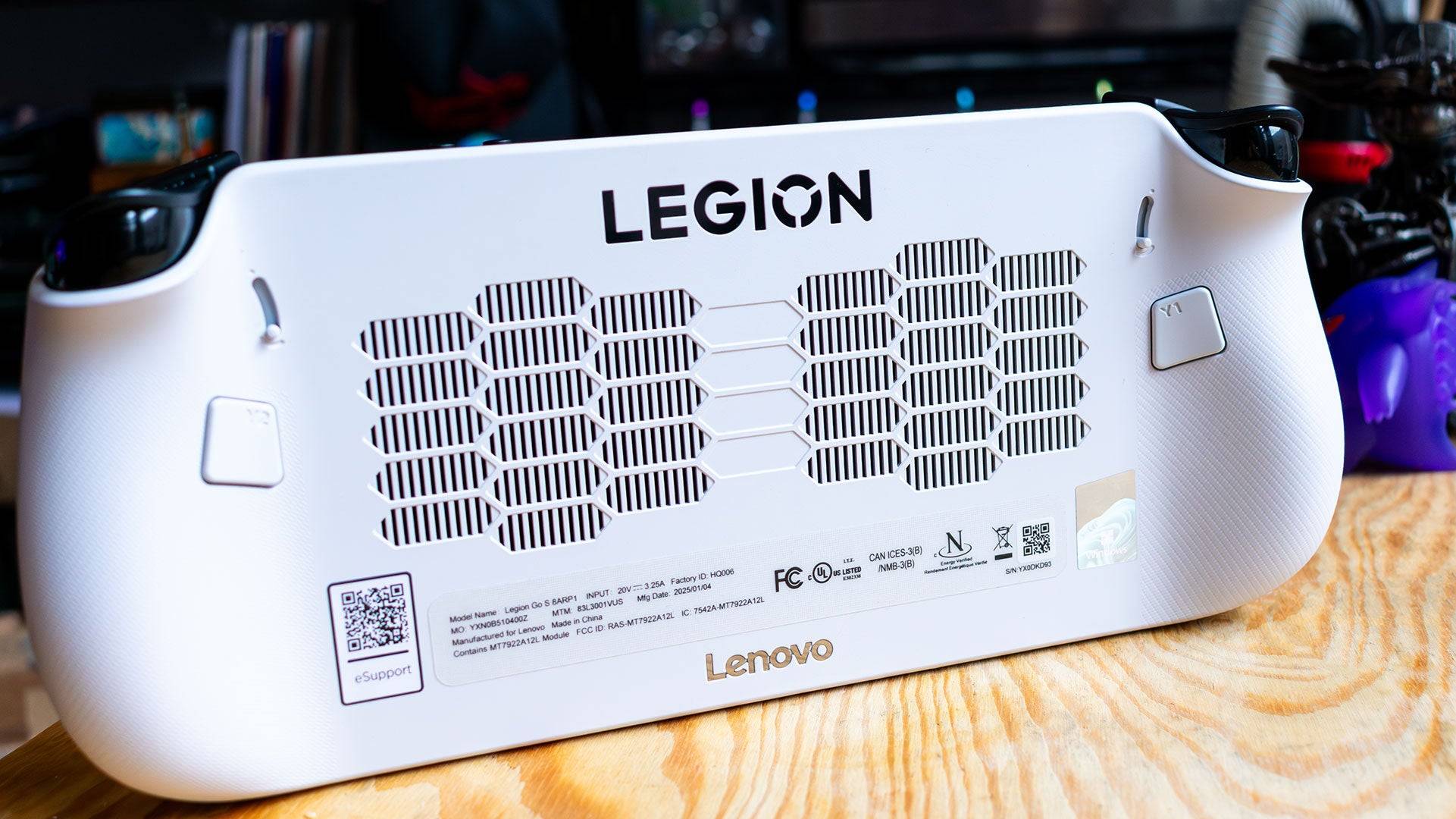
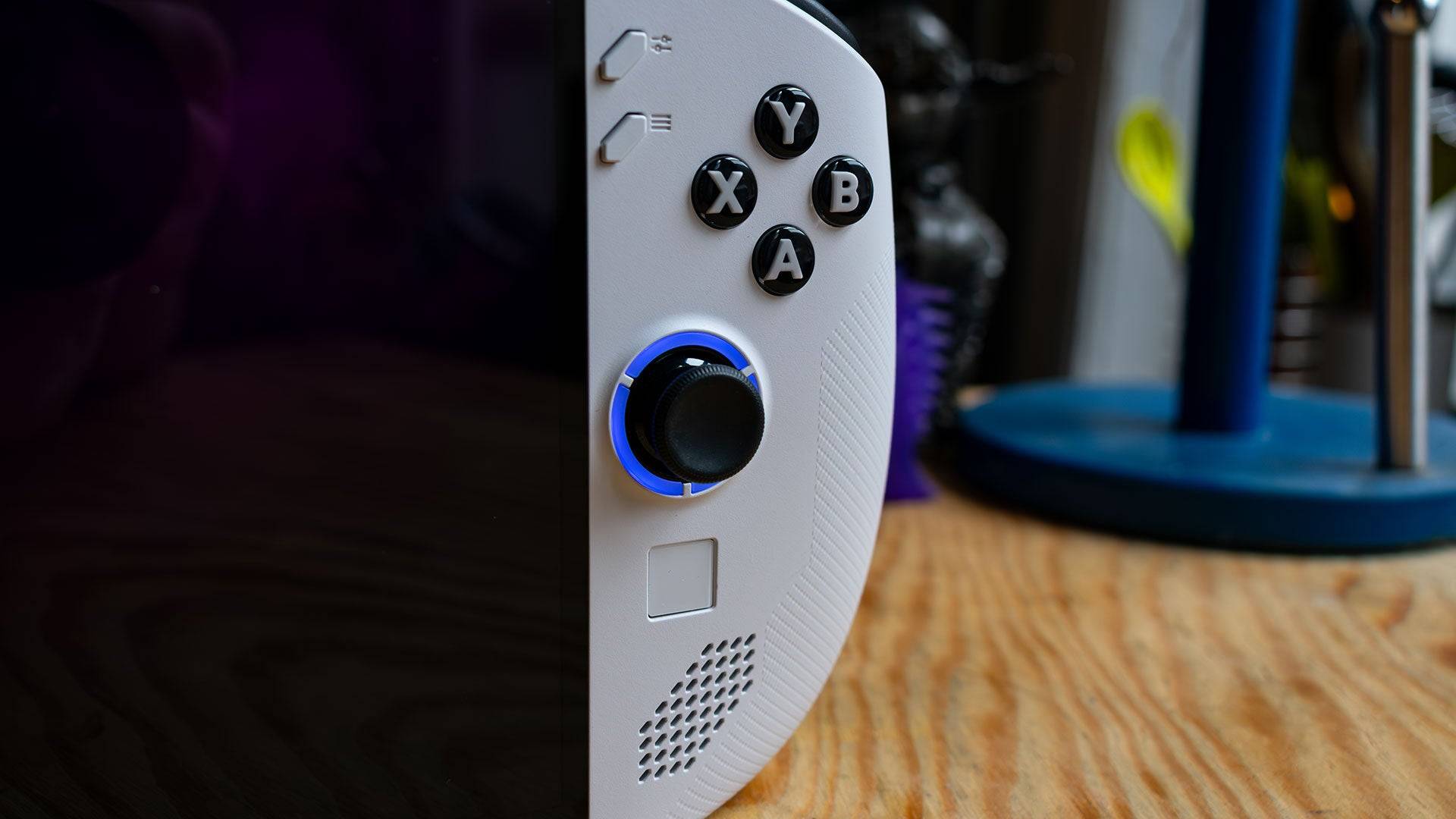
The Legion Go S comes in two color options: Glacier White and Nebula Nocturne, with the latter reserved for the upcoming SteamOS version. Each joystick is accentuated with an RGB lighting ring that can be easily customized through the on-screen menu. The button layout has been significantly improved over the original Legion Go, with 'Start' and 'Select' buttons placed more intuitively on either side of the display. However, the inclusion of Lenovo's custom menu buttons above these can lead to initial confusion but offers useful shortcuts for managing system settings and performance.
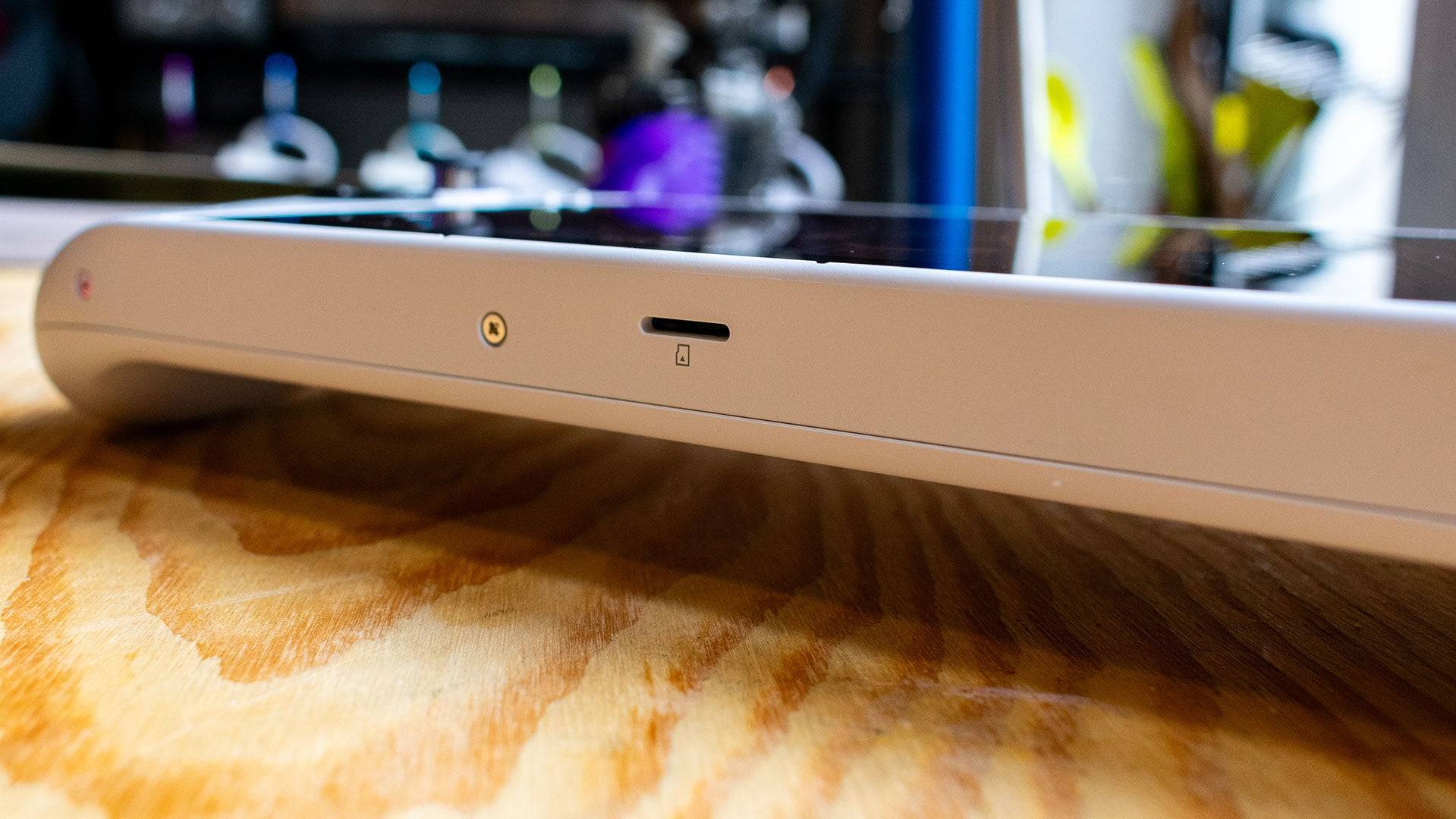
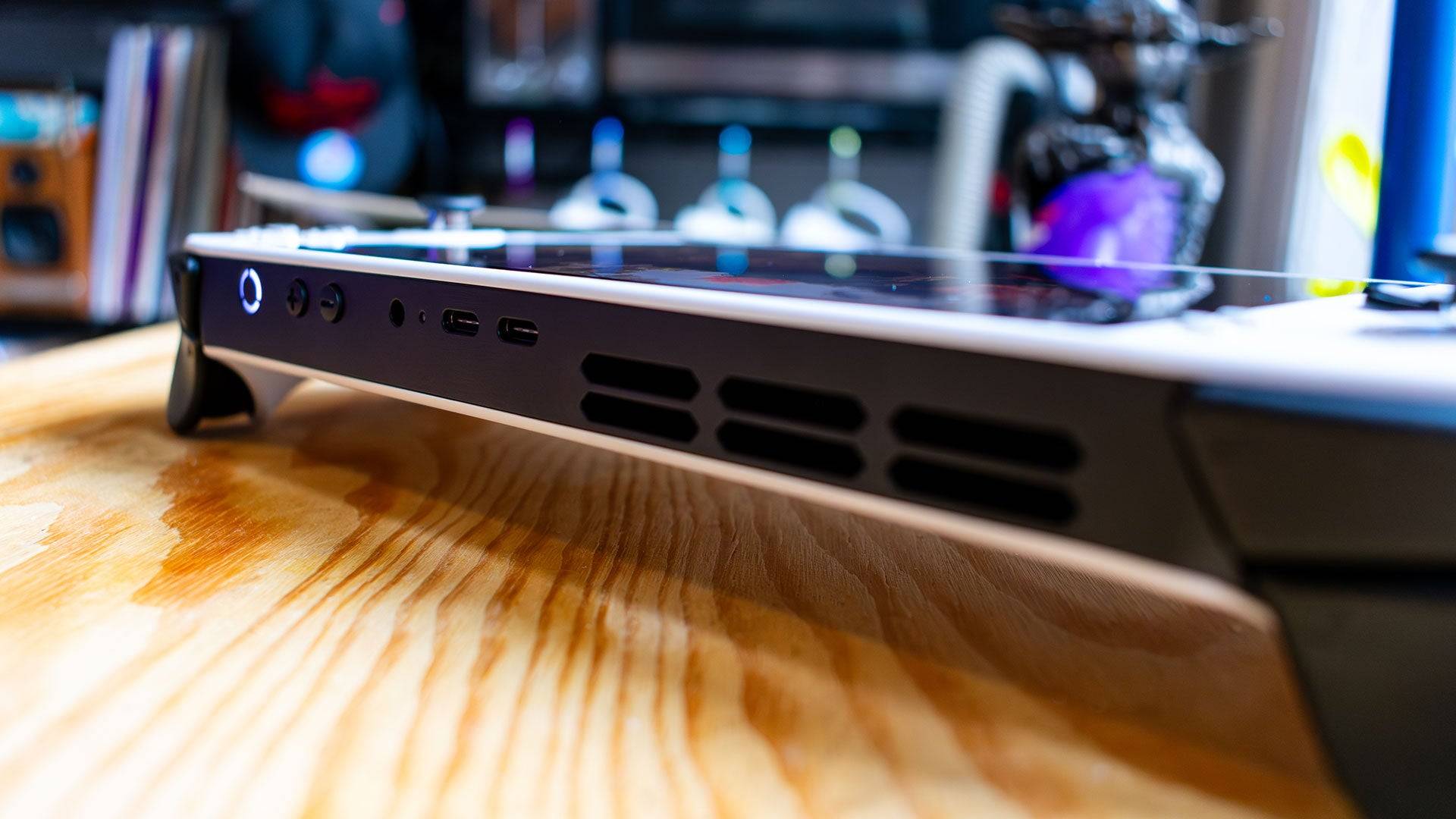
The touchpad, a feature from the original Legion Go, is now smaller, making Windows navigation slightly more challenging. The Legion Go S also includes programmable 'paddle' buttons on the back, which are more resistant to accidental presses, and adjustable trigger travel settings, though limited to two options. The top of the device houses two USB 4 ports for charging and peripherals, while the bottom features a centrally placed MicroSD card slot.
The reviewed Lenovo Legion Go S model, equipped with a Z2 Go APU, 32GB of LPDDR5 RAM, and a 1TB SSD, is available from February 14 for $729.99. A more budget-friendly version with 16GB of RAM and a 512GB SSD will be released in May for $599.99.
Powered by the new AMD Z2 Go APU, the Legion Go S does not lead in performance benchmarks. Its Zen 3 processor with 4 cores and 8 threads, coupled with an RDNA 2 GPU with 12 graphics cores, is outpaced by competitors like the original Legion Go and the Asus ROG Ally X. The larger 55Whr battery does not translate to better battery life, with the device lasting 4 hours and 29 minutes in the PCMark10 test, slightly less than its predecessor.
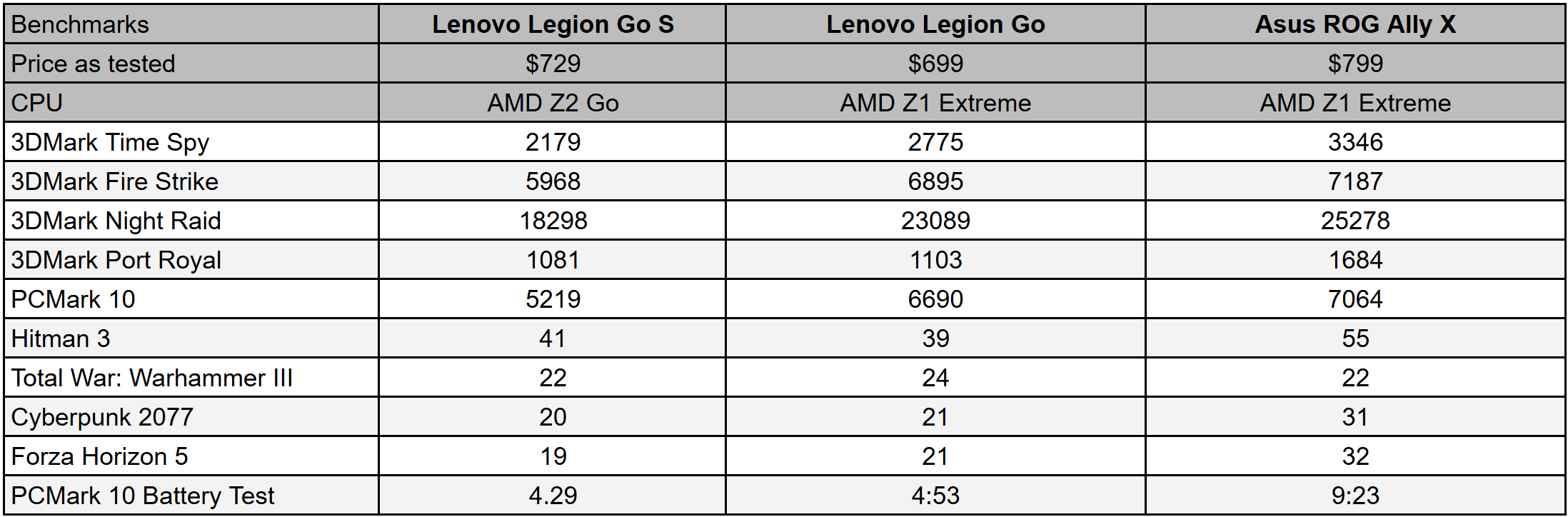
In 3DMark's Time Spy, the Legion Go S scores 2,179 points, lagging behind the original Legion Go (2,775 points) and the ROG Ally X (3,346 points). In gaming tests, the Go S shows minor improvements in some titles like Hitman: World of Assassination, achieving 41 fps compared to the Legion Go's 39 fps. However, in more demanding games like Total War: Warhammer 3 and Cyberpunk 2077, it struggles to maintain high frame rates, suggesting that settings should be adjusted to medium or lower for optimal performance.
While the Legion Go S can handle less demanding games like Persona 5 with ease, it may not be the best choice for those looking to play the latest AAA titles at high settings. The device's performance can be enhanced by adjusting the frame buffer in the BIOS, but this process is not user-friendly.
Despite using the less powerful AMD Z2 Go APU and having a smaller form factor, the Legion Go S is priced at $729, which is higher than the original Legion Go at $699. This pricing is justified by the inclusion of 32GB of LPDDR5 memory and a 1TB SSD, though the memory speed is slower than the original Legion Go's. While the extra memory could be beneficial for more powerful systems, it seems excessive for the Go S's capabilities, particularly in gaming scenarios where settings need to be lowered to maintain playable frame rates.
The upcoming $599 version with 16GB of RAM offers a more balanced configuration and better value, making it a more appealing option for potential buyers looking to enter the handheld gaming PC market without breaking the bank.
Girls Frontline 2: Exilium Global Website Goes Live, Along With Its Socials!
Marvel Rivals: Understanding Bussing and Catching It
New Game Plus in Assassin's Creed Shadows: Confirmed?
Top Skills to Prioritize for Yasuke in Assassin’s Creed Shadows
Assassin’s Creed Shadows Movements Reviewed by Two Parkour Athletes
Death Stranding 2 Release Date Unveiled in Massive Trailer
Pokemon GO Leak Teases New Adventure Effects
Amazon Music Unlimited: Free 3-Month Trial Available
GOG unveils one-click mods, Skyblivion arrives this year
Mar 30,2026

The Darkside Detective Is This Week’s Free Mobile Game on the Epic Games Store
Mar 29,2026

Randy Pitchford Defends Borderlands 4 Comment in Statement
Mar 28,2026
Pokémon Players Now Think Another Card 'Looks Very Similar' to Fan Art, but Others Aren't Convinced This Is a Ho-Oh Plagiarism Situation
Mar 26,2026

Clown Alley Creator Launches, Craft Your Character
Mar 26,2026
 Category