by Nathan Feb 22,2025
The ROG Ally, a compelling Steam Deck alternative, shines with its Windows OS and expanded game library. The 2023 ROG Ally X upgrade boasts superior internals and enhanced ergonomics, thanks to improved cooling.
While its portability is a key feature, connecting to a TV or monitor for a larger screen experience is a welcome option. Both ROG Ally models offer this capability. Below, we detail how to connect your ROG Ally to a TV or monitor, providing step-by-step instructions and recommendations.
Several methods exist, but adapters offer a simple, space-saving solution. Choose from compact dongles, direct cables, or the official ROG Gaming Charger Dock.
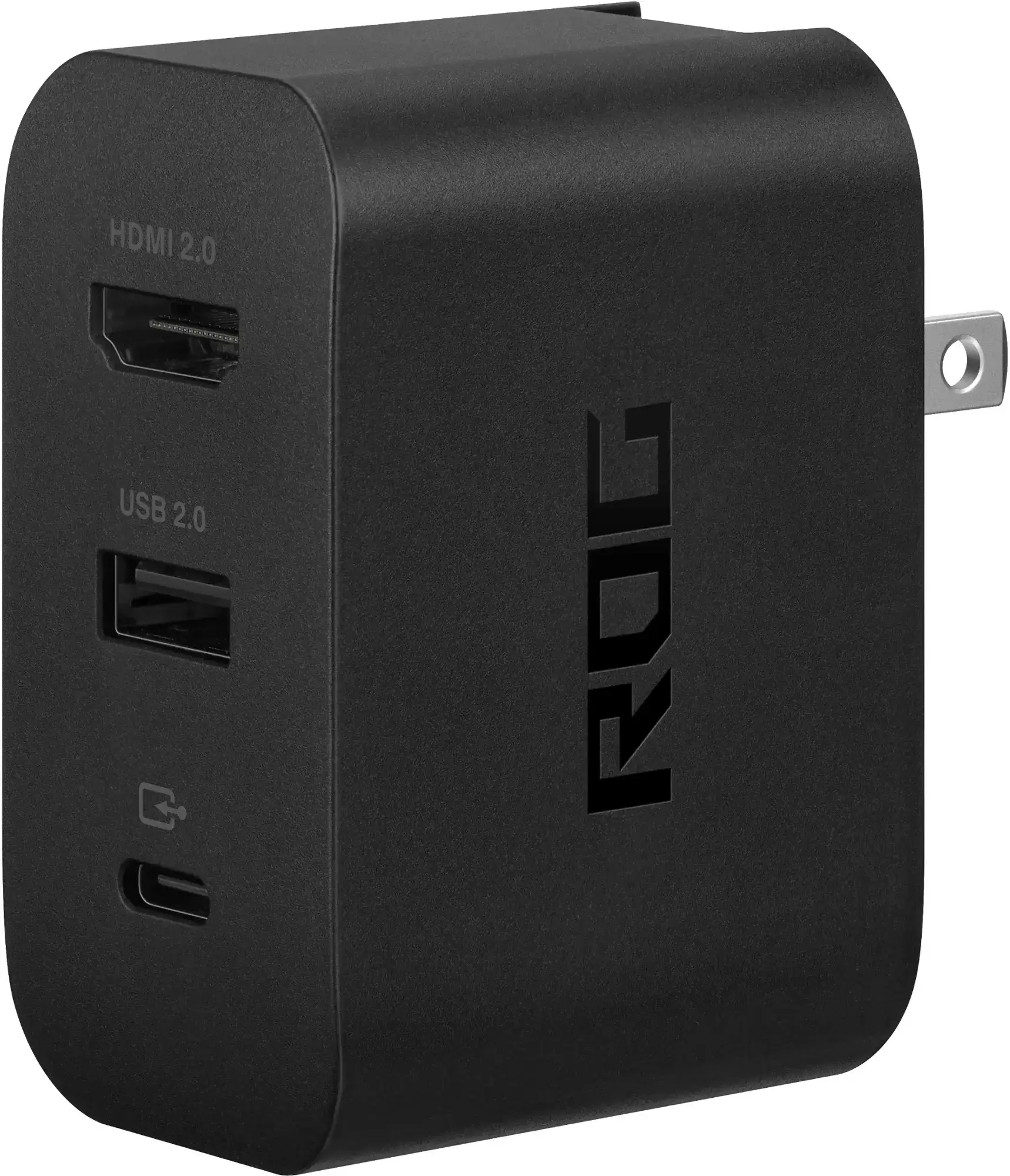 ### ASUS ROG 65W Charger Dock
0Supports HDMI 2.0, USB-A, and USB-C for seamless ROG Ally connectivity.See it at Best BuyAsus simplifies the connection process. The ROG Gaming Charger Dock, also functioning as a charger, is the most compact and efficient adapter. A USB-C and HDMI cable are all you need. The dock includes a USB-A port for mouse/keyboard use.
Third-party USB-C to HDMI adapters connect directly to the ROG Ally's USB-C port. An HDMI cable links the adapter to your TV/monitor. Alternatively, a direct USB-C to HDMI cable eliminates extra steps.
Some USB-C to HDMI adapters offer a passthrough USB-C port for charging. If so, an additional USB-C cable and power adapter are needed to charge while gaming.
For a Nintendo Switch-like setup, consider a docking station. While an official dock (besides the ROG Gaming Charger Dock) isn't available, numerous third-party options exist. Docking stations provide a stand and charging functionality.
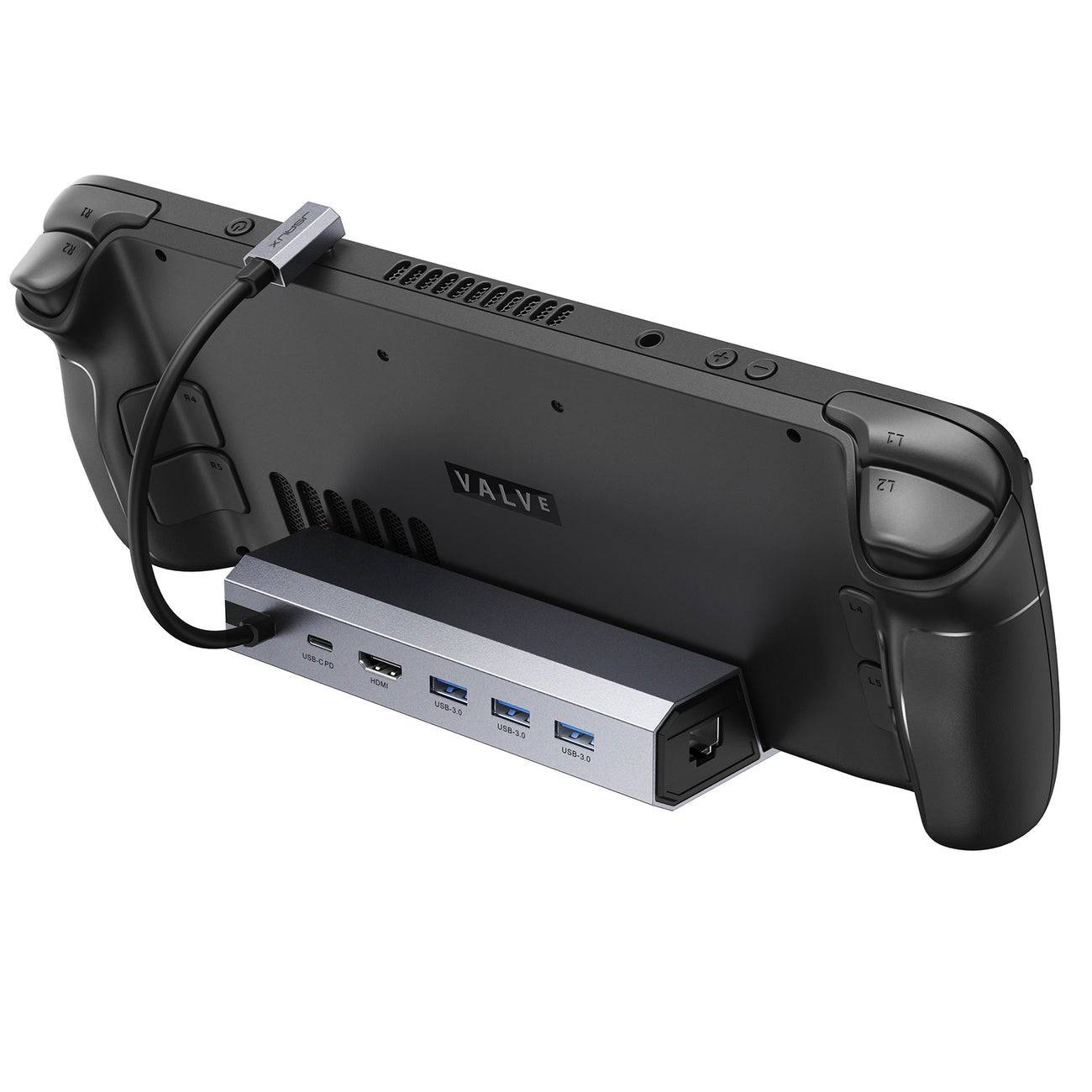 Our Top Pick### JSAUX Docking Station HB0603
2100 watts of power for fast charging and multiple ports in a lightweight, compact design that also acts as a stand.See it at AmazonBasic docks offer HDMI and USB-C passthrough charging. More advanced docks provide extra USB ports (for peripherals), Ethernet (for wired internet), SD card slots, and even DisplayPort for dual monitors. Smaller, portable docks are ideal for travel. Many Steam Deck docks are also compatible.
While mouse and keyboard work, a wireless controller offers a more comfortable large-screen gaming experience. The ROG Ally supports Bluetooth controllers. Consider these options (also compatible with the Steam Deck):
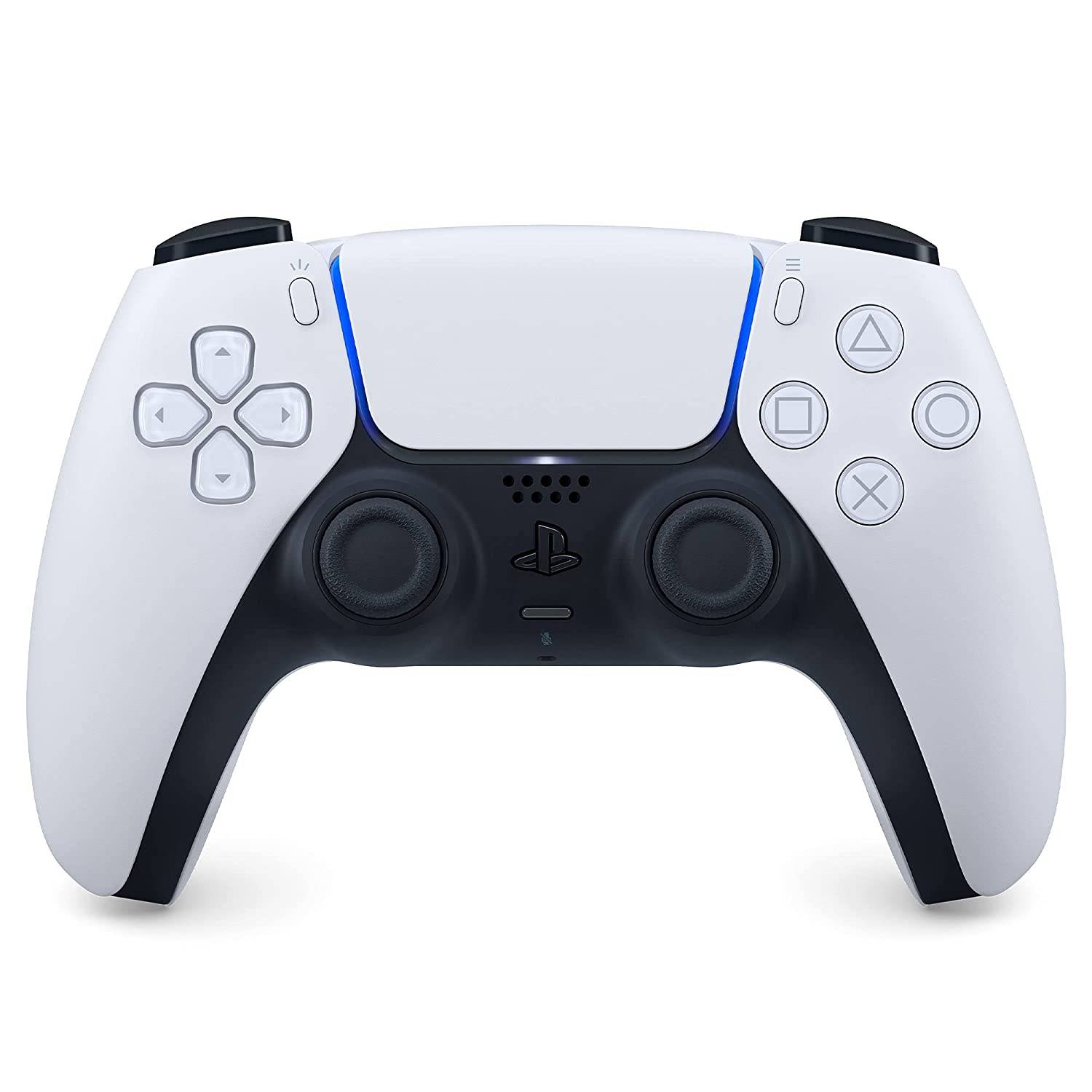 Our Top Pick### Sony DualSense
1See it at AmazonSee it at Best BuySee it at Target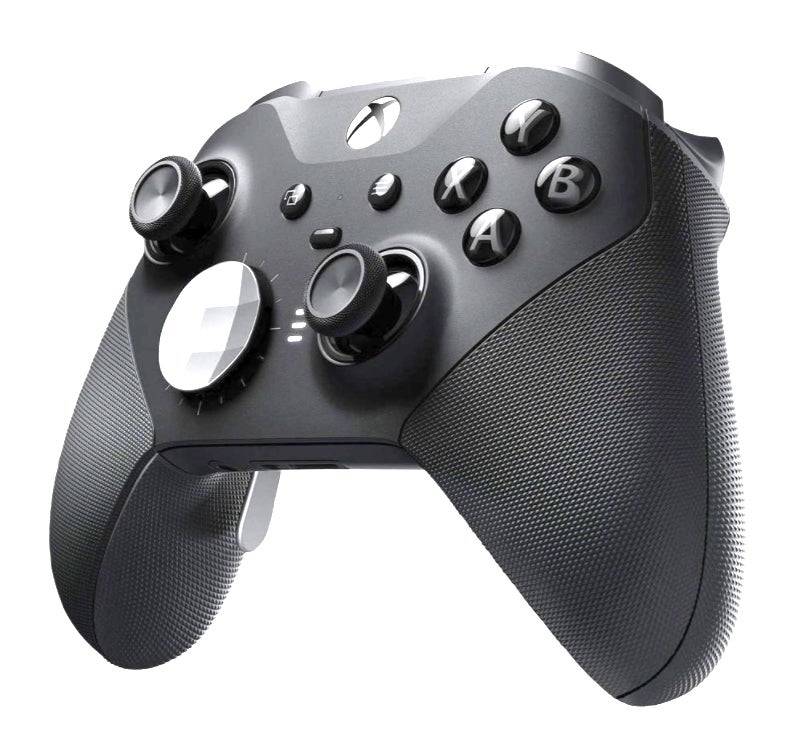 ### Xbox Elite Series 2 Controller
4See it at AmazonSee it at Best Buy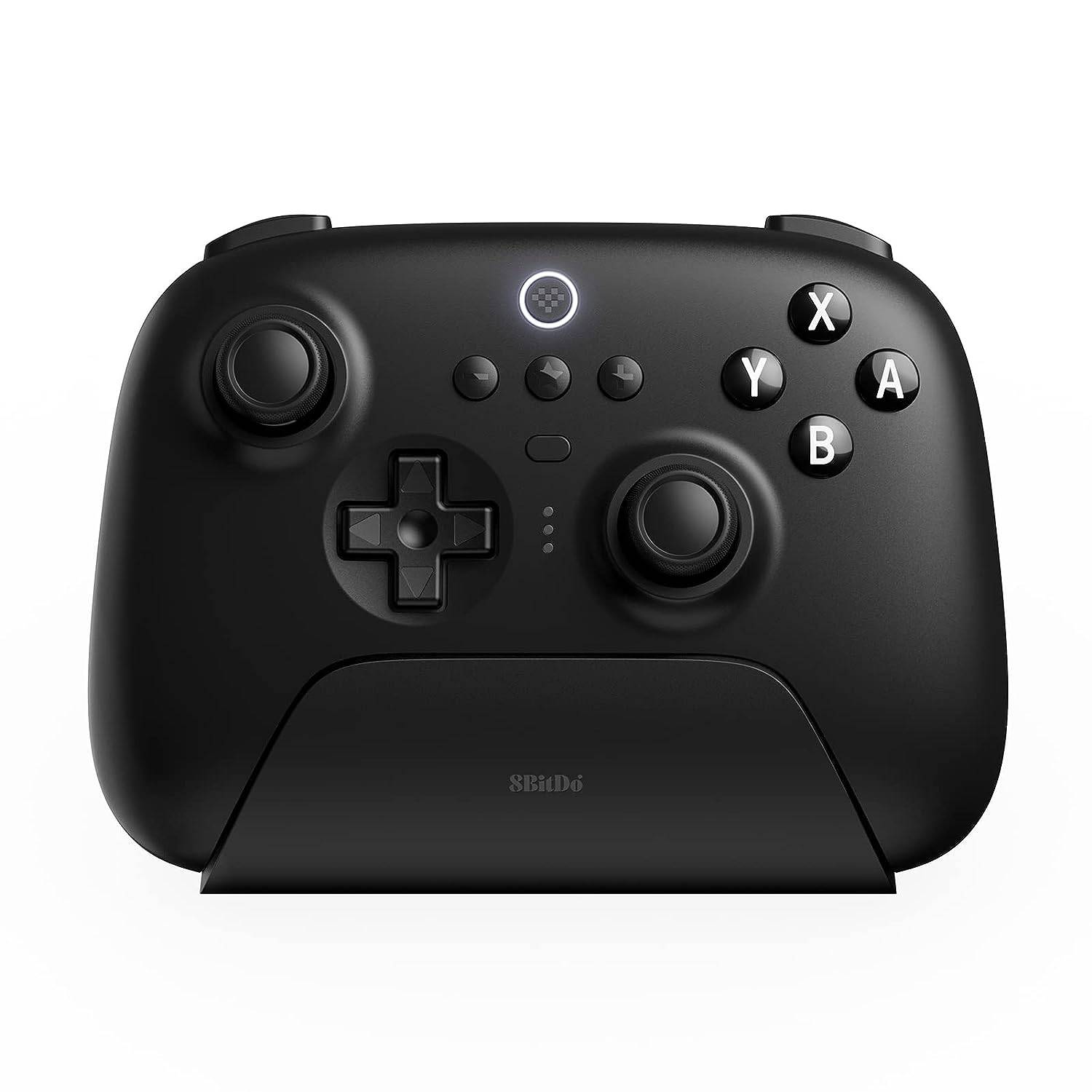 ### 8BitDo Ultimate Controller
0See it at Amazon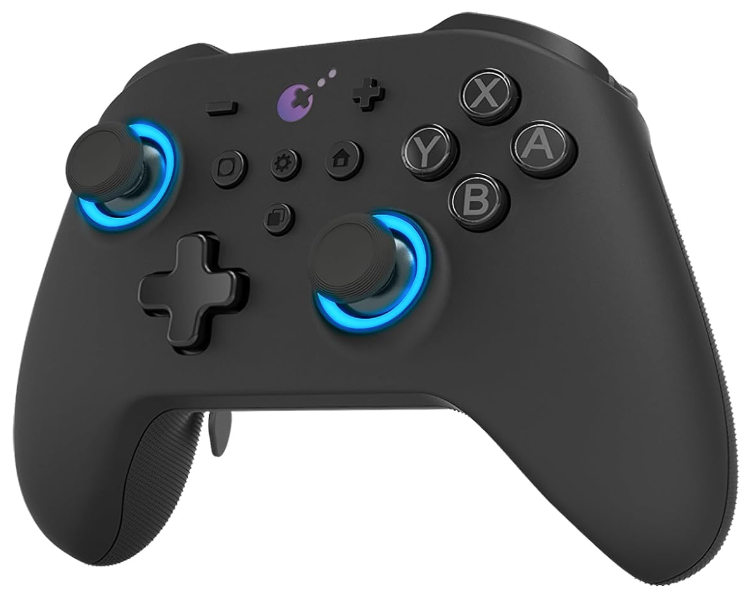 ### GuliKit KingKong 3 Max Controller
1See it at Amazon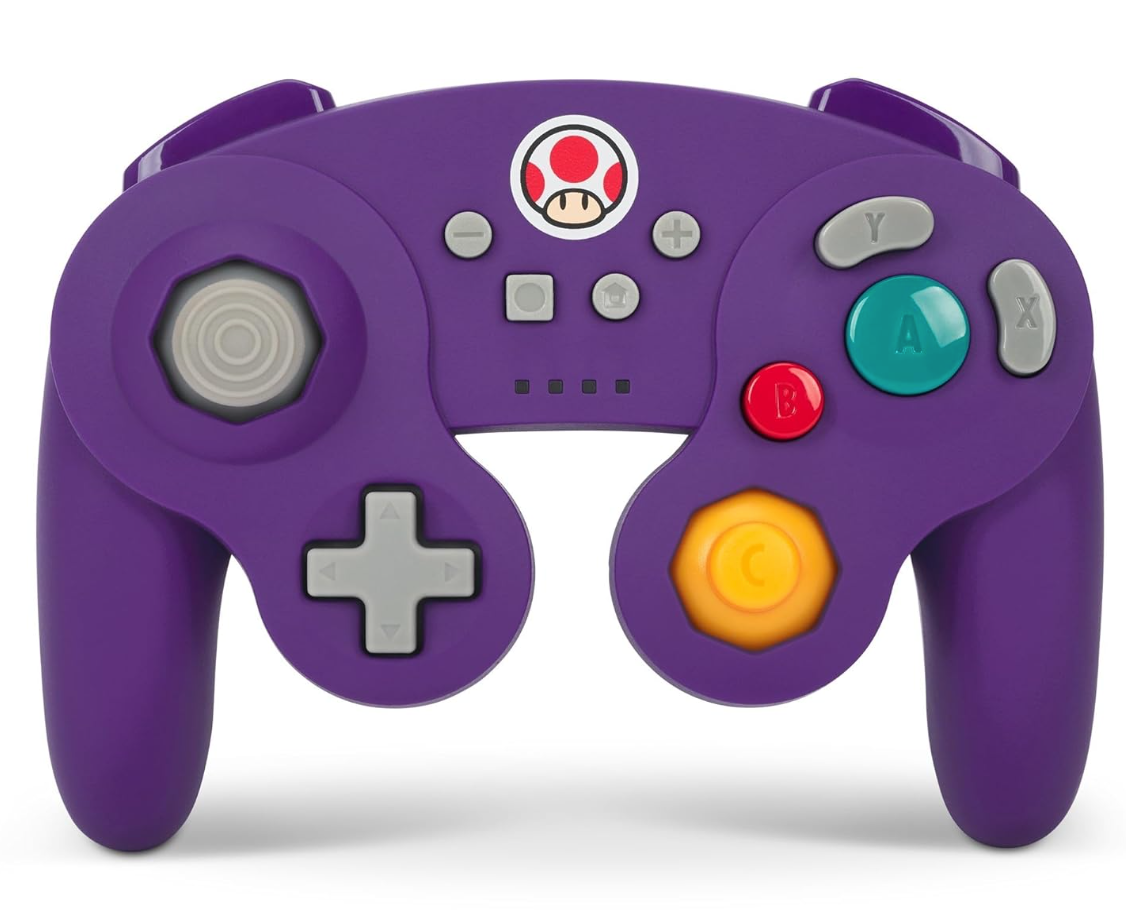 ### PowerA Wireless GameCube Style Controller
2See it at AmazonOptions include the DualSense, Xbox Wireless Controller, Nintendo Switch Pro Controller, and various third-party controllers. 2.4GHz wireless controllers (with USB adapters) often provide lower latency and better range than Bluetooth. Wired USB controllers are also a plug-and-play alternative.
Girls Frontline 2: Exilium Global Website Goes Live, Along With Its Socials!
Marvel Rivals: Understanding Bussing and Catching It
New Game Plus in Assassin's Creed Shadows: Confirmed?
Top Skills to Prioritize for Yasuke in Assassin’s Creed Shadows
Assassin’s Creed Shadows Movements Reviewed by Two Parkour Athletes
Death Stranding 2 Release Date Unveiled in Massive Trailer
Pokemon GO Leak Teases New Adventure Effects
Amazon Music Unlimited: Free 3-Month Trial Available
Gaming Monitors Impress at Computex 2025
Apr 29,2026

Netflix will soon offer interactive party games you and your friends can play via mobile
Apr 27,2026

Marvel Contest Semi-Finalists Revealed for Battlerealm Brawl
Apr 25,2026

Endless Grades: Pixel Saga – The Best Tips & Tricks To Boost Your Progression
Apr 22,2026
Foretales: Card Game Shapes Apocalyptic Fate
Apr 20,2026
 Category