by Connor Apr 25,2025
The Sony DualSense stands out as the best PS5 controller due to its innovative features, comfortable grip, and ergonomic design, enhancing your gaming experience on the PlayStation 5. While connecting the DualShock 4 to a PC was a challenge, the DualSense offers significantly better PC support, earning its place among the best PC controllers. Here's how you can easily connect it to your PC:
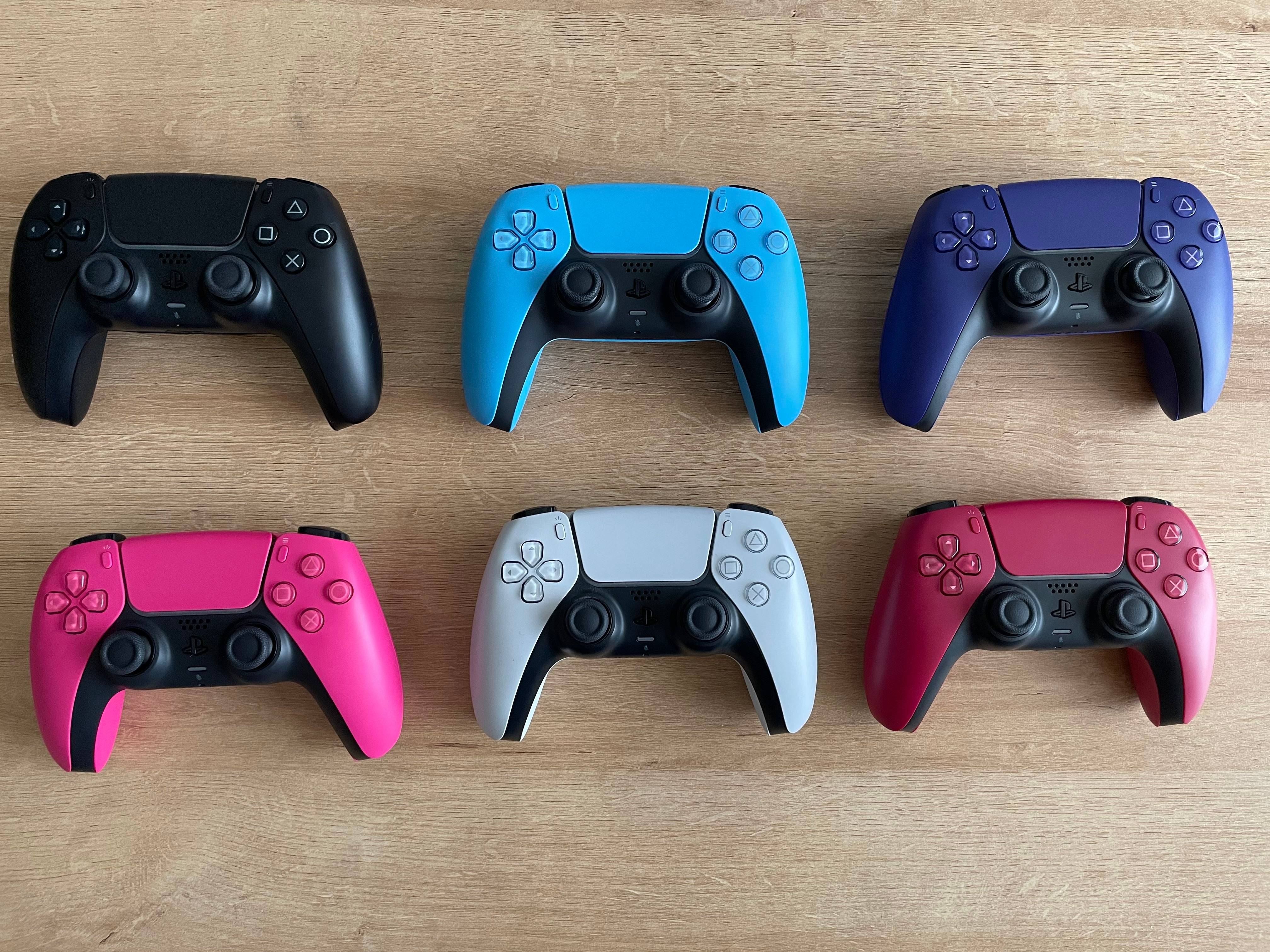
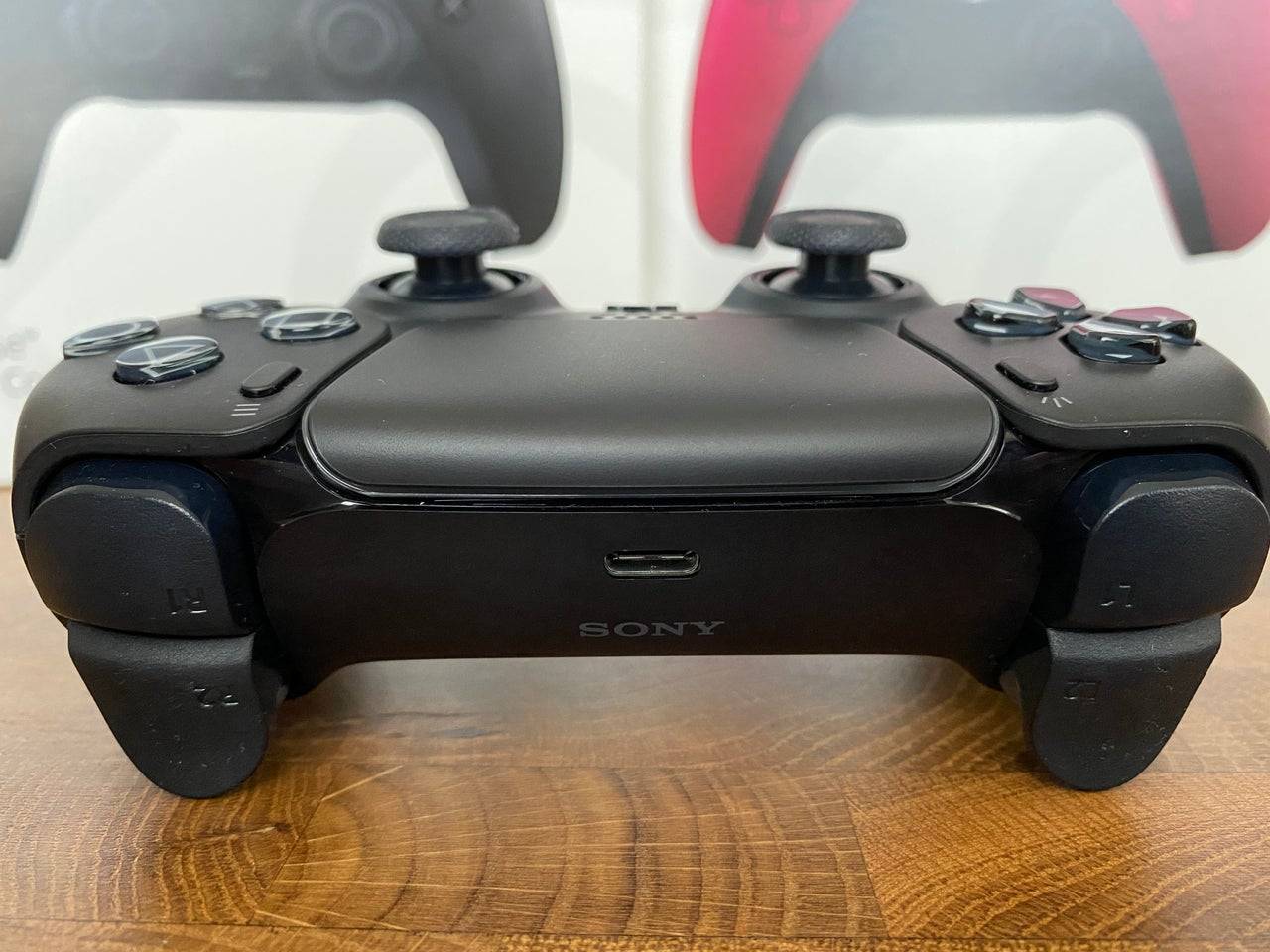
Connecting your DualSense to a PC might hit a snag if you don't have the right equipment. The controller doesn't include a USB cable when purchased separately, and not all PCs come equipped with Bluetooth. To successfully pair your DualSense with a PC, you'll need a data-supporting USB-C cable. This could be a C-to-C cable if your PC has a USB-C port, or a USB-C-to-A cable for traditional USB ports.
If your PC lacks Bluetooth, you can easily add it with a Bluetooth adapter. Options range from those that fit into a PCIe slot to simpler USB-based models.
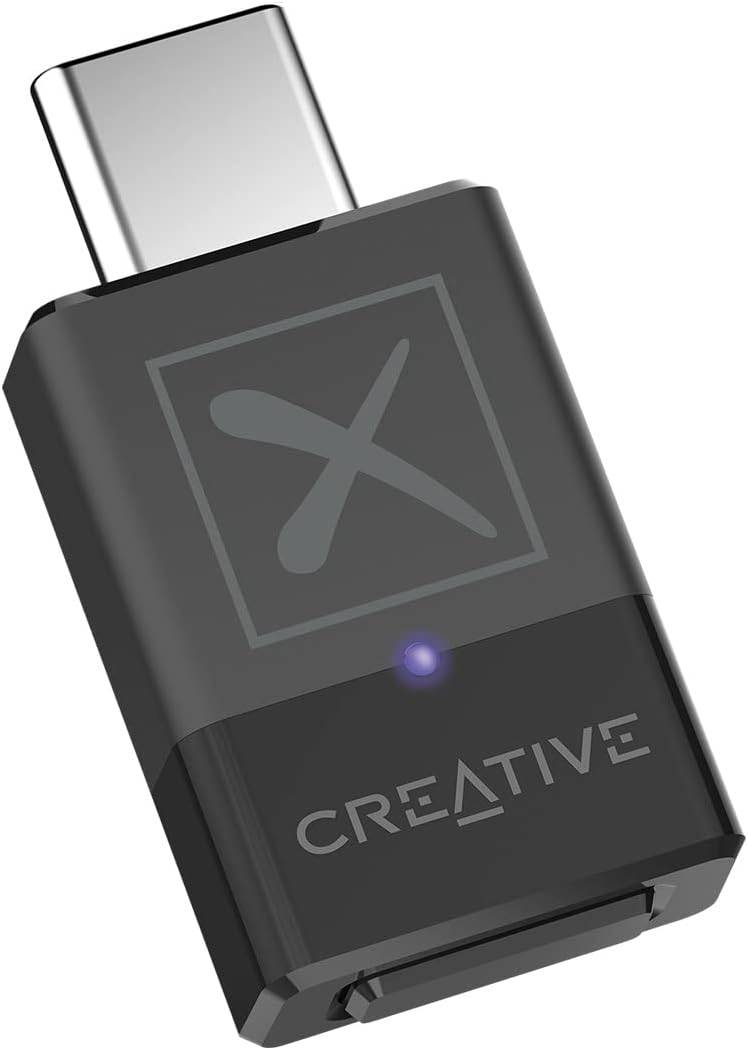
Our Top Pick
Girls Frontline 2: Exilium Global Website Goes Live, Along With Its Socials!
Marvel Rivals: Understanding Bussing and Catching It
New Game Plus in Assassin's Creed Shadows: Confirmed?
Top Skills to Prioritize for Yasuke in Assassin’s Creed Shadows
Assassin’s Creed Shadows Movements Reviewed by Two Parkour Athletes
Death Stranding 2 Release Date Unveiled in Massive Trailer
Pokemon GO Leak Teases New Adventure Effects
Amazon Music Unlimited: Free 3-Month Trial Available

The Darkside Detective Is This Week’s Free Mobile Game on the Epic Games Store
Mar 29,2026

Randy Pitchford Defends Borderlands 4 Comment in Statement
Mar 28,2026
Pokémon Players Now Think Another Card 'Looks Very Similar' to Fan Art, but Others Aren't Convinced This Is a Ho-Oh Plagiarism Situation
Mar 26,2026

Clown Alley Creator Launches, Craft Your Character
Mar 26,2026
Nintendo Today App Debuts as Fan Content Hub
Mar 24,2026
 Category