by Mila Feb 02,2025
Many Marvel Rivals players are experiencing extended shader compilation times on launch. This guide provides a solution to expedite this process.
Addressing Slow Shader Compilation in Marvel Rivals
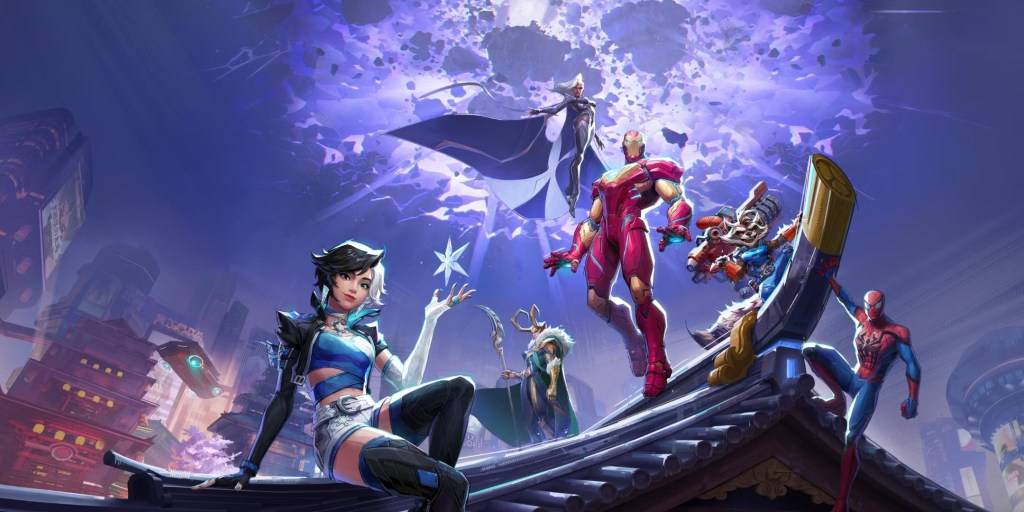
Game loading times, especially for online titles, can vary. However, Marvel Rivals PC players report significant delays (several minutes) due to shader compilation. Shaders are crucial programs managing visual elements like color and lighting in 3D environments. Incorrect shader installation can lead to various issues.
A community-discovered workaround effectively resolves this problem:
This adjustment significantly reduces shader compilation time, often to just a few seconds, and also resolves "Out of VRAM memory" errors.
While a permanent fix from NetEase Games is pending, this method offers an immediate solution to avoid lengthy loading screens.
Marvel Rivals is currently available on PS5, PC, and Xbox Series X|S.
Girls Frontline 2: Exilium Global Website Goes Live, Along With Its Socials!
Marvel Rivals: Understanding Bussing and Catching It
New Game Plus in Assassin's Creed Shadows: Confirmed?
Top Skills to Prioritize for Yasuke in Assassin’s Creed Shadows
Death Stranding 2 Release Date Unveiled in Massive Trailer
Assassin’s Creed Shadows Movements Reviewed by Two Parkour Athletes
Pokemon GO Leak Teases New Adventure Effects
Amazon Music Unlimited: Free 3-Month Trial Available
 Category